Improvementv1.6.1
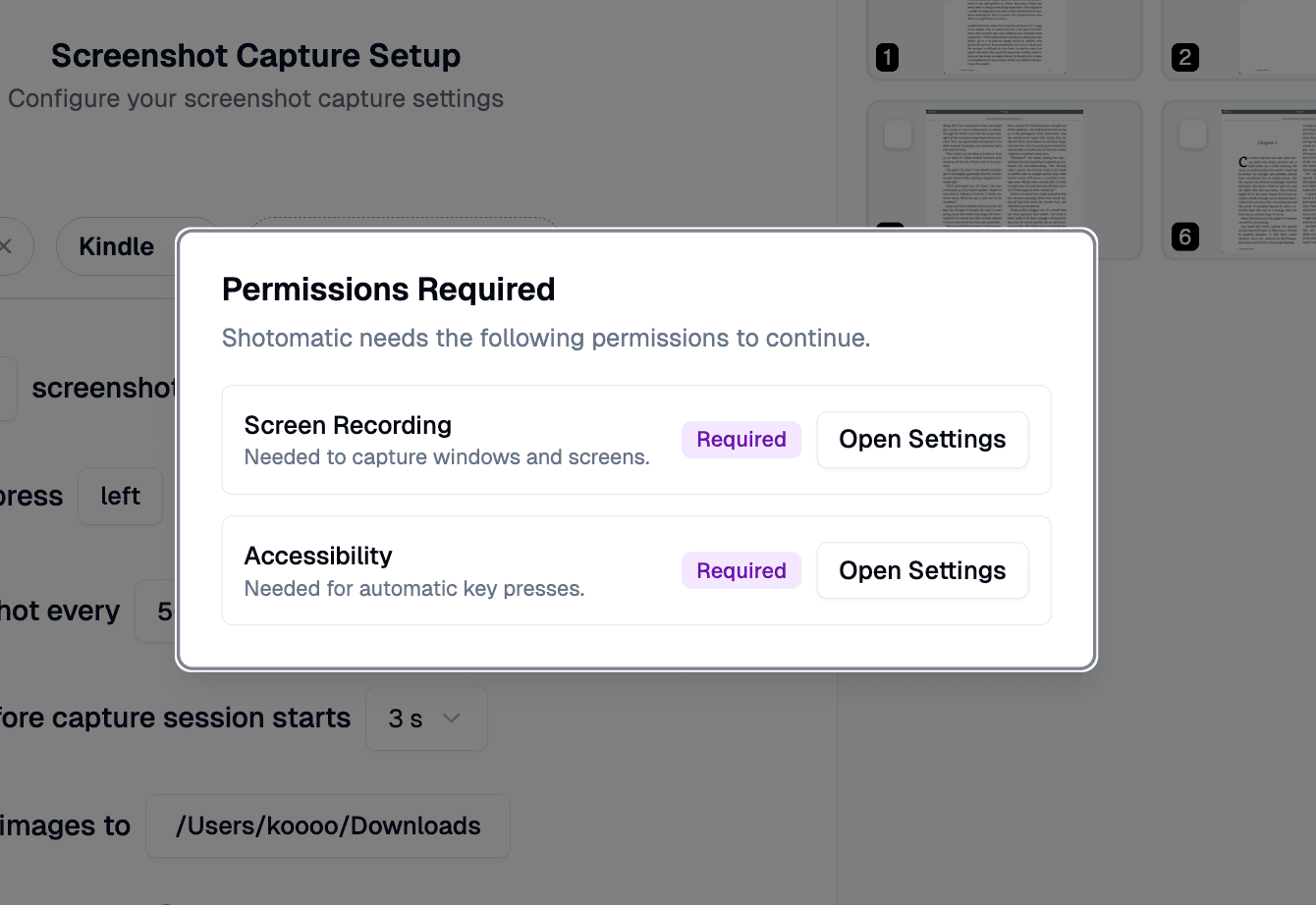
Refined Permission Handling
Clearer Screen Recording and Accessibility prompts, with proactive checks before capture and analysis.
Read more →1 min read
New features, improvements, and fixes in Shotomatic
Stay up to date with Shotomatic features, improvements, and fixes for screenshot work on macOS.
Clearer Screen Recording and Accessibility prompts, with proactive checks before capture and analysis.
Make PDFs searchable with an embedded OCR text layer and layout-aware placement.
Shotomatic now runs natively on Intel-based Macs, expanding compatibility beyond Apple Silicon.
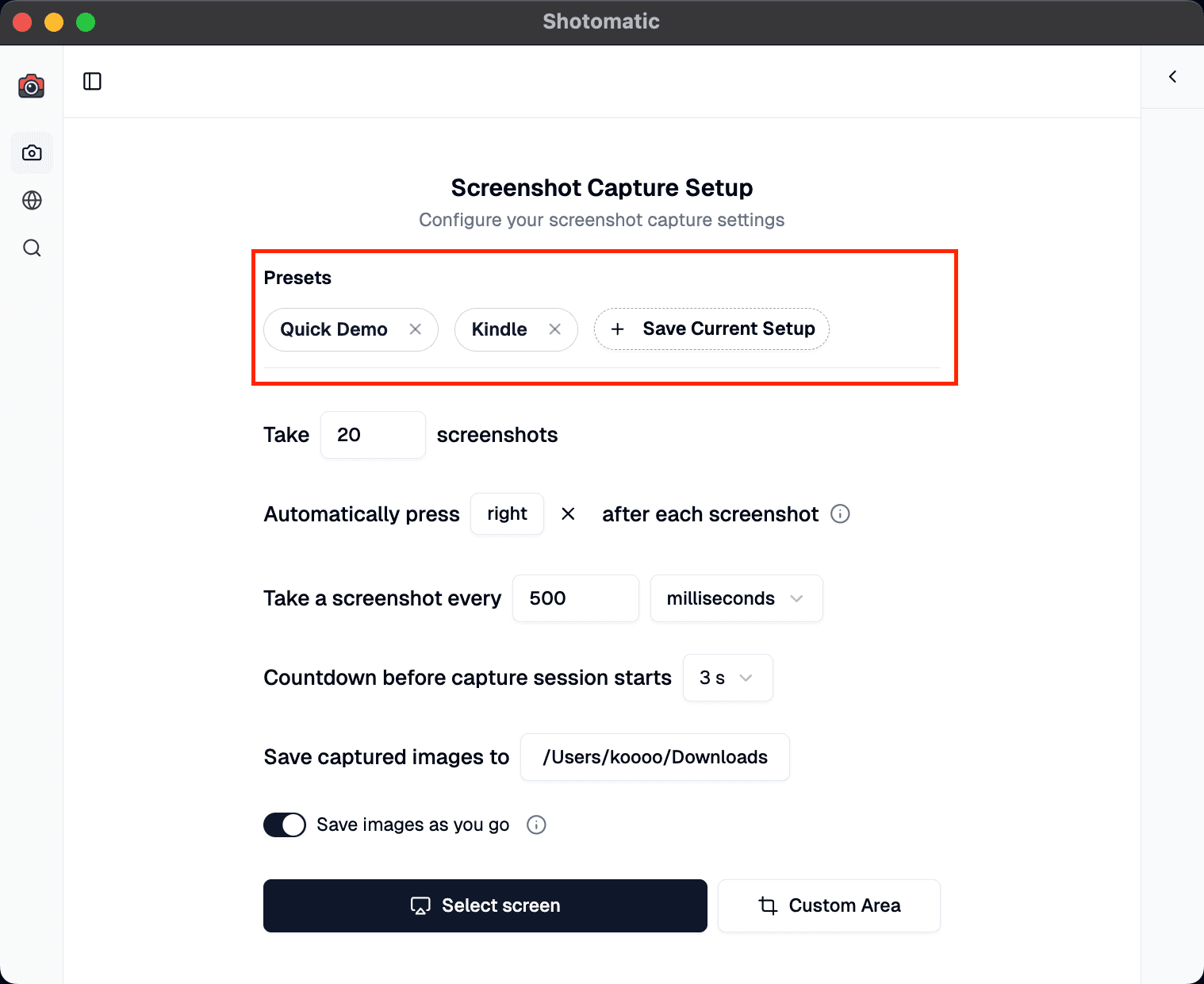
Start capturing instantly with optimized presets for Kindle reading, quick demos, and detailed tutorials—or save your own custom configurations.
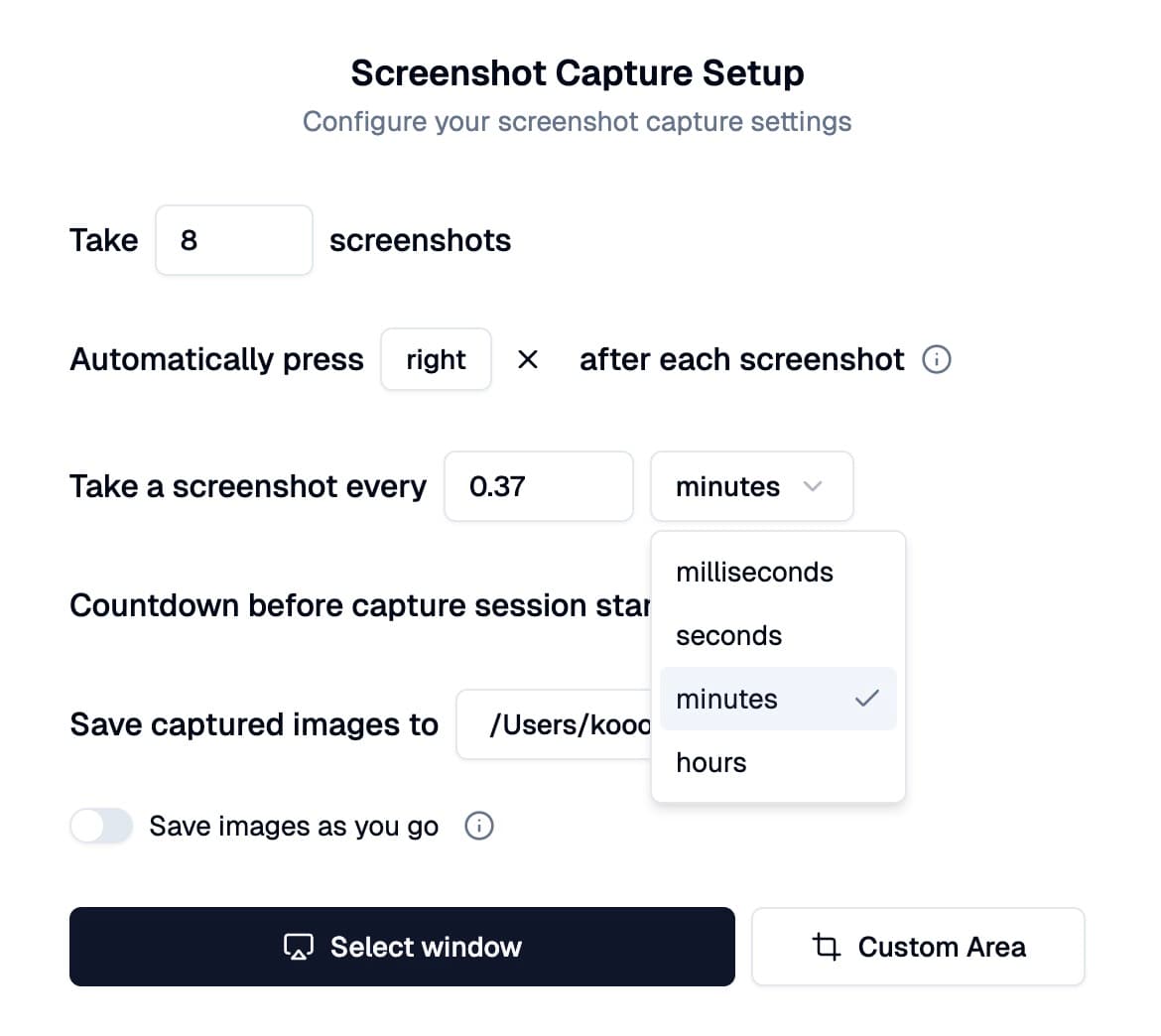
Interval controls support multiple time units, countdown options are fully customizable, and screenshot settings now persist across sessions.
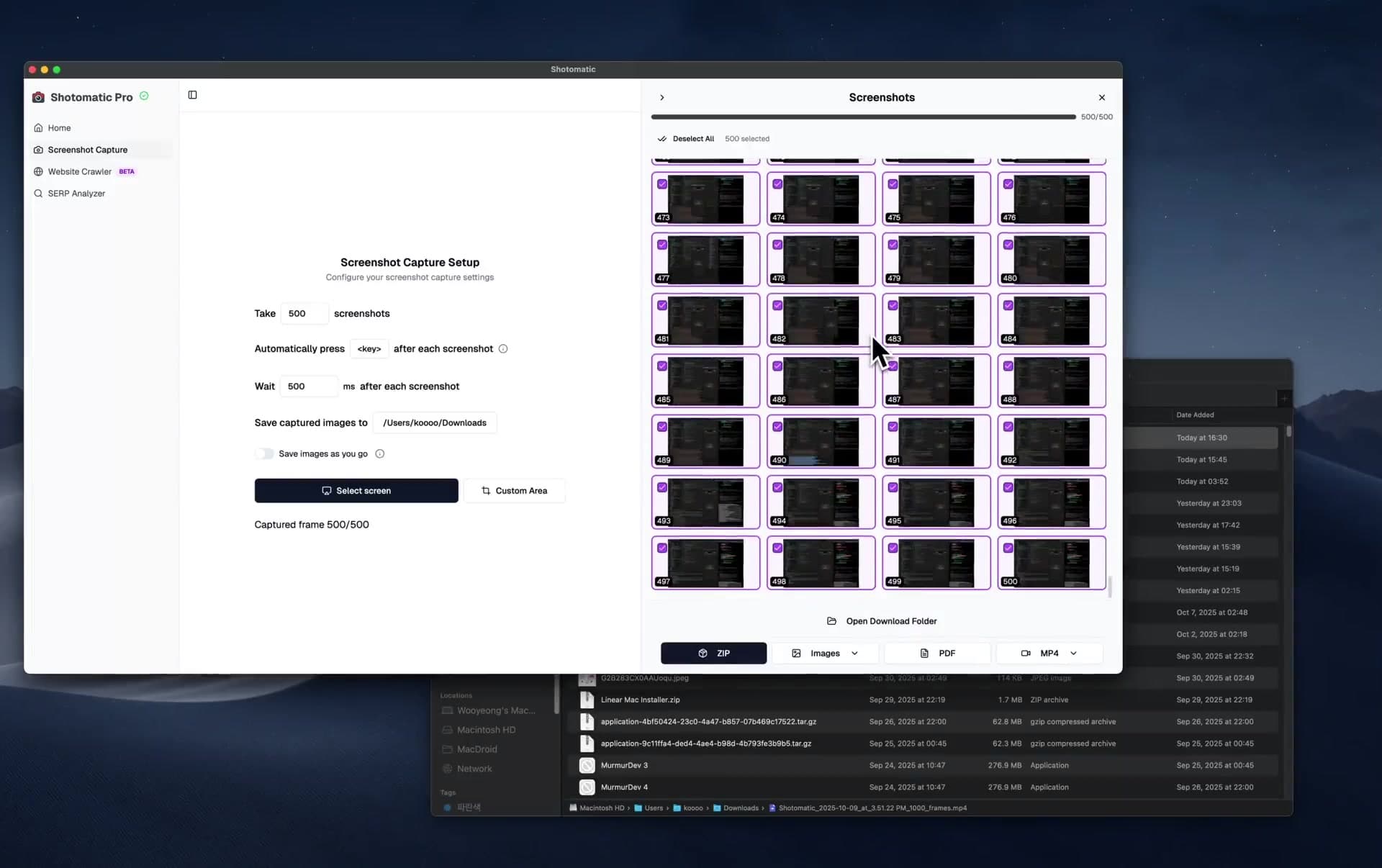
Record your entire workflow and turn it into captivating timelapse videos. Perfect for documenting daily work sessions, creating tutorials, or sharing progress with your team.
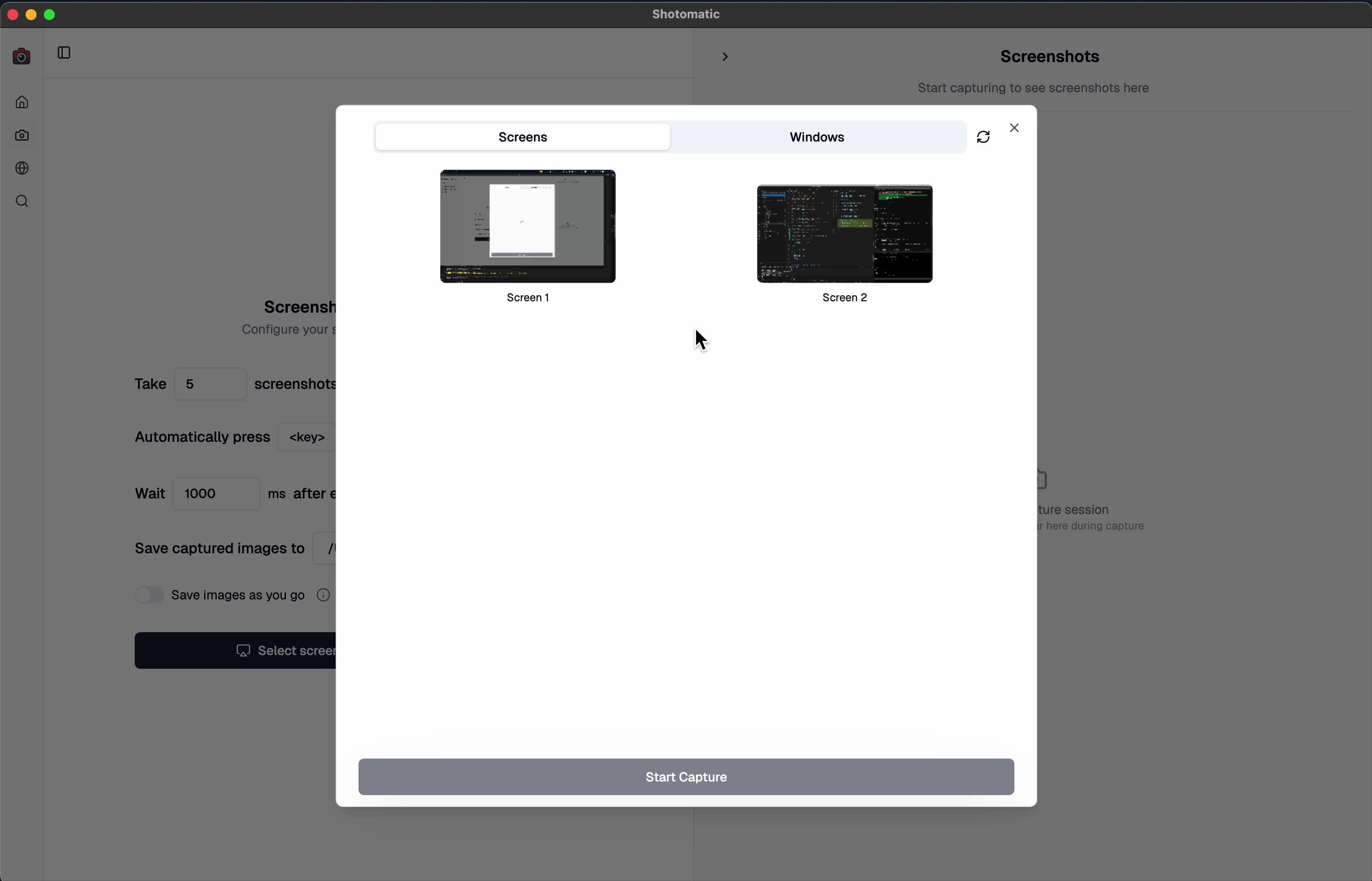
Automatically detect when your selected monitor is unplugged during screen capture and seamlessly continue your session with a new display selection.
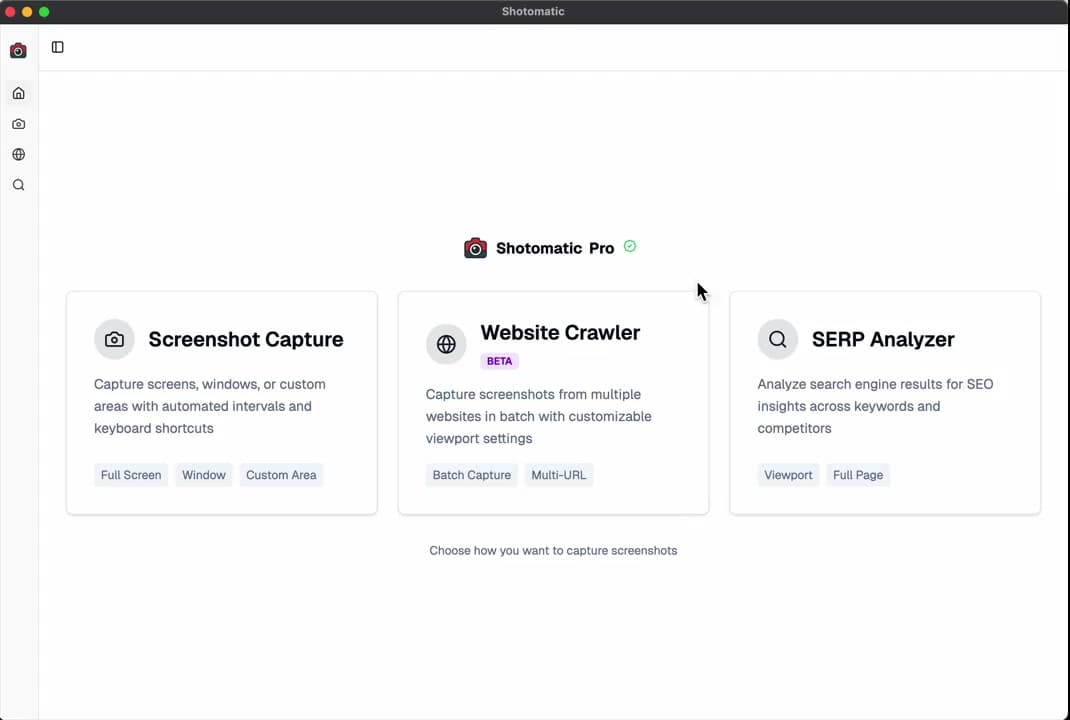
Easily view your currently activated license details directly within Shotomatic. Check your license key and activation status information at a glance.
Automate recurring captures and save time.
