Searchable OCR PDF Exports
Make PDFs searchable with an embedded OCR text layer and layout-aware placement.
Turn screenshot exports into searchable PDFs with built-in OCR.
Searchable PDF Exports
- Embedded text layer for search and selection
- Tagged PDF output for better accessibility
- Layout-aware OCR placement for multi-column pages
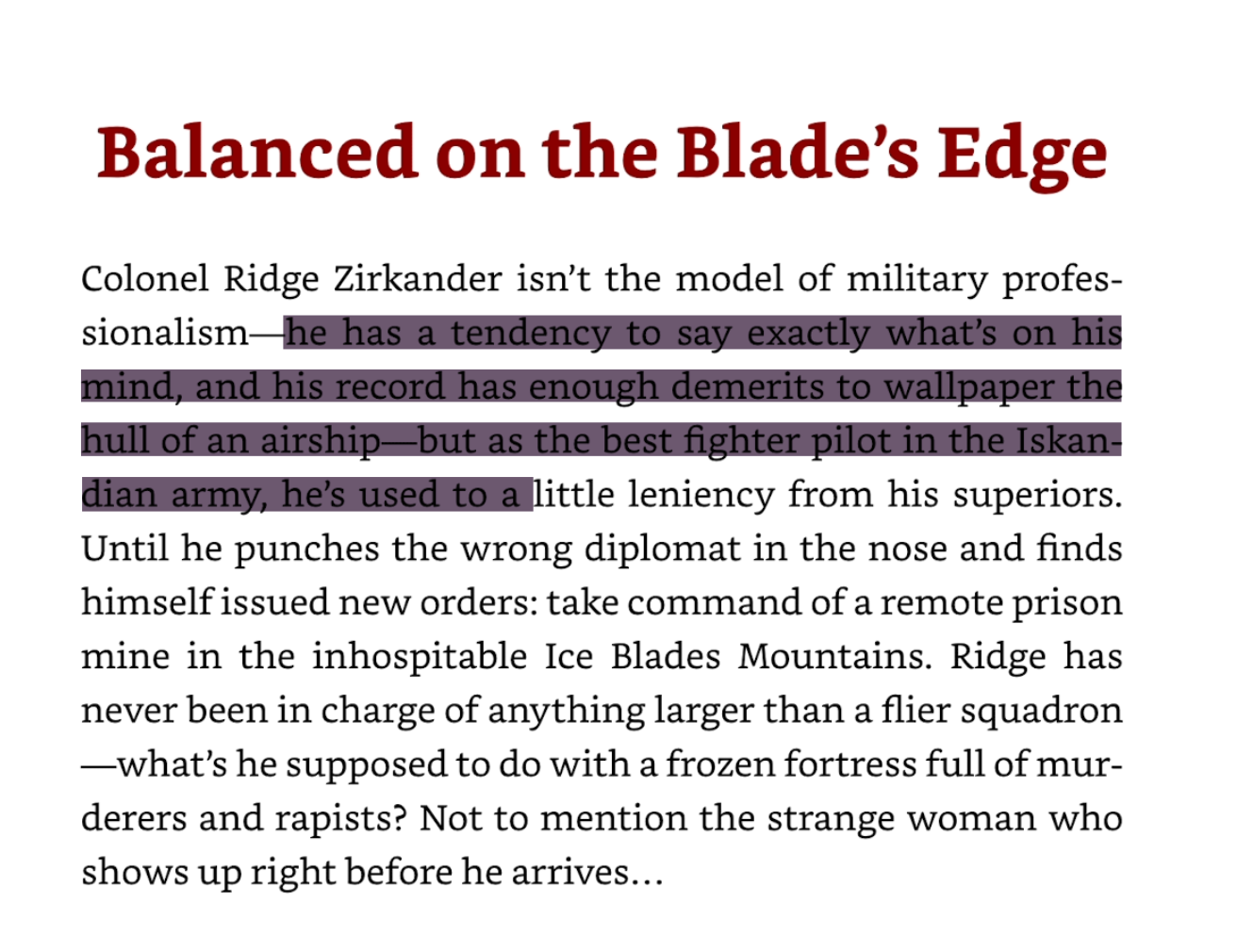
Example: drag to select OCR text directly in the exported PDF.
How the OCR layer is built
OCR runs automatically during PDF export. You don't need to enable anything or change your workflow.
Under the hood:
- Tesseract.js runs locally with bundled language data.
- We extract word boxes/lines/blocks to infer columns and reading order.
- Each word is scaled into the final PDF coordinates and drawn as an invisible text layer.
- When tagged PDF mode is on, we group words into paragraphs and attach ActualText for accessibility.
Update to Shotomatic v1.6.0 to export searchable PDFs with OCR.
Related features and updates
Related features
Export Screenshots as PDF Documents or Animated GIFs
Transform your screenshot sessions into professional PDFs for documentation or engaging GIFs for tutorials. Perfect for creating user guides, bug reports, and demos.
Manage Multiple Screenshots with Visual Thumbnails
Preview, organize, and export multiple screenshots at once with our visual thumbnail sidebar. Perfect for batch operations and quick navigation through capture sessions.
Image Format Converter: Convert HEIC, WebP, PNG, and JPG in Your Browser
New free Image Format Converter that turns HEIC, WebP, PNG, and JPG files into JPG, PNG, or WebP on your device, in batches of up to 50 images.
Ready for a simpler screenshot workflow?
Automate recurring captures and save time.