Smart Display Disconnection Handling
Automatically detect when your selected monitor is unplugged during screen capture and seamlessly continue your session with a new display selection.
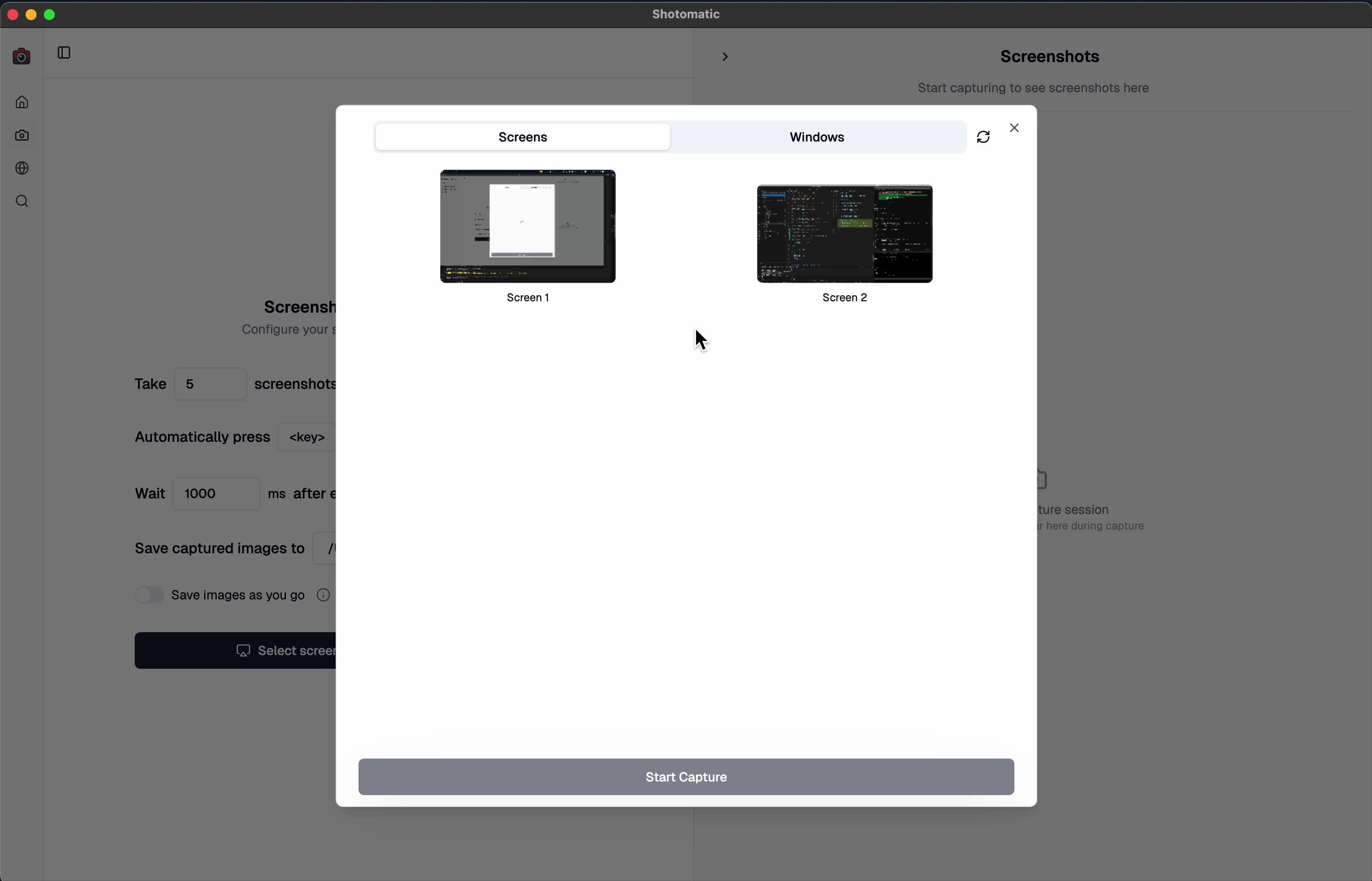
Never lose your capture session when unplugging monitors. Shotomatic now intelligently detects display configuration changes and helps you continue capturing without interruption.
Demo
How It Works
🔌 Automatic Detection – Instantly detects when your selected monitor is unplugged
🔄 Smart Recovery – Prompts you to continue with a newly available display
✅ Uninterrupted Sessions – If your selected monitor stays connected, capture continues seamlessly
What Happens When You Unplug a Monitor
When a display configuration change is detected during an active capture session:
If the monitor you selected for capture is unplugged:
- Shotomatic automatically pauses the capture session
- A notification appears explaining the display configuration changed
- You can choose to either terminate the session or select a new monitor from available options
If the monitor you selected is still connected:
- No interruption occurs
- Your capture session continues without any user intervention
Perfect For
- Laptop Users – Dock and undock without losing your capture session
- Multi-Monitor Setups – Rearrange displays mid-session with confidence
Update to Shotomatic v1.4.5 to choose a new display if the selected monitor disconnects.
Related features and updates
Related features
Capture Any Part of Your Screen with Precision
Select and capture exactly what you need with Shotomatic's custom area capture. Perfect for documenting specific UI elements, error messages, or creating focused tutorials.
Image Format Converter: Convert HEIC, WebP, PNG, and JPG in Your Browser
New free Image Format Converter that turns HEIC, WebP, PNG, and JPG files into JPG, PNG, or WebP on your device, in batches of up to 50 images.
Introducing Documents: Build Screenshot Guides in Shotomatic
Documents brings captured and imported screenshots into one workspace where you can organize pages, add annotations, and export a finished guide.
Ready for a simpler screenshot workflow?
Automate recurring captures and save time.