Capture Presets for Common Workflows
Start capturing instantly with optimized presets for Kindle reading, quick demos, and detailed tutorials—or save your own custom configurations.
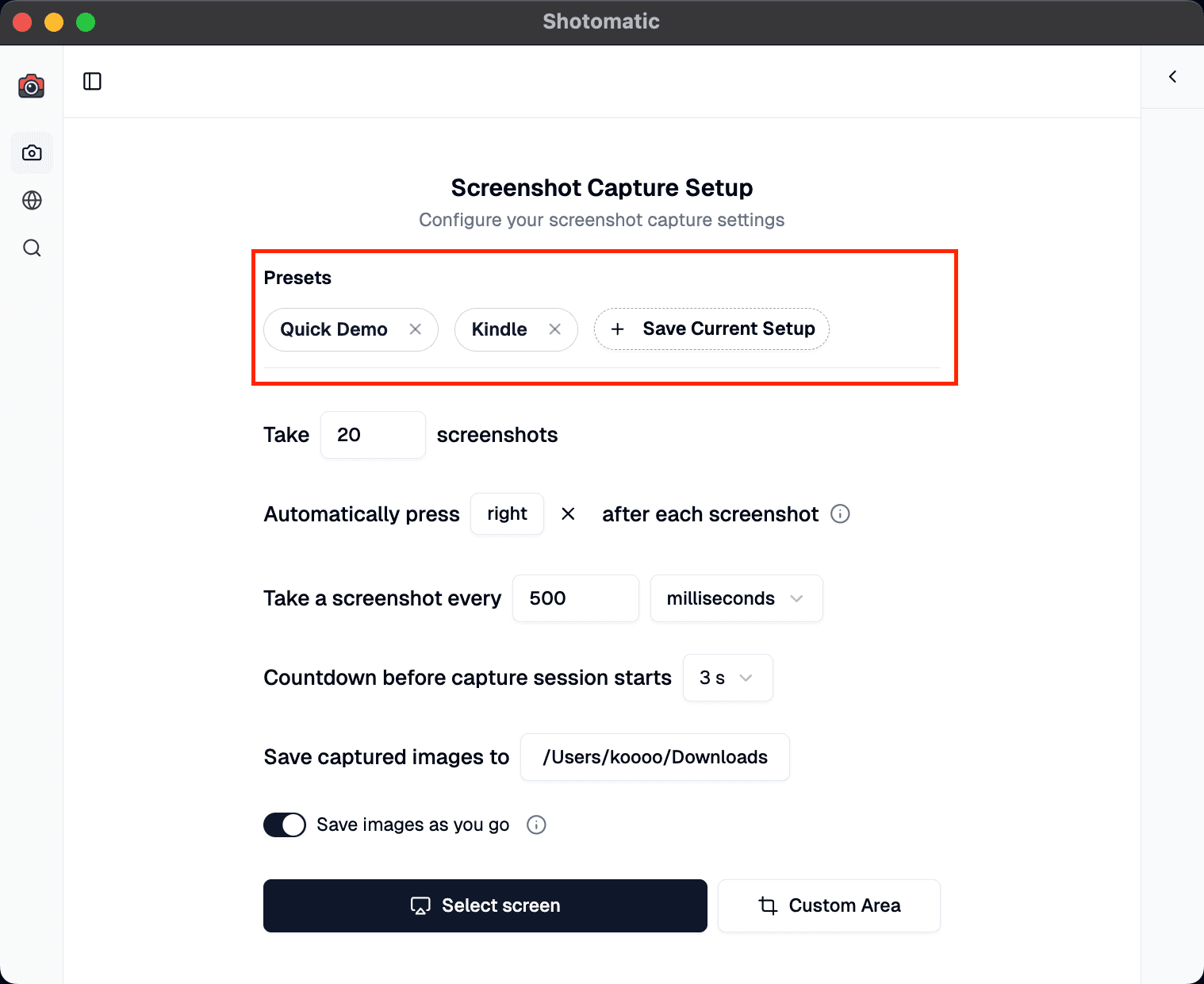
Stop reconfiguring your capture settings every time. The new Presets feature gives you instant access to optimized configurations for common workflows—plus the ability to save your own custom setups.
Demo
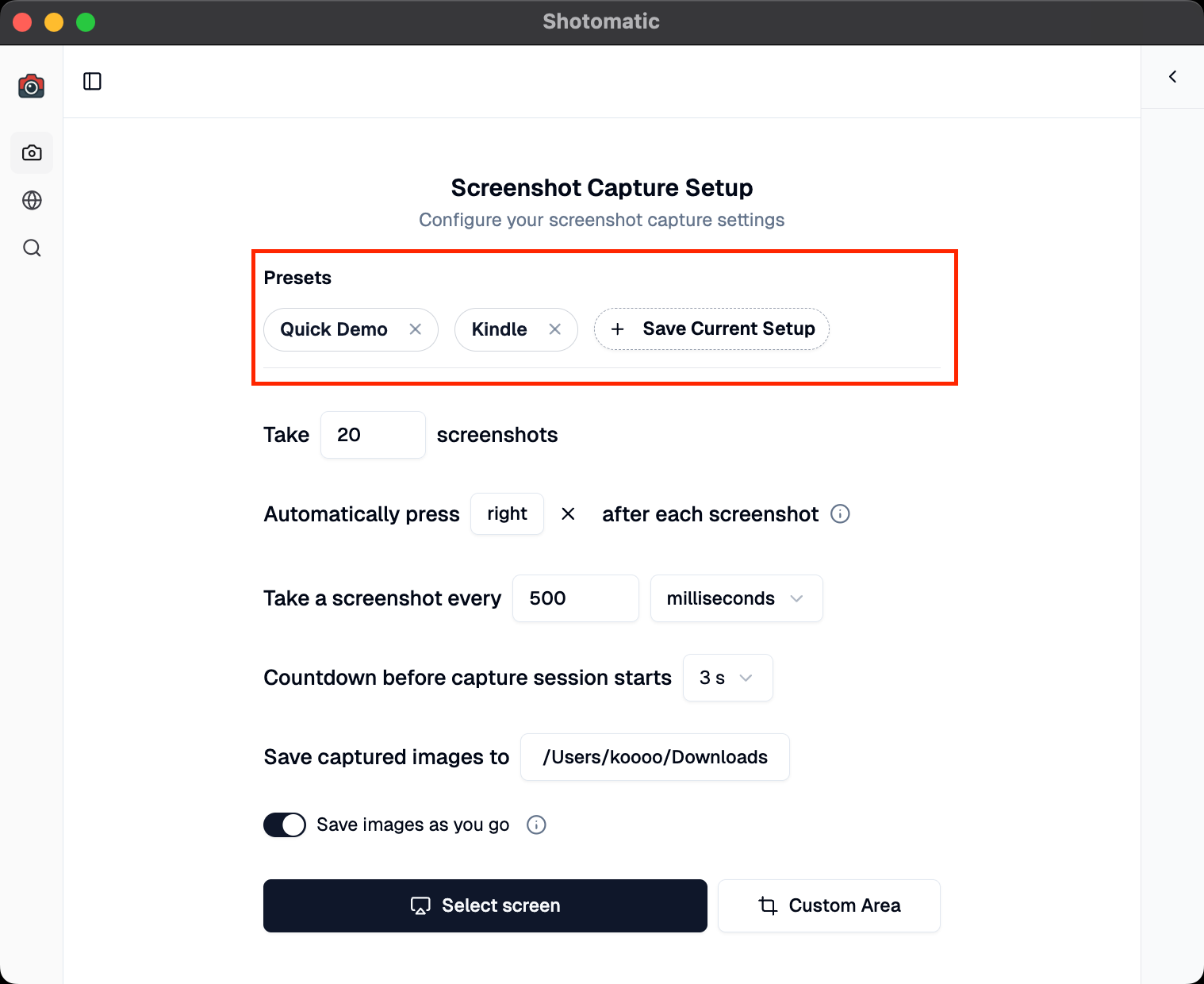
Built-In Presets Ready to Use
We've included three example presets for the most common screenshot scenarios:
Kindle – Capture 20 pages quickly with automatic page turns (500ms intervals, right arrow key)
Quick Demo – Fast 5-shot sessions perfect for showing off a feature (1 second intervals)
Slow Tutorial – Detailed 10-shot captures with extra prep time (3 second intervals, 5 second countdown)
Each preset is optimized for its specific use case, so you can start capturing immediately without adjusting any settings.
Creating Your Own Custom Presets
Found the perfect combination of settings for your workflow? Save it as a preset with one click.
How to create a custom preset:
- Configure your ideal capture settings (interval, countdown, keyboard shortcuts, etc.)
- Click "Save Current Setup"
- Give your preset a descriptive name
- Access it instantly from your preset badges
Your custom presets are automatically saved and persist across sessions—configure once, use forever.
Managing Your Presets
- Quick Access: All presets appear as clickable badges at the top of your capture settings
- Tooltips: Hover over any preset to see its full configuration
- Easy Cleanup: Remove presets you no longer need with a single click
- Auto-Sync: Your presets automatically save to disk and sync across app launches
Perfect For
Content Creators: Save different configurations for various content types (tutorials, quick tips, deep dives)
Book Readers: Use the Kindle preset to rapidly capture pages for later reference
Product Demos: Switch between quick overviews and detailed walkthroughs instantly
Documentation: Maintain consistent screenshot settings across all your documentation projects
Educators: Separate presets for live demos versus recorded tutorials
Update to Shotomatic v1.5.2 to save and reuse capture presets.
Related features and updates
Related features
Image Format Converter: Convert HEIC, WebP, PNG, and JPG in Your Browser
New free Image Format Converter that turns HEIC, WebP, PNG, and JPG files into JPG, PNG, or WebP on your device, in batches of up to 50 images.
Introducing Documents: Build Screenshot Guides in Shotomatic
Documents brings captured and imported screenshots into one workspace where you can organize pages, add annotations, and export a finished guide.
Other updates
Ready for a simpler screenshot workflow?
Automate recurring captures and save time.