Improvementv1.7.0
Jump Between Shotomatic Workflows with Keyboard Shortcuts
Move between Screenshot Capture, Website Crawler, SERP Analyzer, Previous Sessions, and Settings without leaving the keyboard.
Read more →2 min read
New features, improvements, and fixes in Shotomatic
Stay up to date with Shotomatic features, improvements, and fixes for screenshot work on macOS.
Move between Screenshot Capture, Website Crawler, SERP Analyzer, Previous Sessions, and Settings without leaving the keyboard.
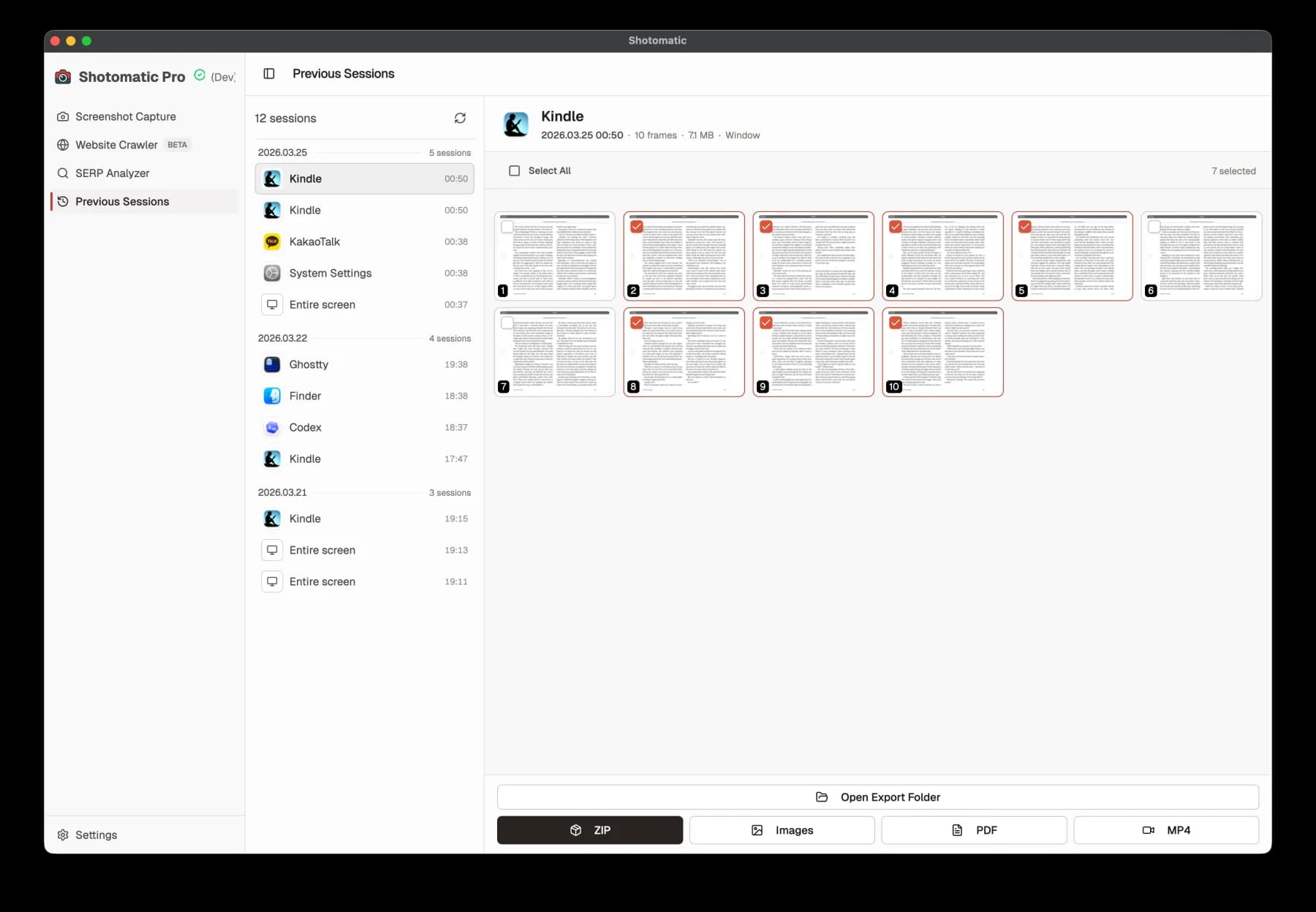
Shotomatic now saves completed capture history automatically, so you can revisit past sessions without turning on a separate save-as-you-go option.
New free Social Image Composer tool with preset social sizes, crop and pad controls, and local-only export for posts, covers, and Open Graph cards.
New free Image Redaction Tool with blur and pixelate modes, local-only processing, and export controls for safe screenshot sharing.
New free Image Compressor tool with local browser processing, batch compression, quality controls, and ZIP export.
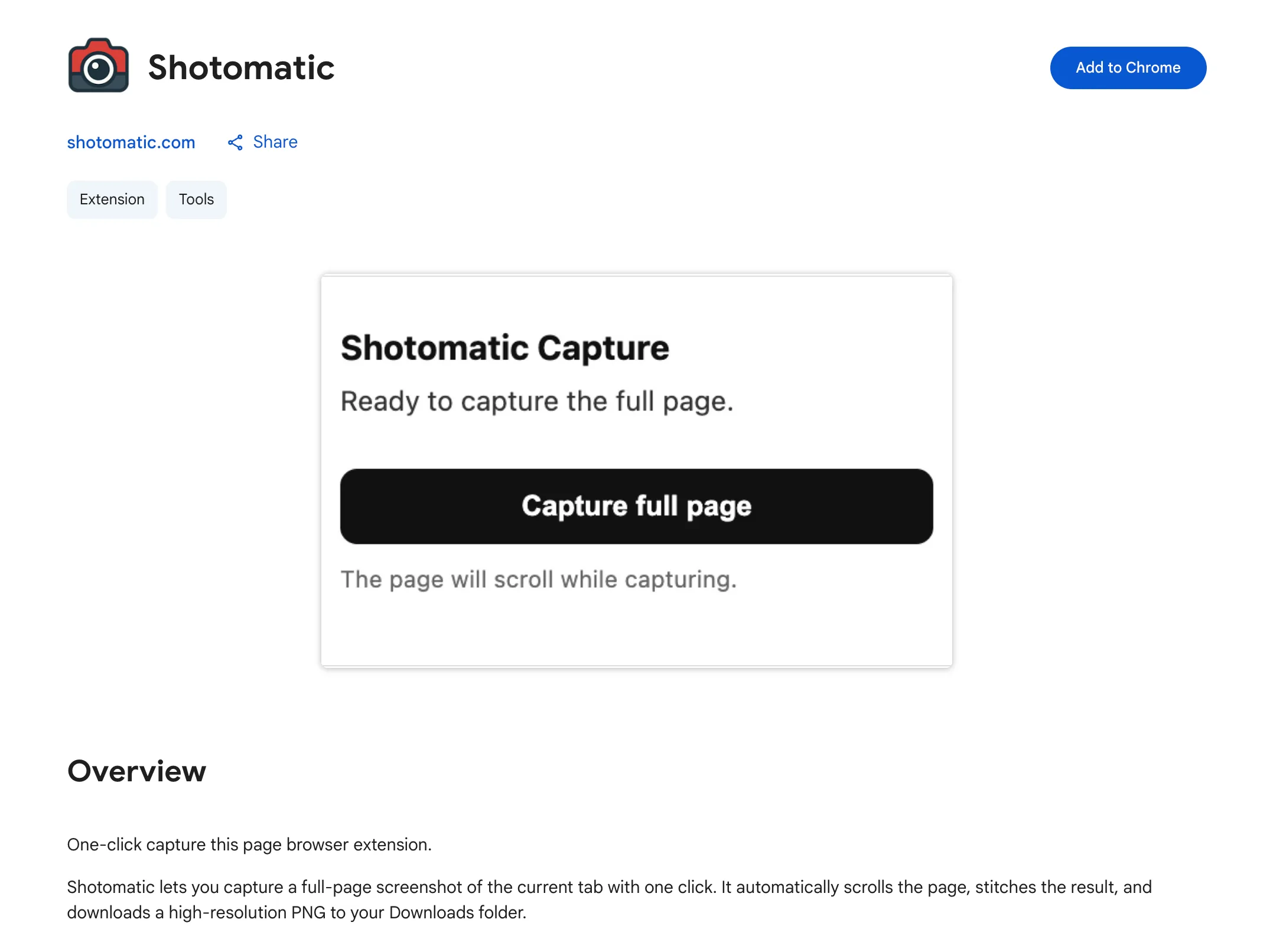
Capture a full-screen website screenshot in one click with the new Shotomatic browser extension on Chrome.
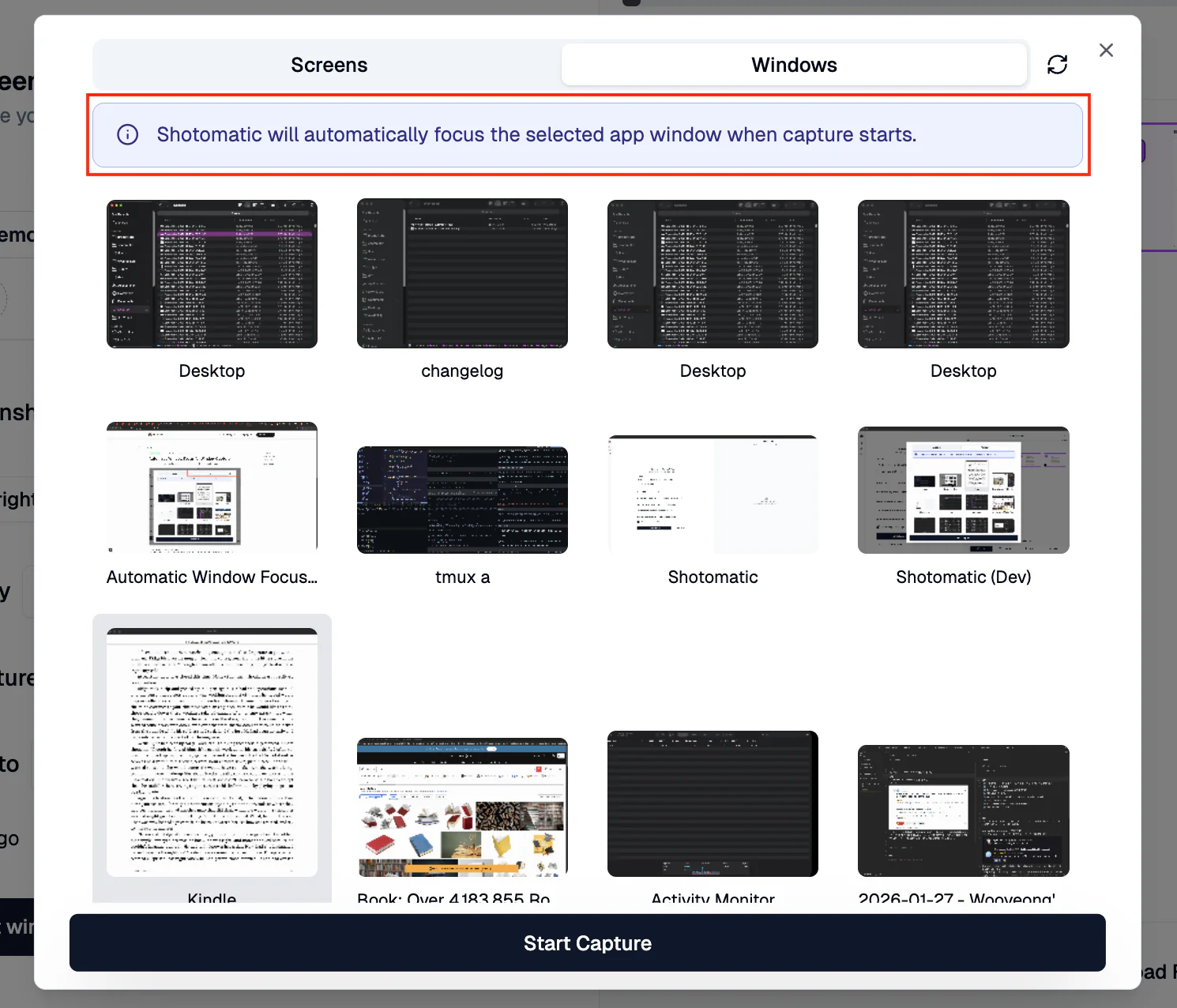
Selected windows are now brought to the front automatically before capture starts.
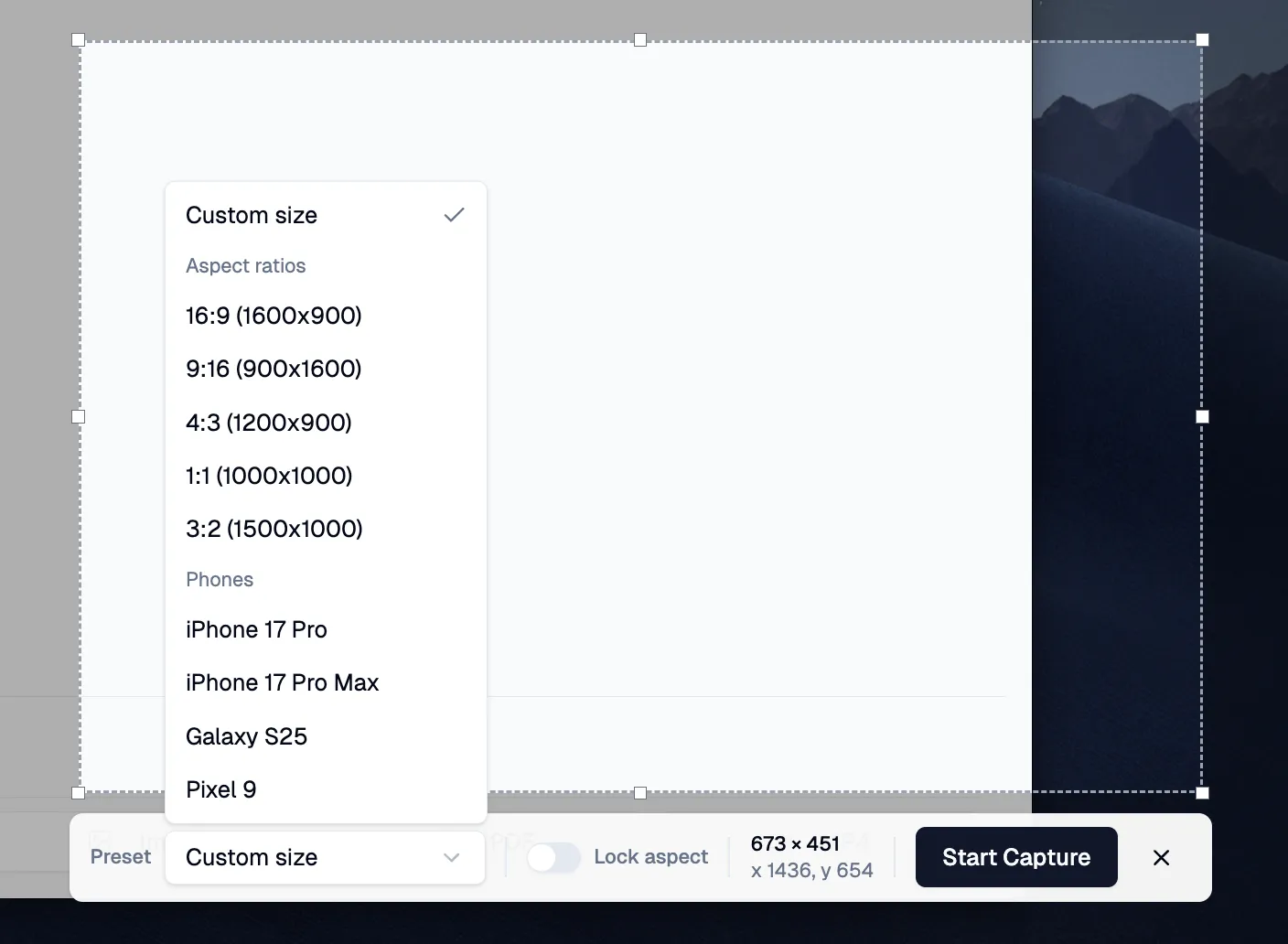
Pick a preset ratio for faster custom area framing, with optional aspect lock.
Automate recurring captures and save time.
