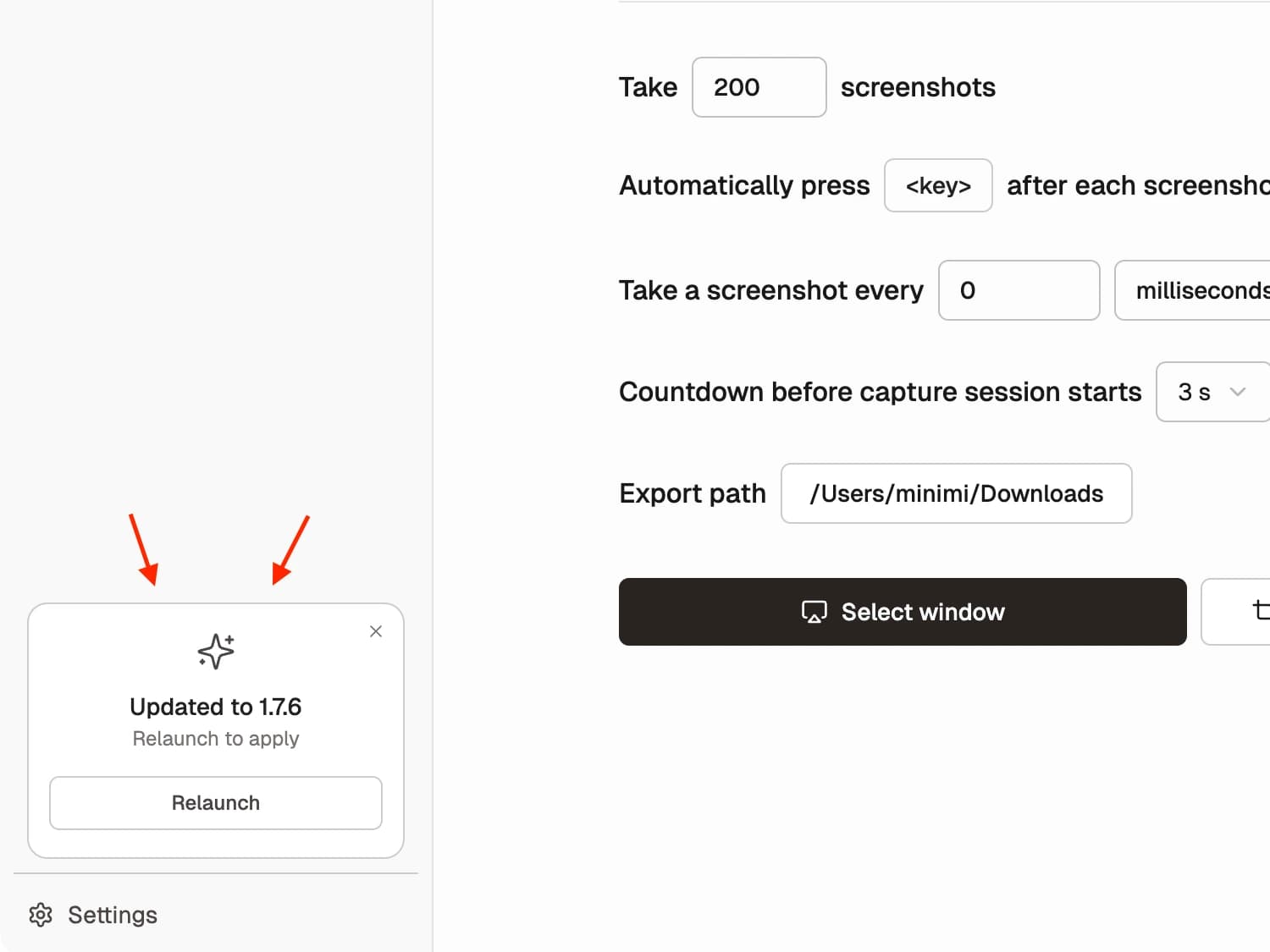
Improvementv1.7.6
Calmer In-App Update Prompts
Update notifications now stay inside the app, with a quieter sidebar prompt and a restart check during active capture sessions.
Read more →2 min read
New features, improvements, and fixes in Shotomatic
Stay up to date with Shotomatic features, improvements, and fixes for screenshot work on macOS.
Update notifications now stay inside the app, with a quieter sidebar prompt and a restart check during active capture sessions.
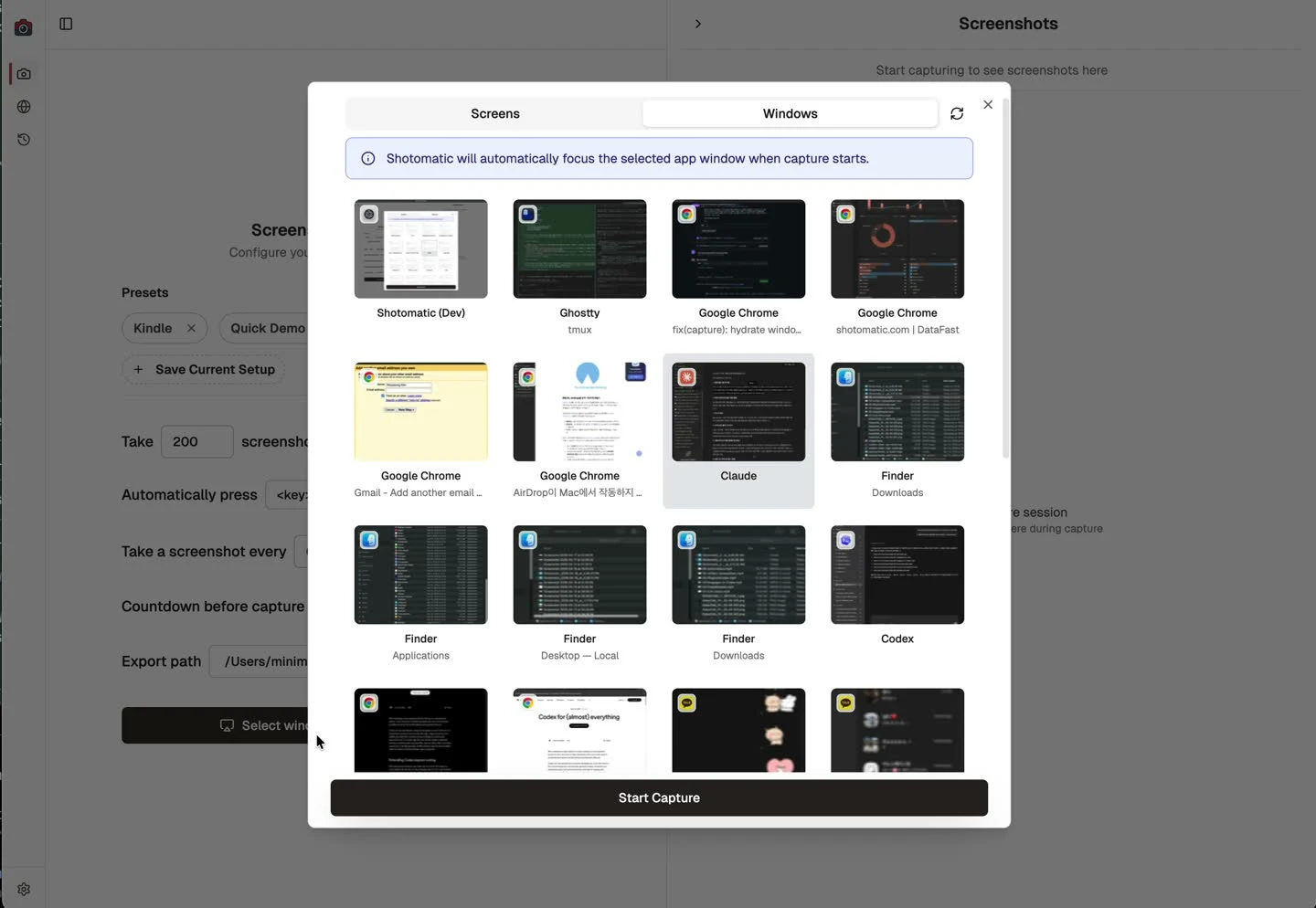
The window picker now feels more responsive and fills in previews, app icons, and labels as you browse.
Shotomatic now shows your export folder more quickly in capture and settings, with updates reflected immediately after you change it.
SERP Analyzer is now deprecated after proving unreliable in practice and seeing low real-world usage.
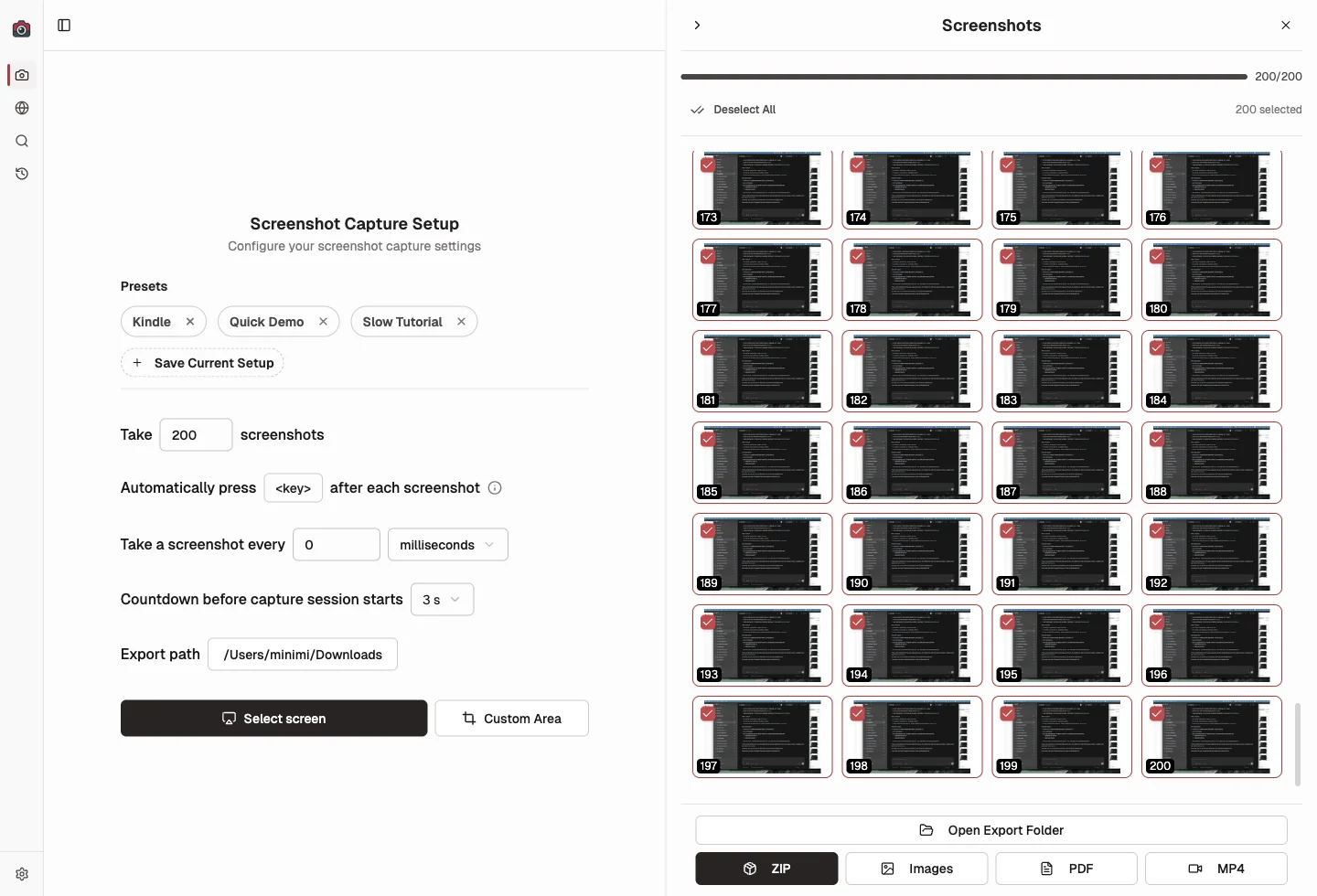
The screenshot sidebar now keeps rendering and scrolling correctly in longer capture sessions, so later thumbnails stay visible.
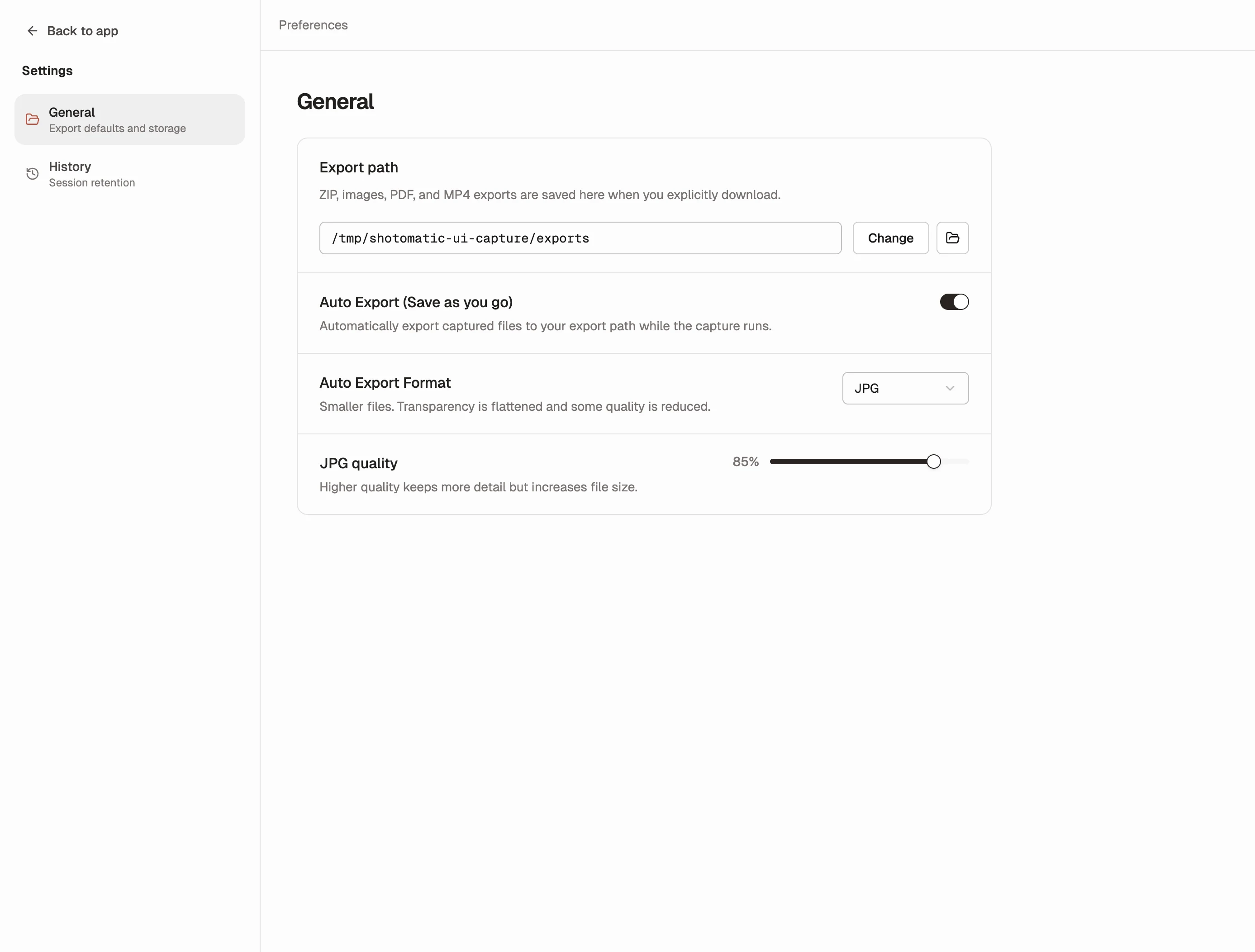
Based on user feedback, Shotomatic brings back Save as you go as Auto Export, with better controls for format and storage.
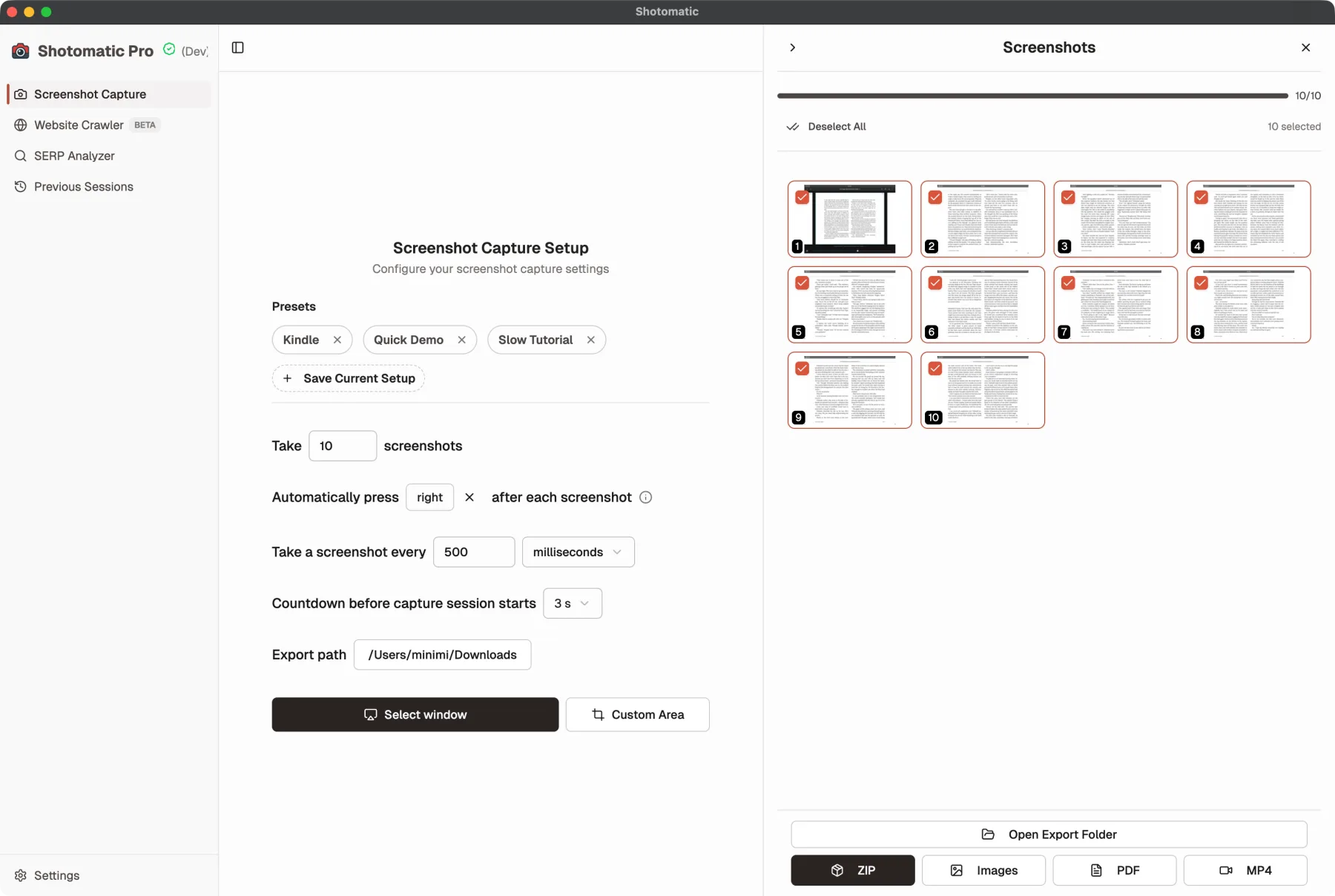
If you noticed Shotomatic's website rebrand first, the app now catches up with the same brand red and charcoal system.
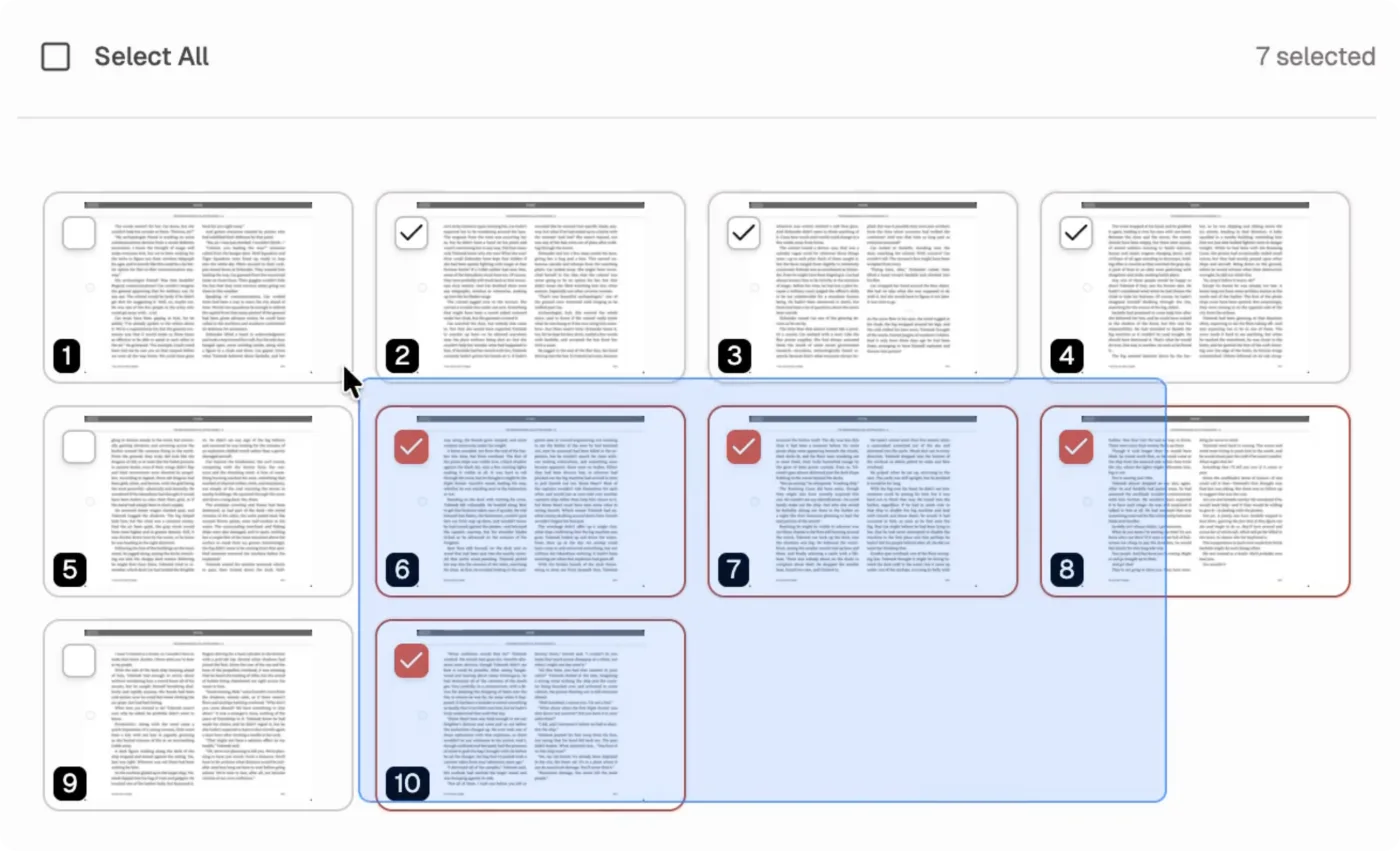
Click and drag across thumbnails to select multiple captures at once instead of toggling each one individually.
Automate recurring captures and save time.
