Featurev1.4.0
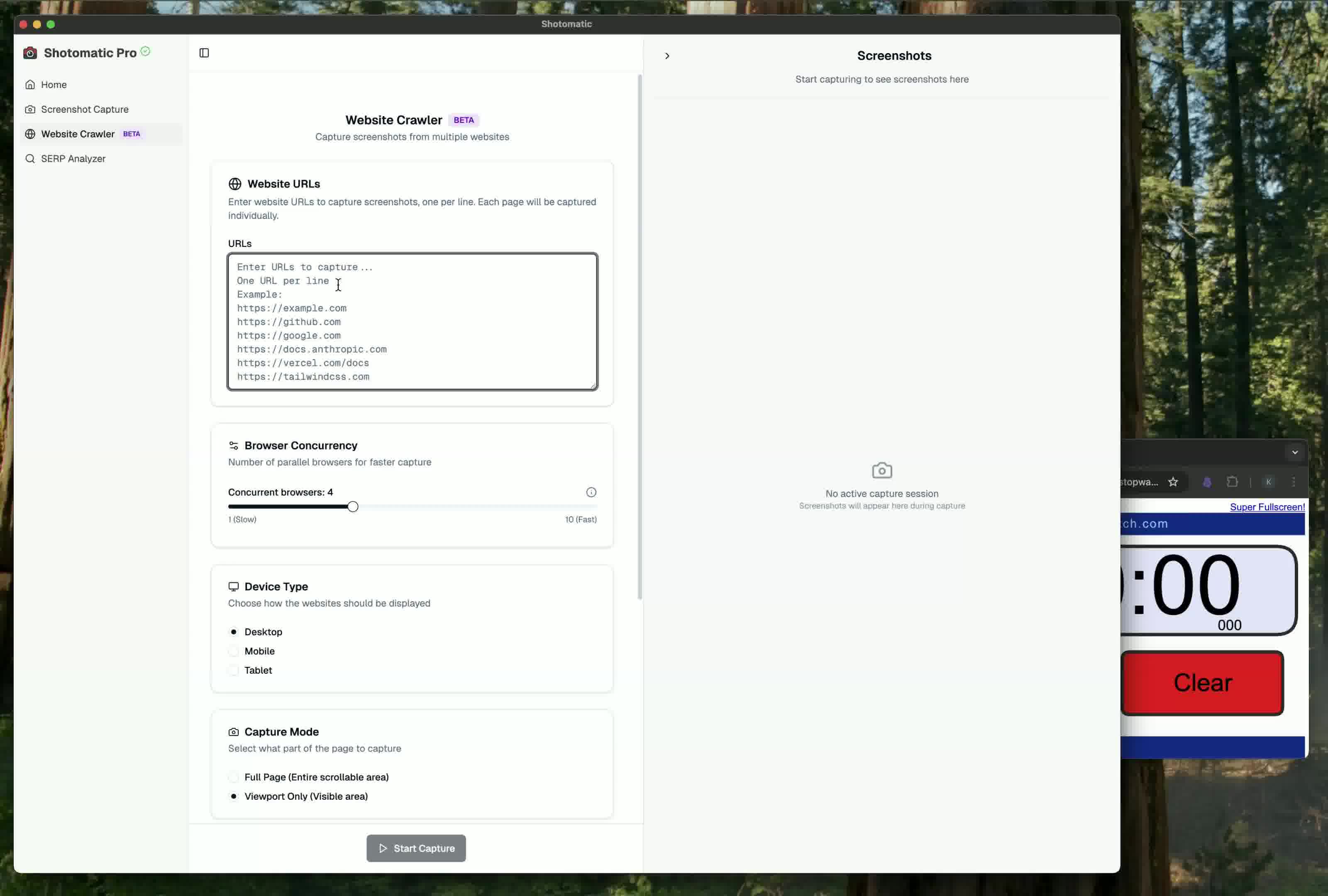
Crawl Websites 10x Faster with Parallel Captures
Run up to 10 parallel captures at once to speed up your website crawling
Read more →2 min read
New features, improvements, and fixes in Shotomatic
Stay up to date with Shotomatic features, improvements, and fixes for screenshot work on macOS.
Run up to 10 parallel captures at once to speed up your website crawling
Shotomatic now intelligently removes cookie banners, GDPR popups, and consent dialogs from your screenshots for cleaner, professional captures
Shotomatic 1.3.3 switched website capture from a system Chrome dependency to Playwright-managed Chromium.
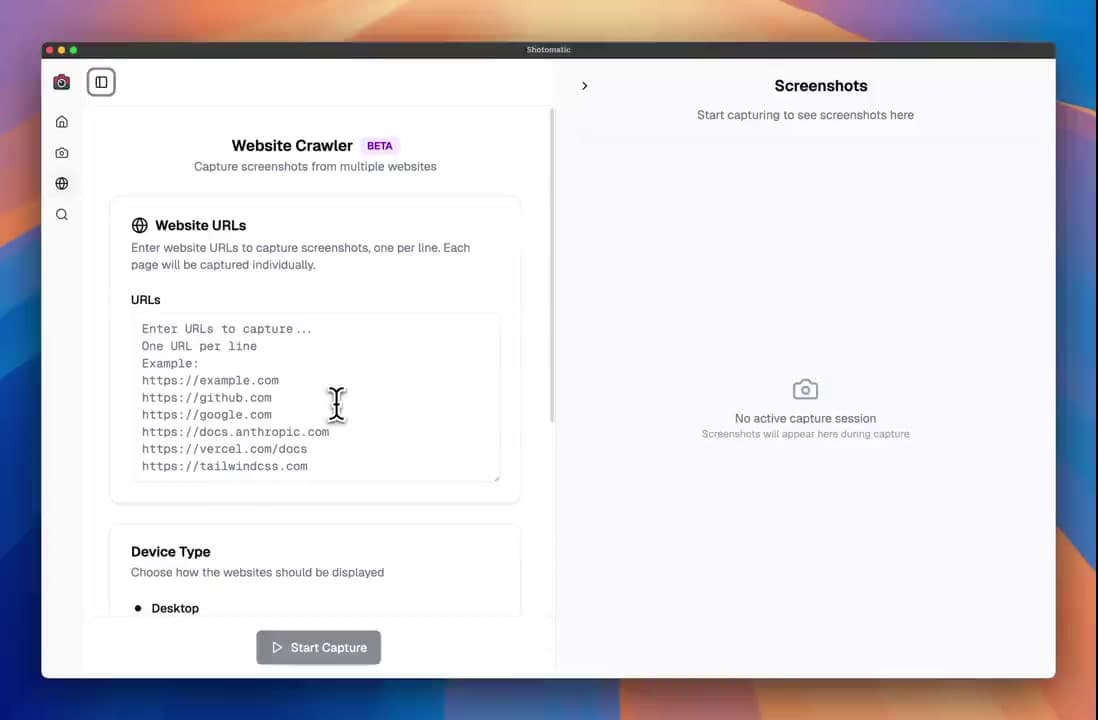
Introducing the Website Crawler - automatically screenshot multiple websites with batch processing and flexible capture modes
Prevent disk space issues during extended screenshot sessions with JPG export - same quality, significantly smaller files
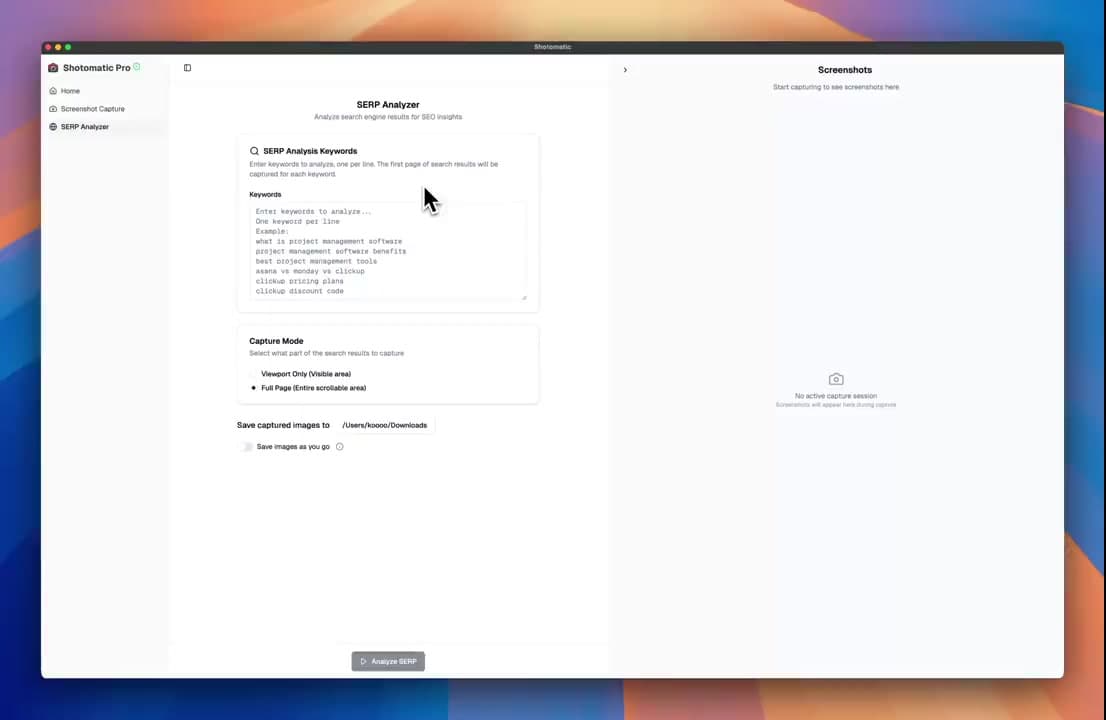
Automatically capture and analyze Google search results with our new SERP analyzer tool
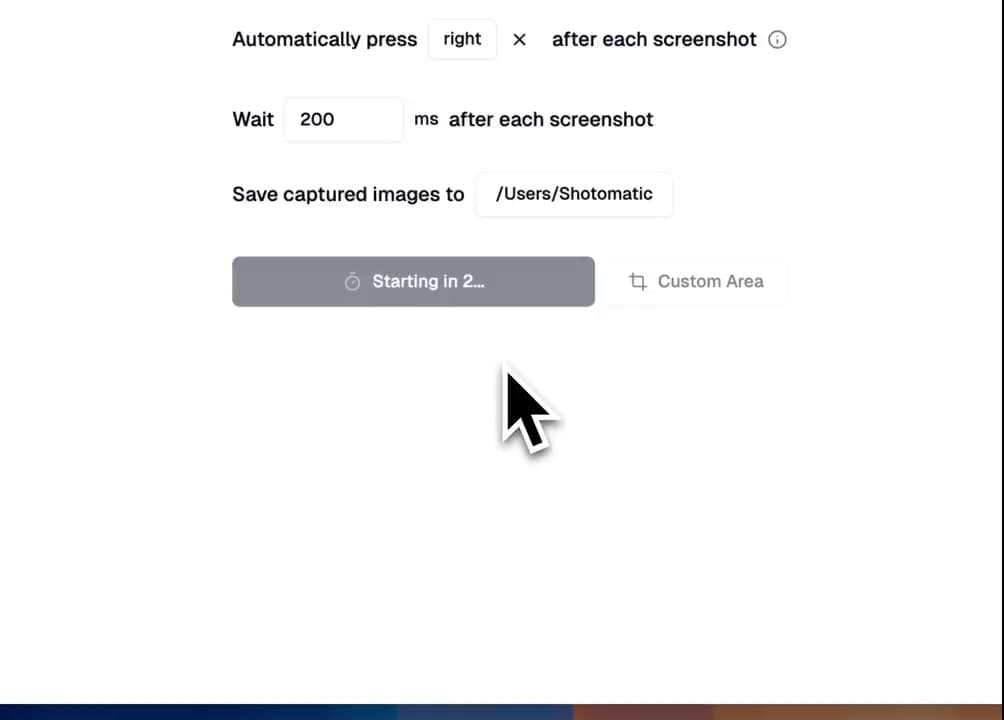
Preview, organize, and export multiple screenshots at once with our visual thumbnail sidebar. Perfect for batch operations and quick navigation through capture sessions.
Transform your screenshot sessions into professional PDFs for documentation or engaging GIFs for tutorials. Perfect for creating user guides, bug reports, and demos.
Automate recurring captures and save time.
