Feature
Image Format Converter: Convert HEIC, WebP, PNG, and JPG in Your Browser
New free Image Format Converter that turns HEIC, WebP, PNG, and JPG files into JPG, PNG, or WebP on your device, in batches of up to 50 images.
Read more →2 min read
New features, improvements, and fixes in Shotomatic
Stay up to date with Shotomatic features, improvements, and fixes for screenshot work on macOS.
New free Image Format Converter that turns HEIC, WebP, PNG, and JPG files into JPG, PNG, or WebP on your device, in batches of up to 50 images.
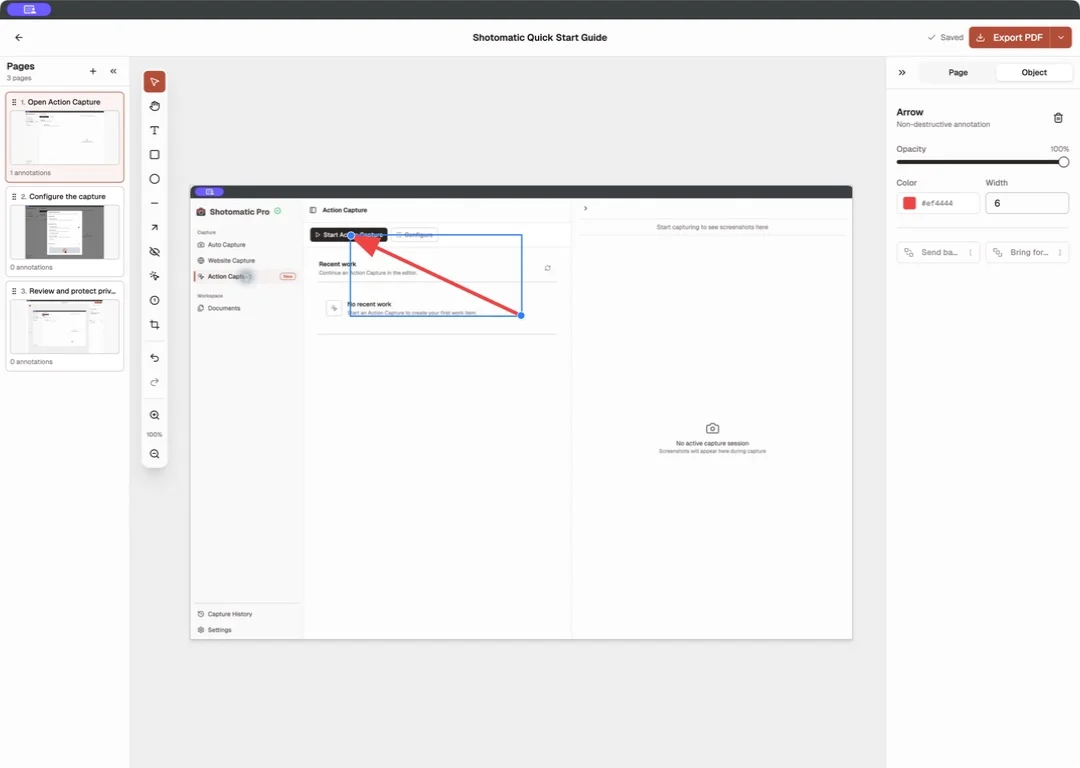
Documents brings captured and imported screenshots into one workspace where you can organize pages, add annotations, and export a finished guide.
Shotomatic 1.9.8 fixes an automatic update issue that could reopen the previous version after you chose Relaunch.
Shotomatic 1.9.7 adds flexible Action Capture click rules, consistent manual-capture markers, and a direct in-app feedback form.
Shotomatic 1.9.5 adds German, Italian, Japanese, Korean, and Simplified Chinese alongside English.
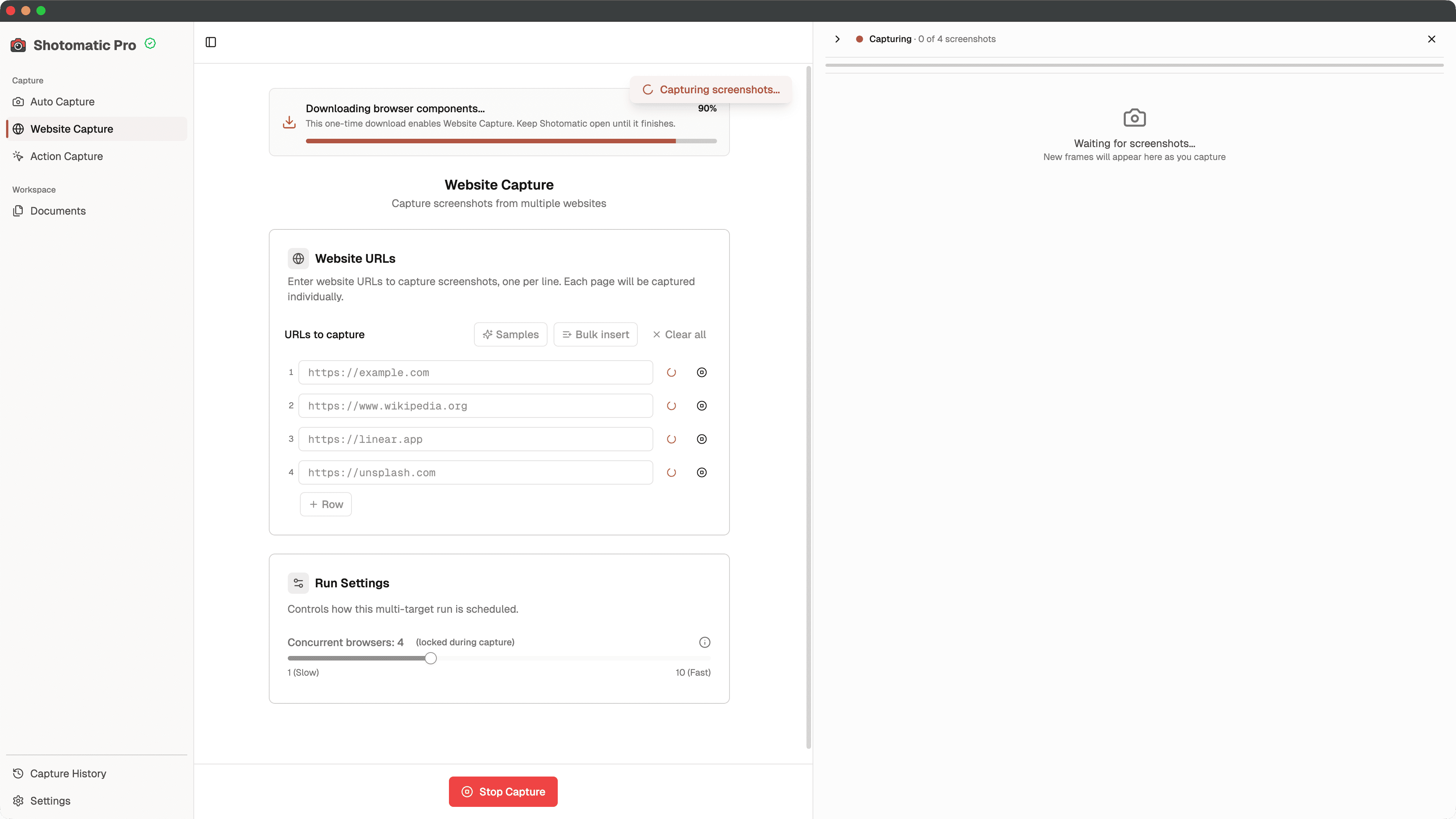
Shotomatic 1.9.4 fixes a first-run browser download that could stop after five minutes and now shows its progress.
Shotomatic 1.9.3 removes an unnecessary 15-second delay that could leave Action Capture frames stuck on Preparing screenshot.
Shotomatic now follows your Mac's proxy settings for license checks and retries brief connection failures before asking you to try again.
Automate recurring captures and save time.
