Large Capture Sessions Now Scroll All the Way Through
The screenshot sidebar now keeps rendering and scrolling correctly in longer capture sessions, so later thumbnails stay visible.
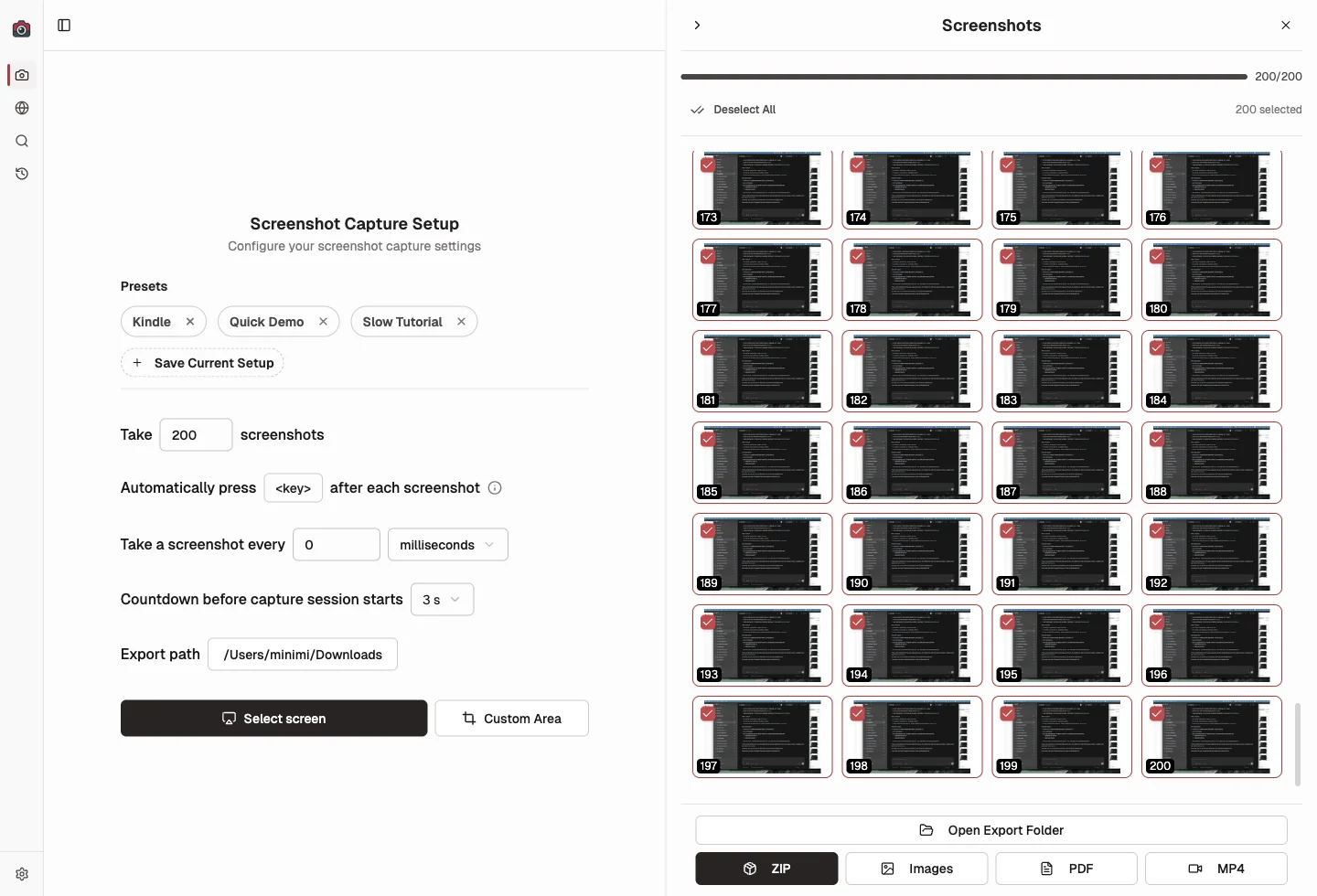
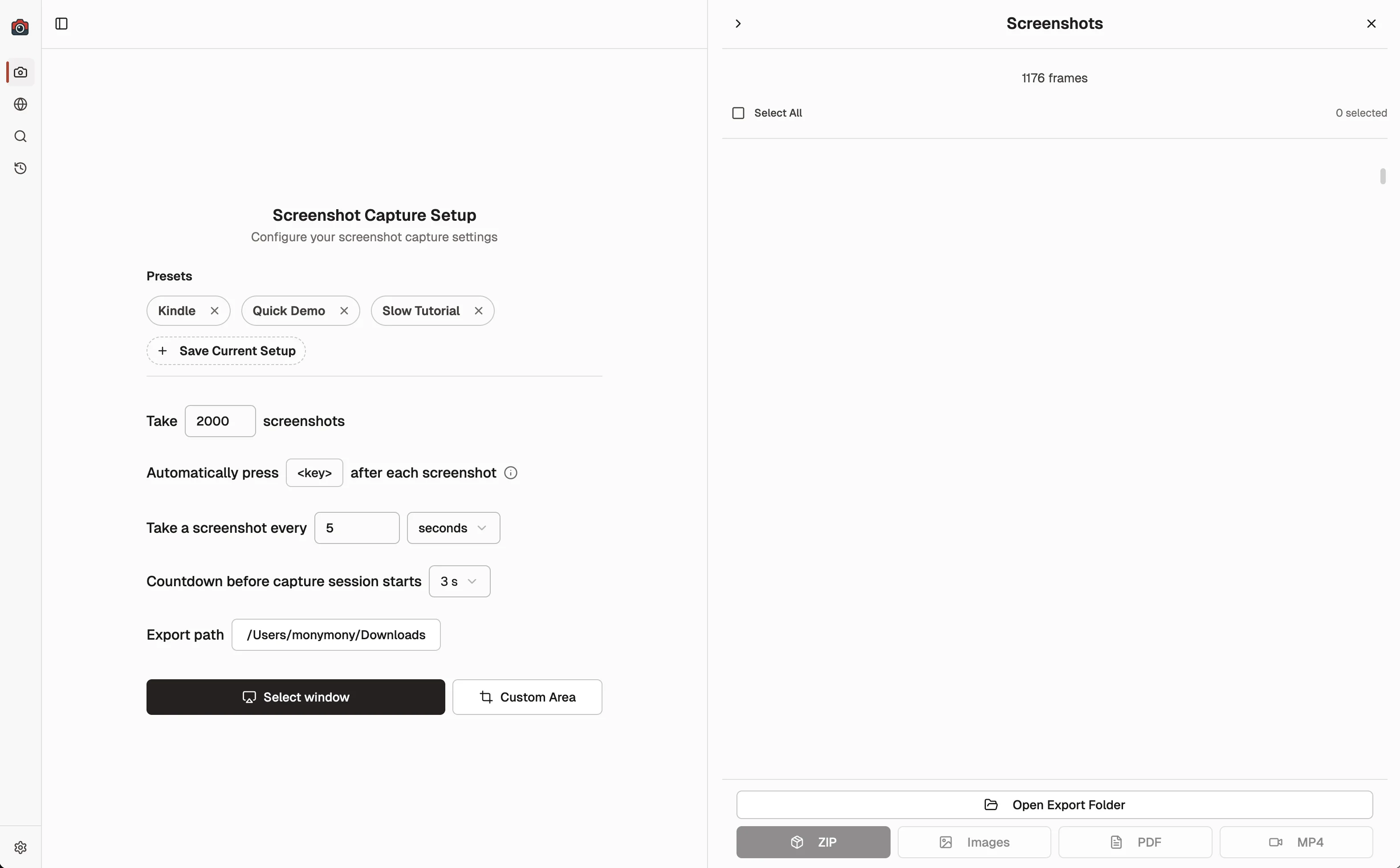
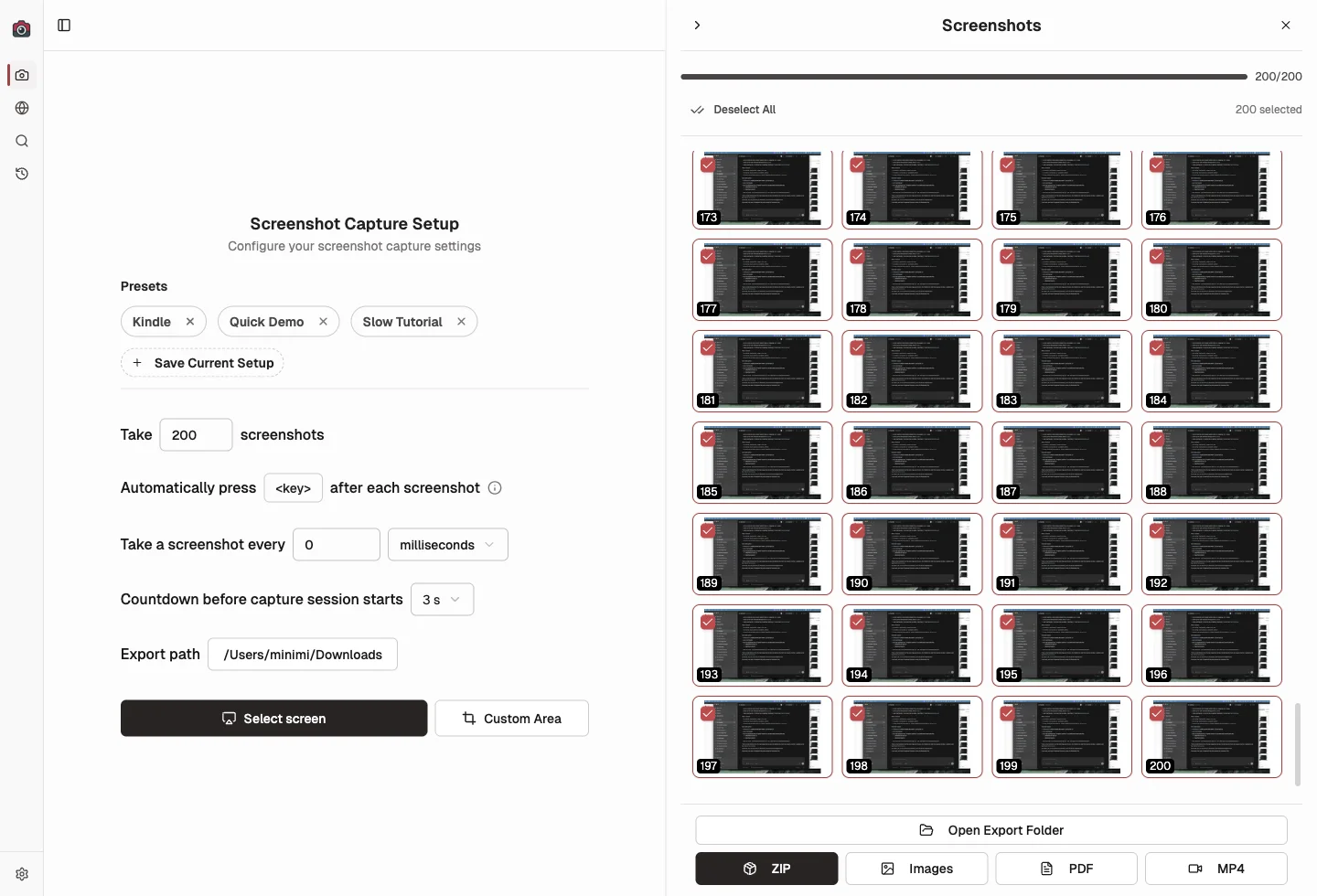
If you captured a long run with a lot of screenshots, the right sidebar could stop showing later thumbnails even though the session itself completed normally. That is now fixed, so long sessions keep scrolling properly and the later screenshots remain visible in both the active capture view and Previous Sessions.
Before vs After
The issue showed up most clearly in larger sessions: the sidebar would stop short before the later thumbnails appeared. Now the full thumbnail list stays reachable.
What's Improved
- Later thumbnails stay visible during long screenshot runs instead of dropping out of the sidebar.
- Scrolling now stays consistent as a session grows into hundreds of screenshots.
- Previous Sessions uses the same fix, so older long captures behave the same way when you revisit them.
- Large sessions stay efficient because the sidebar still renders only what it needs while you scroll.
Why It Matters
When a long capture session stops showing its later thumbnails, it becomes harder to review, select, and export the screenshots you actually need. This fix makes long sessions trustworthy again, especially when you are capturing a full workflow, a website pass, or a large batch for later review.
Update to Shotomatic v1.7.2 to review every thumbnail in long capture sessions.
Related features and updates
Related features
Previous Sessions
Shotomatic now saves completed capture history automatically, so you can revisit past sessions without turning on a separate save-as-you-go option.
Manage Multiple Screenshots with Visual Thumbnails
Preview, organize, and export multiple screenshots at once with our visual thumbnail sidebar. Perfect for batch operations and quick navigation through capture sessions.
Other updates
Ready for a simpler screenshot workflow?
Automate recurring captures and save time.