Brand Red Refresh
If you noticed Shotomatic's website rebrand first, the app now catches up with the same brand red and charcoal system.
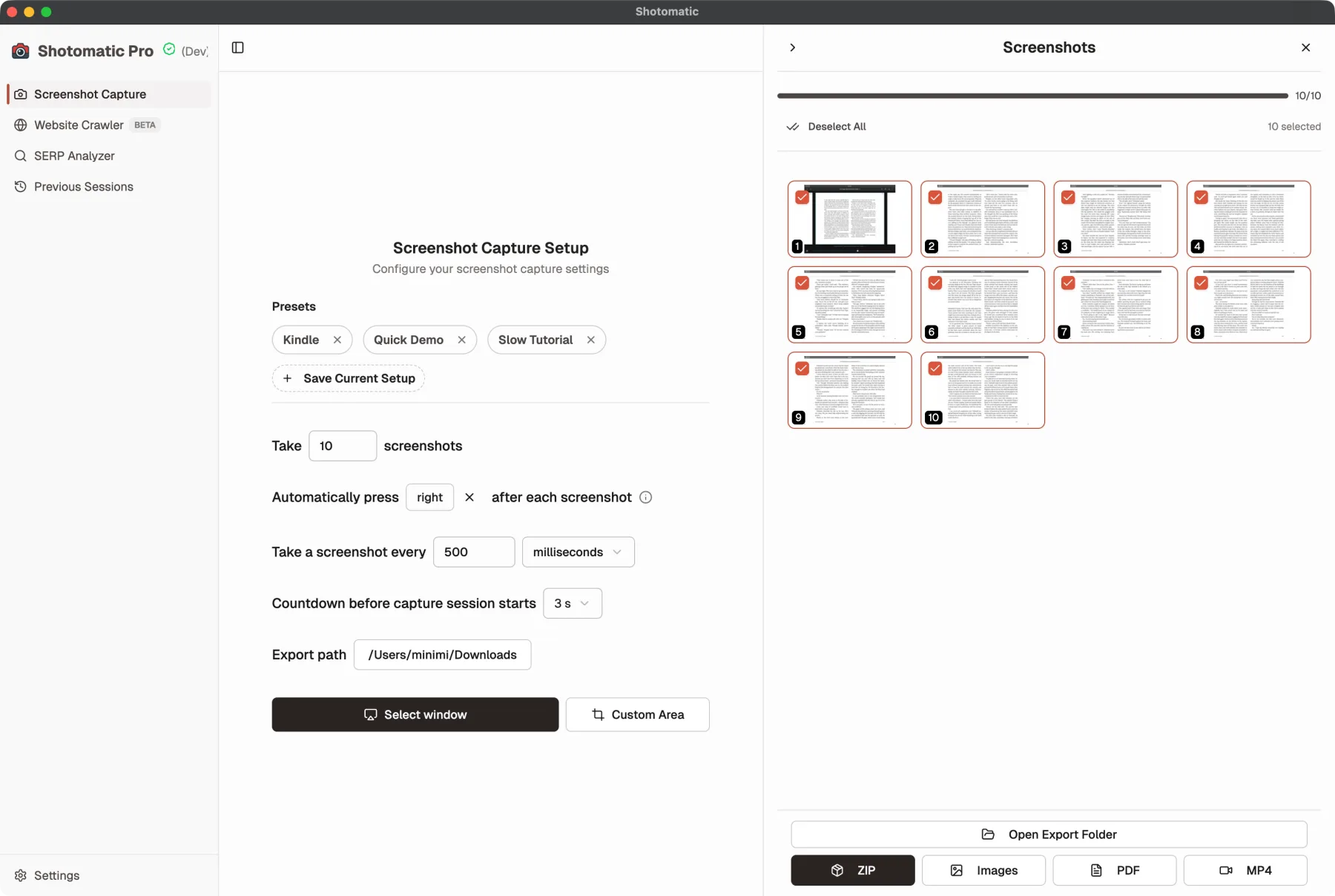
If you've been following Shotomatic through the website, you may have already noticed the rebrand there first. The app now catches up with that same direction by replacing the older purple-heavy styling with our brand red and charcoal system, so the website, logo, and app feel like one product instead of adjacent visual directions. Large surfaces stay neutral, and the interface still leans into a restrained macOS-native feel.
Brand Direction

One goal of this refresh was simple: make the app feel like the same product people already recognize from the website and the Shotomatic logo.
Before vs After
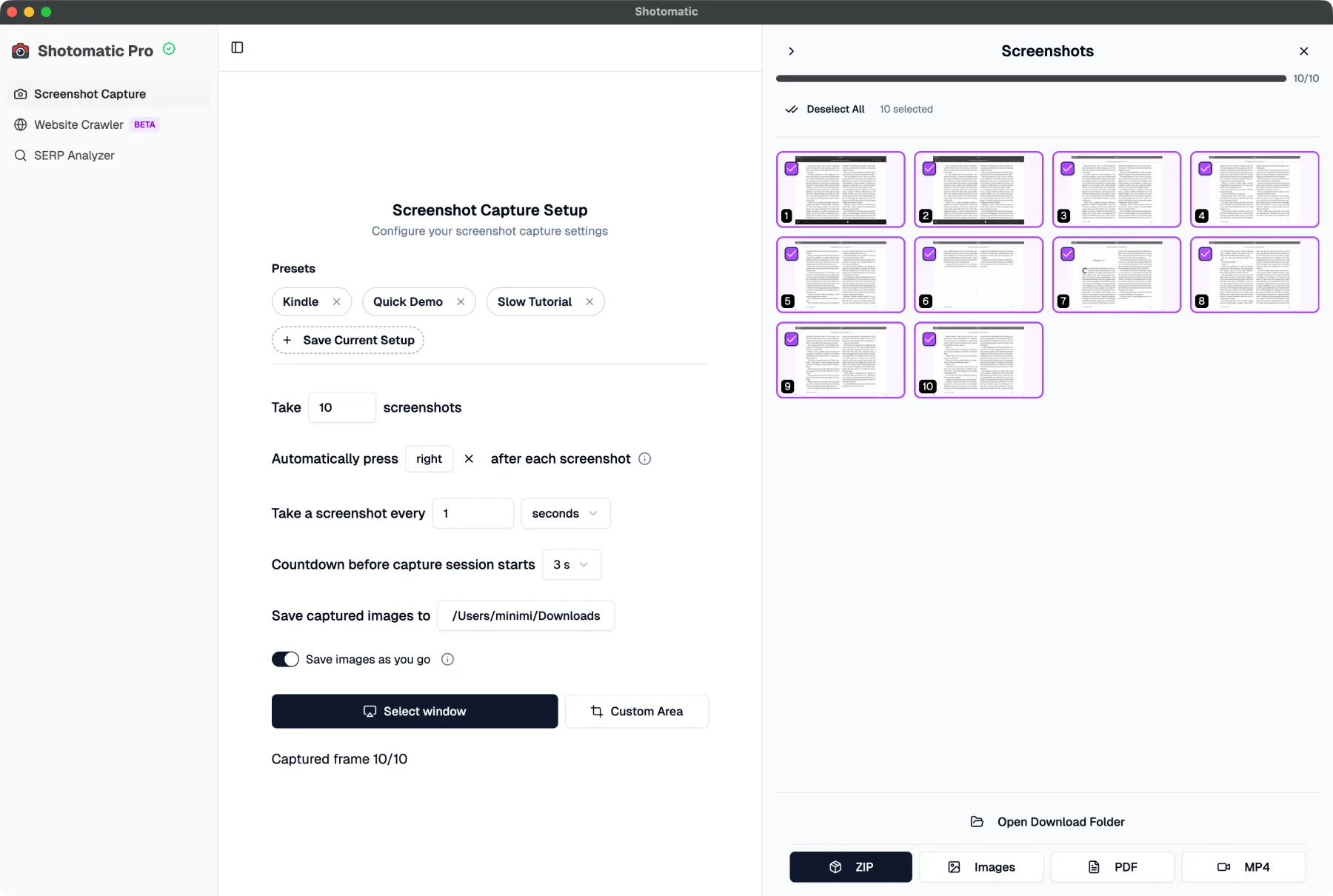
Before, the app leaned on a more generic purple accent language.
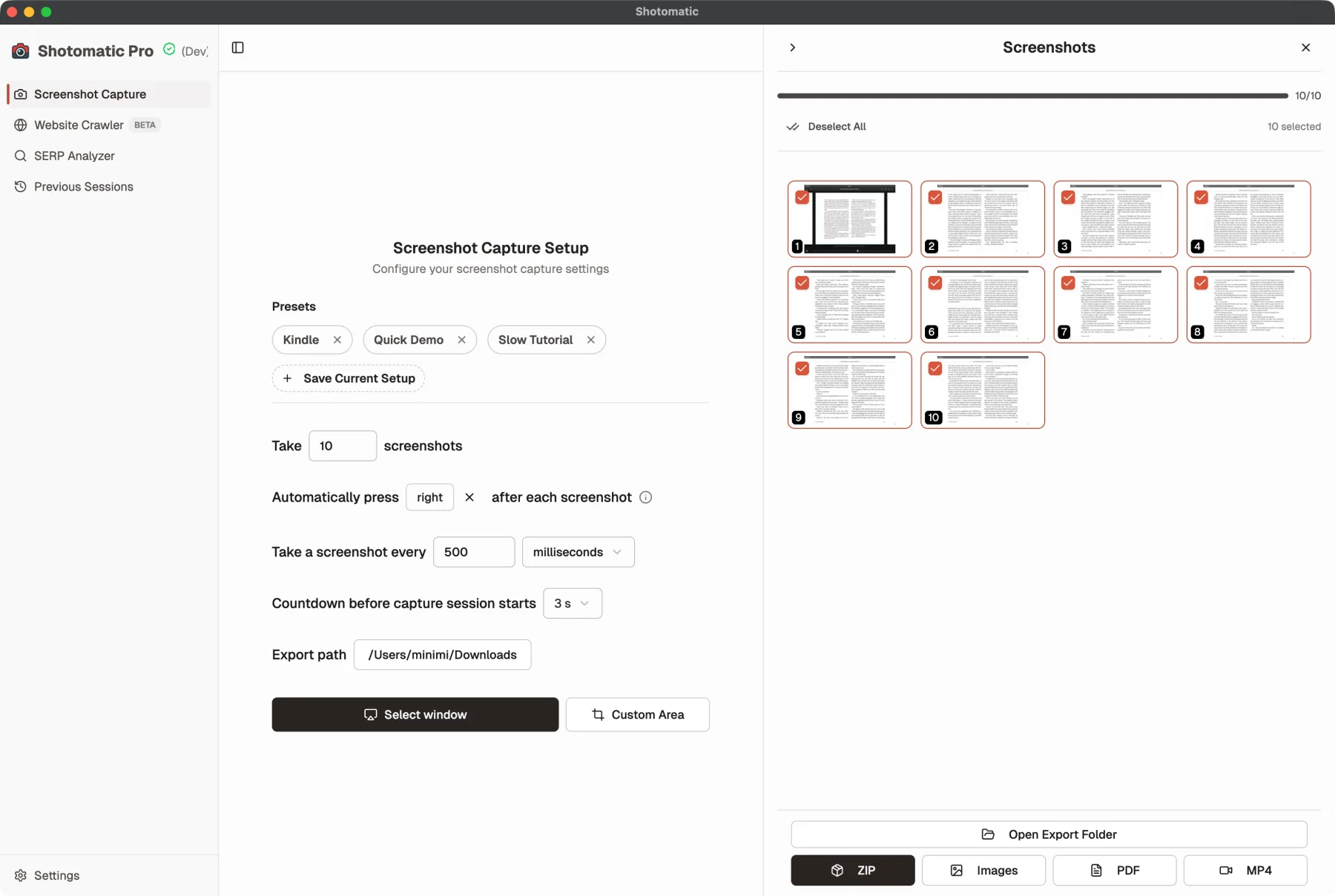
After the refresh, the app lines up with Shotomatic's brand red and charcoal system.
What's Improved
- Old purple accents are replaced with Shotomatic's brand red across selection, progress, and checked states.
- Brand charcoal now carries more structural weight for boundaries, emphasis, and stronger UI framing.
- The app now matches the logo and website more closely instead of feeling like it uses a separate accent system.
- Shared UI states feel more consistent across capture flows instead of mixing multiple accent directions.
- Visual noise is reduced by keeping panels and repeated surfaces neutral instead of tinting everything.
Why It Matters
The redesign makes state changes easier to read while giving Shotomatic a more cohesive identity across the website and the app. Important controls still stand out, but the app feels calmer, more polished, and more recognizably Shotomatic instead of relying on a generic purple UI language.
Update to Shotomatic v1.7.0 to use the refreshed brand colors throughout the app.
Related features and updates
Related features
Previous Sessions
Shotomatic now saves completed capture history automatically, so you can revisit past sessions without turning on a separate save-as-you-go option.
Introducing Documents: Build Screenshot Guides in Shotomatic
Documents brings captured and imported screenshots into one workspace where you can organize pages, add annotations, and export a finished guide.
Other updates
Ready for a simpler screenshot workflow?
Automate recurring captures and save time.