Tutorial
How to Annotate Screenshots for Clear Instructions on Mac
Use click markers, arrows, shapes, text, crop, and blur to make instructional screenshots clear without covering important context.
6 min read
Practical guides for visual documentation, screenshot automation, website capture, and local files
Use click markers, arrows, shapes, text, crop, and blur to make instructional screenshots clear without covering important context.
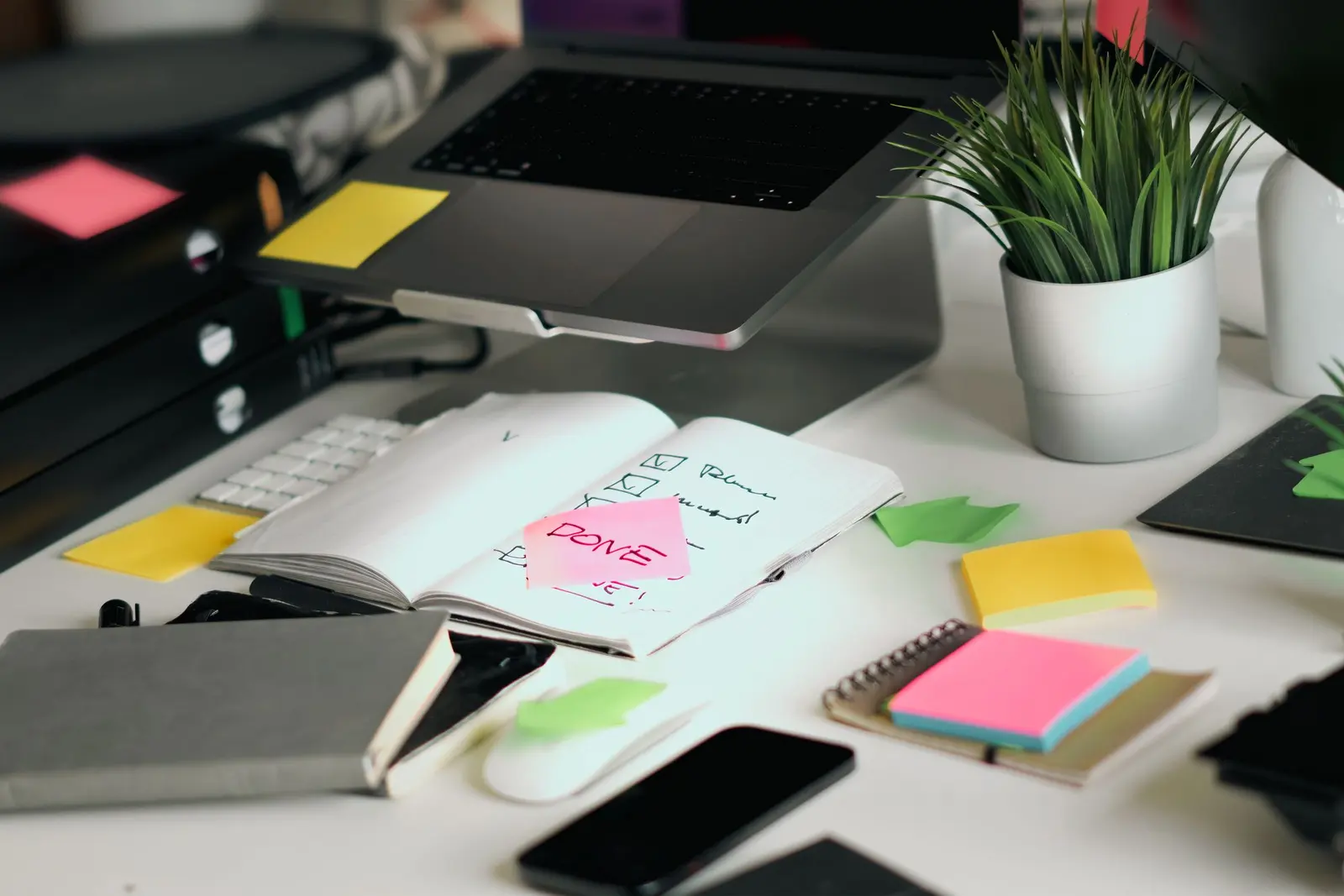
Create a visual SOP with a defined scope, owner, prerequisites, step-by-step screenshots, exceptions, checks, and a review date.

Turn a solved support ticket into a reusable screenshot guide with a clear scope, verified steps, privacy checks, and a support handoff.
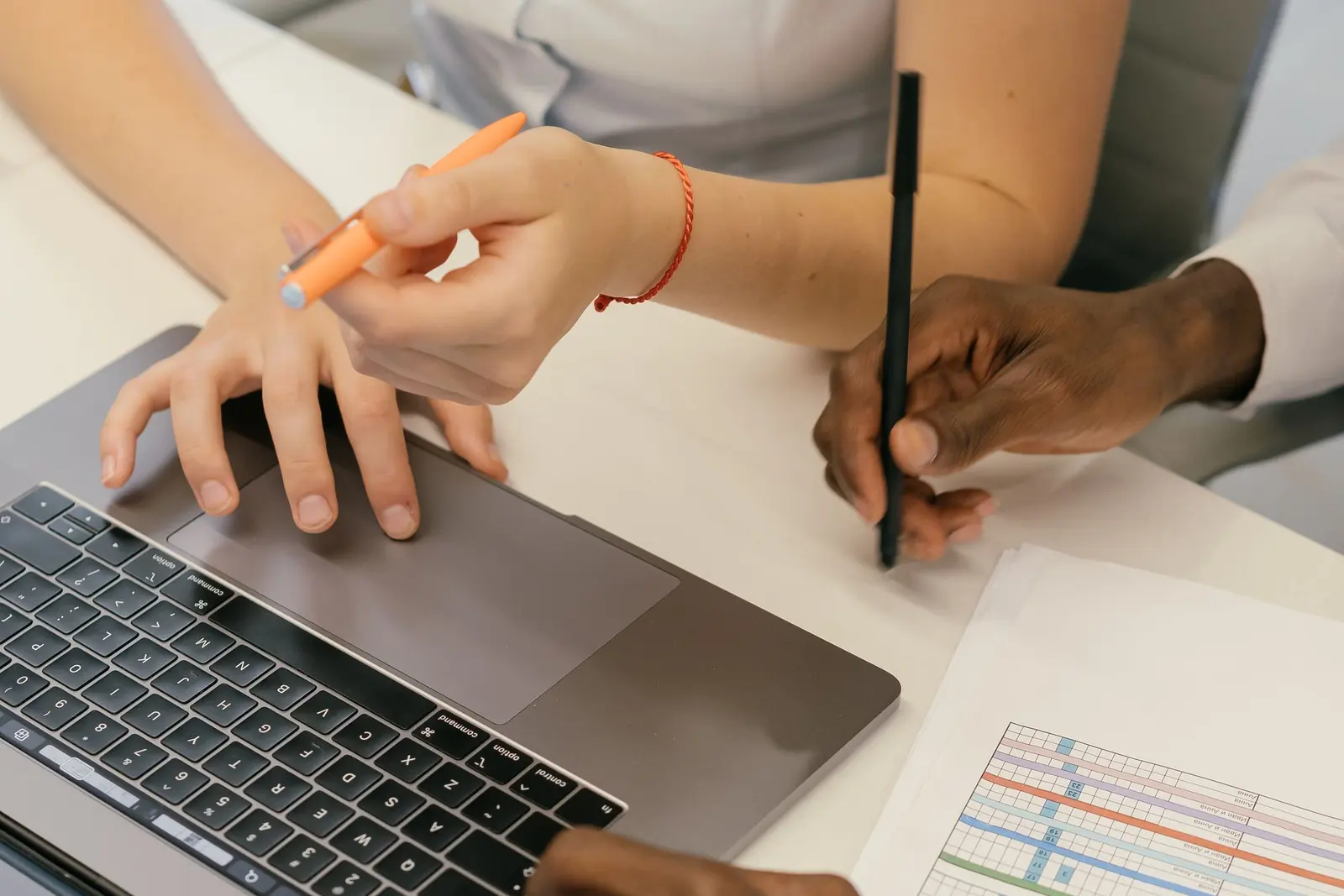
No. Capture the starting state, important checkpoints, the final result, and any failure. This guide shows how to build a reviewable QA test record.
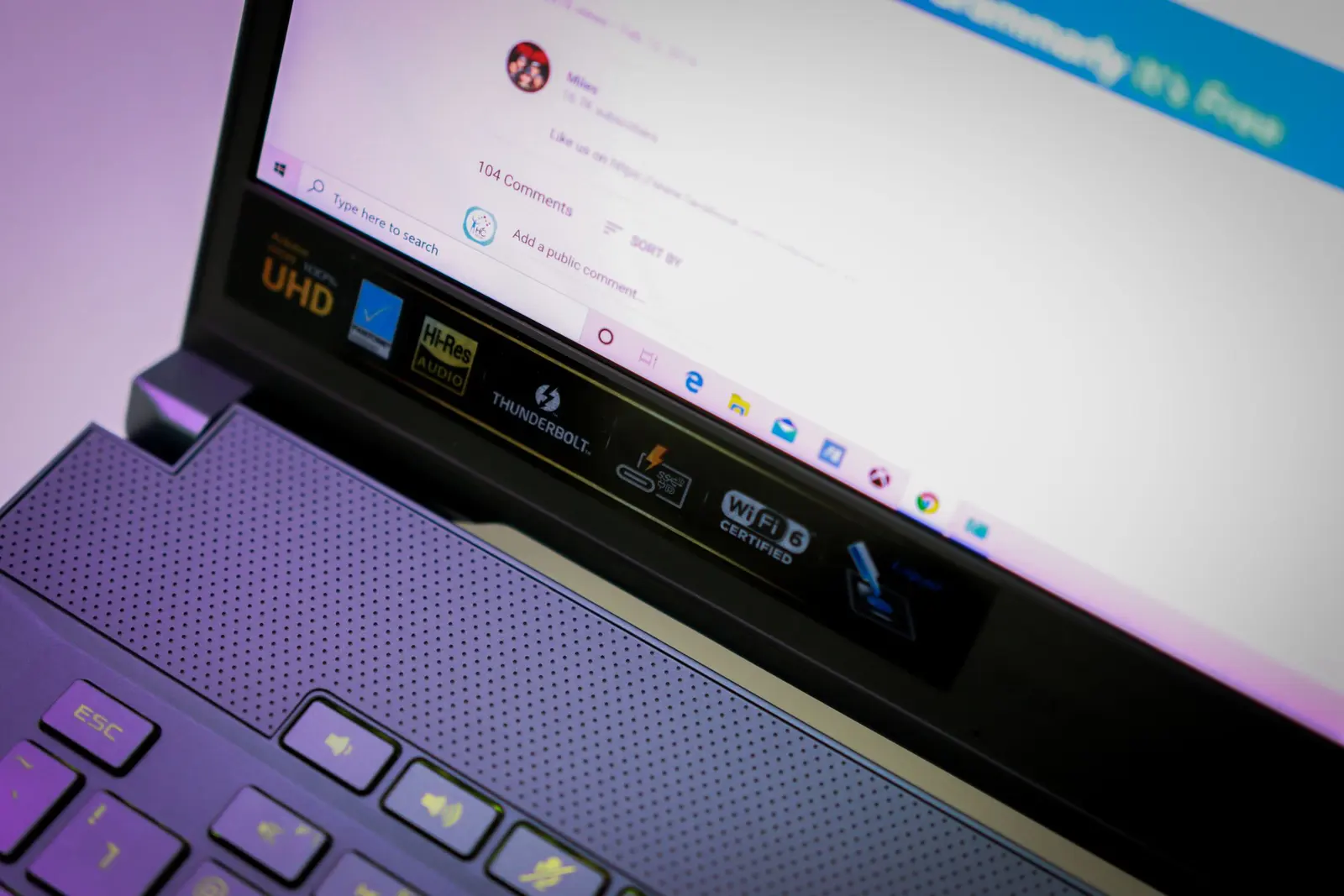
Document a reproducible software bug on Mac with clear steps, screenshots, environment details, expected results, and useful evidence.
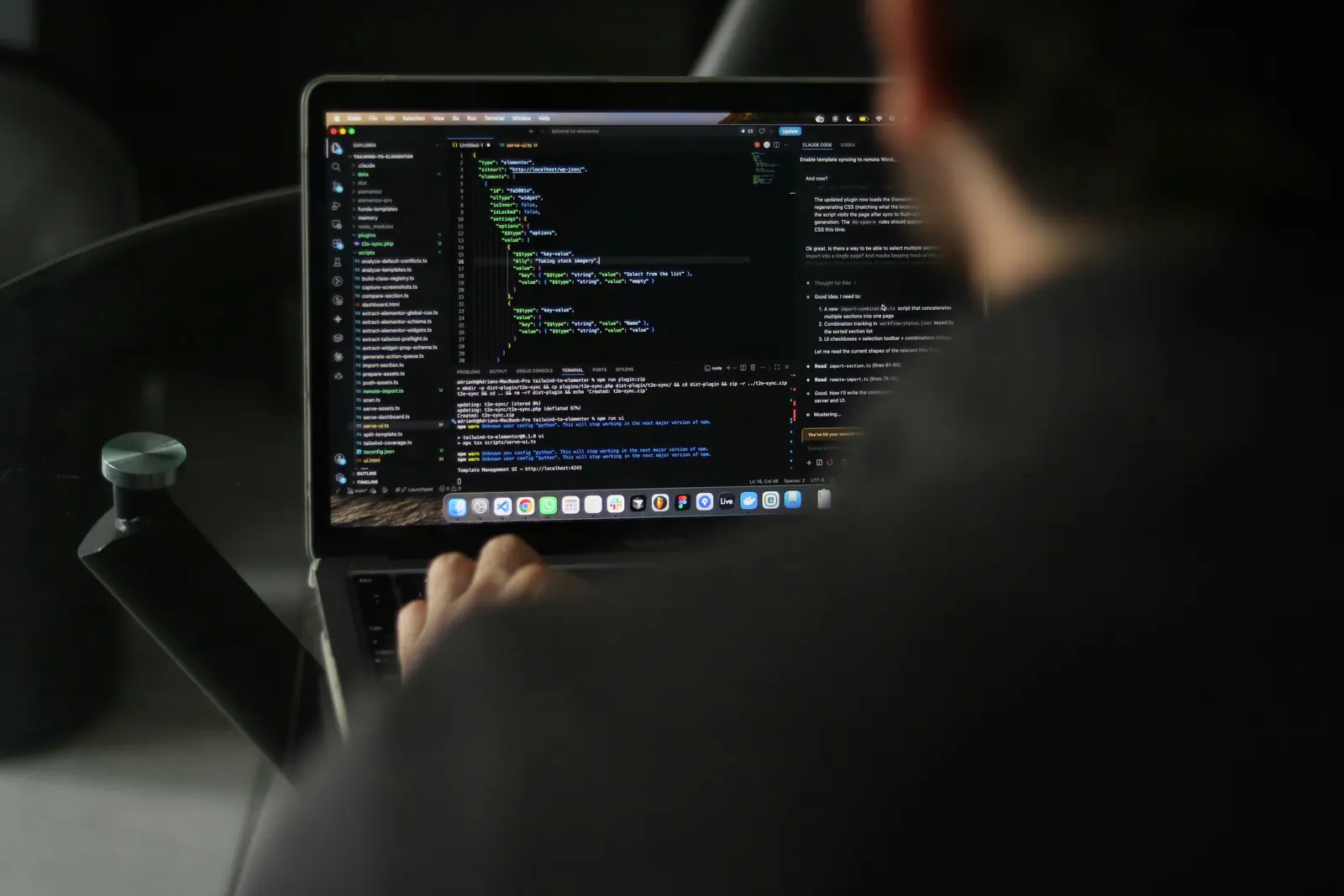
A practical Electron i18n design for locale preferences, typed catalogs, fallback behavior, Intl formatting, and renderer-to-main sync.
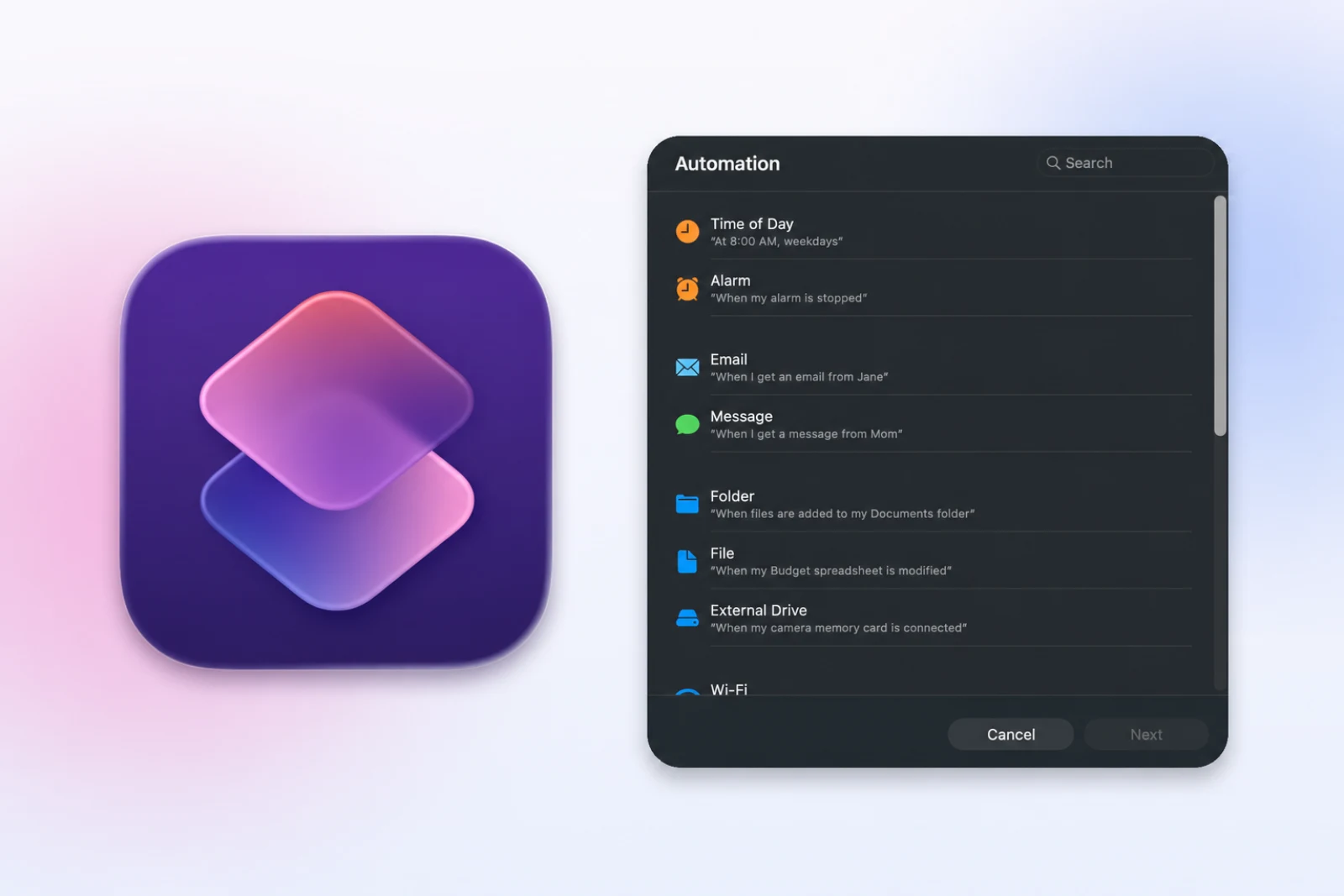
Use Apple Shortcuts on Mac to take timed screenshots, run the shortcut at a set time or when an app opens, and fix script or screen recording permissions.
Create a step-by-step guide on Mac by capturing meaningful clicks, marking each action, editing the steps, and exporting images or a PDF.
Need Steps Recorder on a Mac? Compare click capture with screen recording, then choose the right workflow for image, PDF, or video instructions.
Choose between a screenshot guide and screen recording for tutorials, support, and documentation based on motion, audio, editing, and reader needs.
Shotomatic captures, organizes, and exports screenshot sessions on your Mac.