Website capture workflows

Website Screenshot Automation

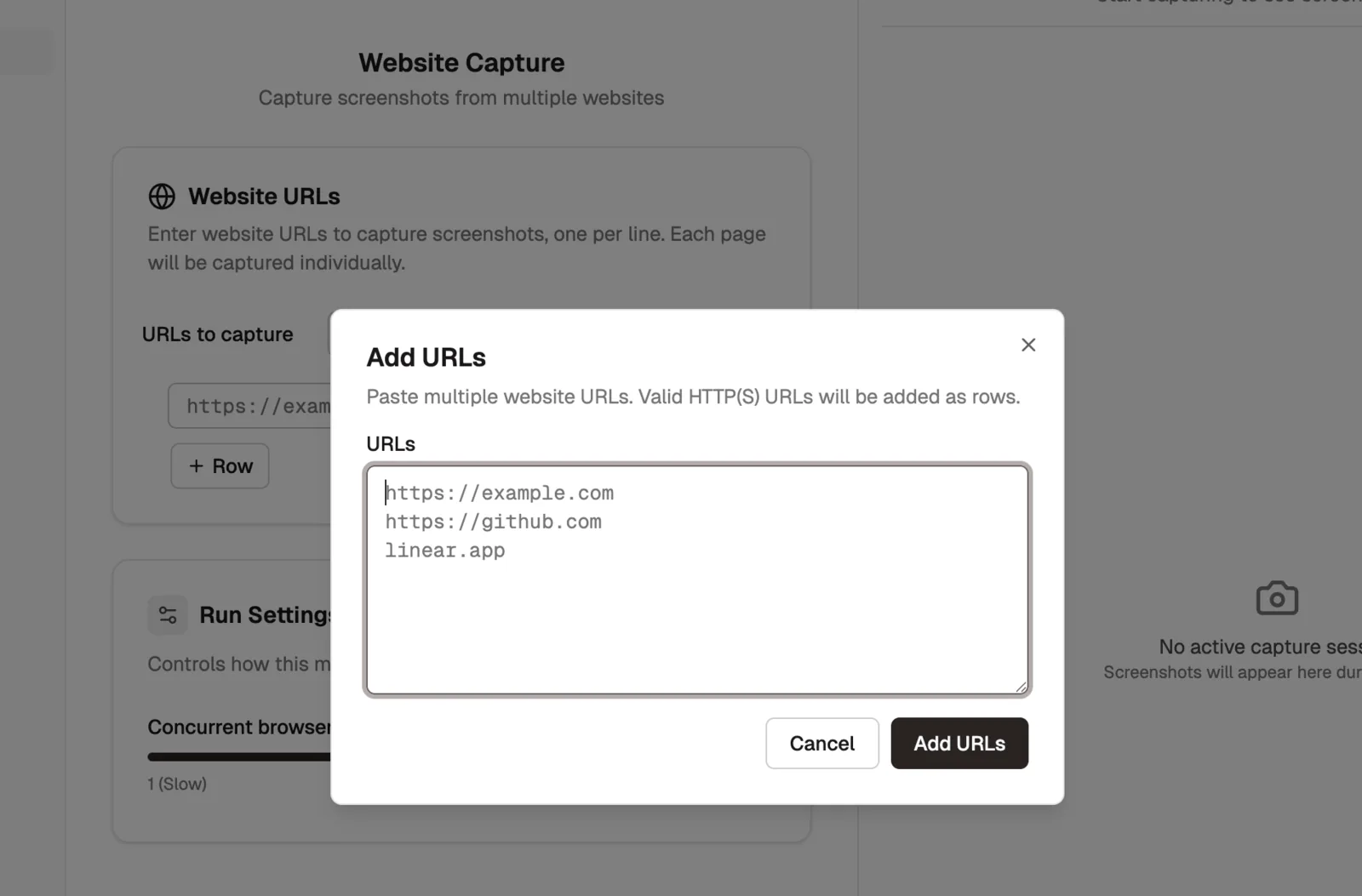
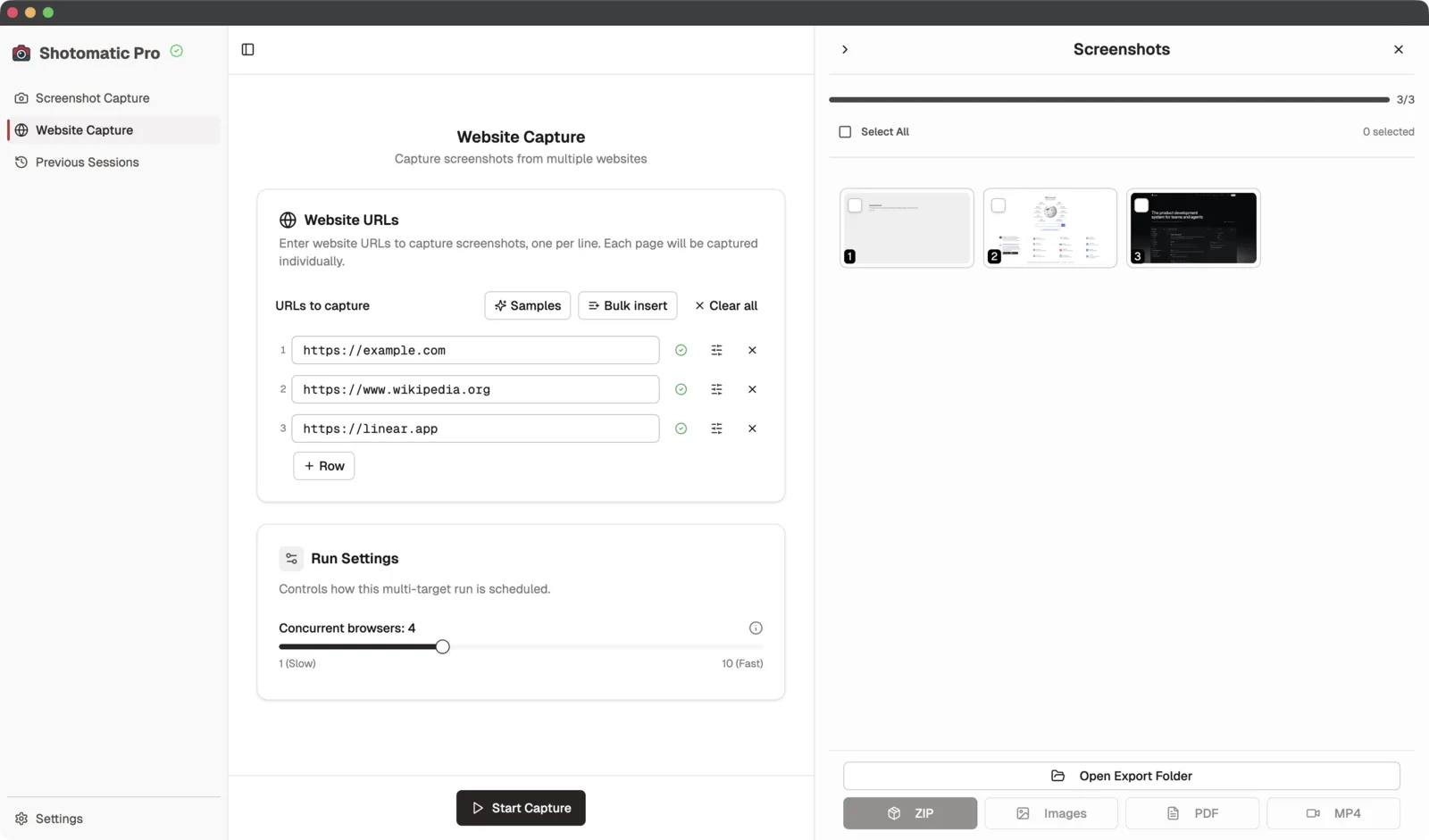
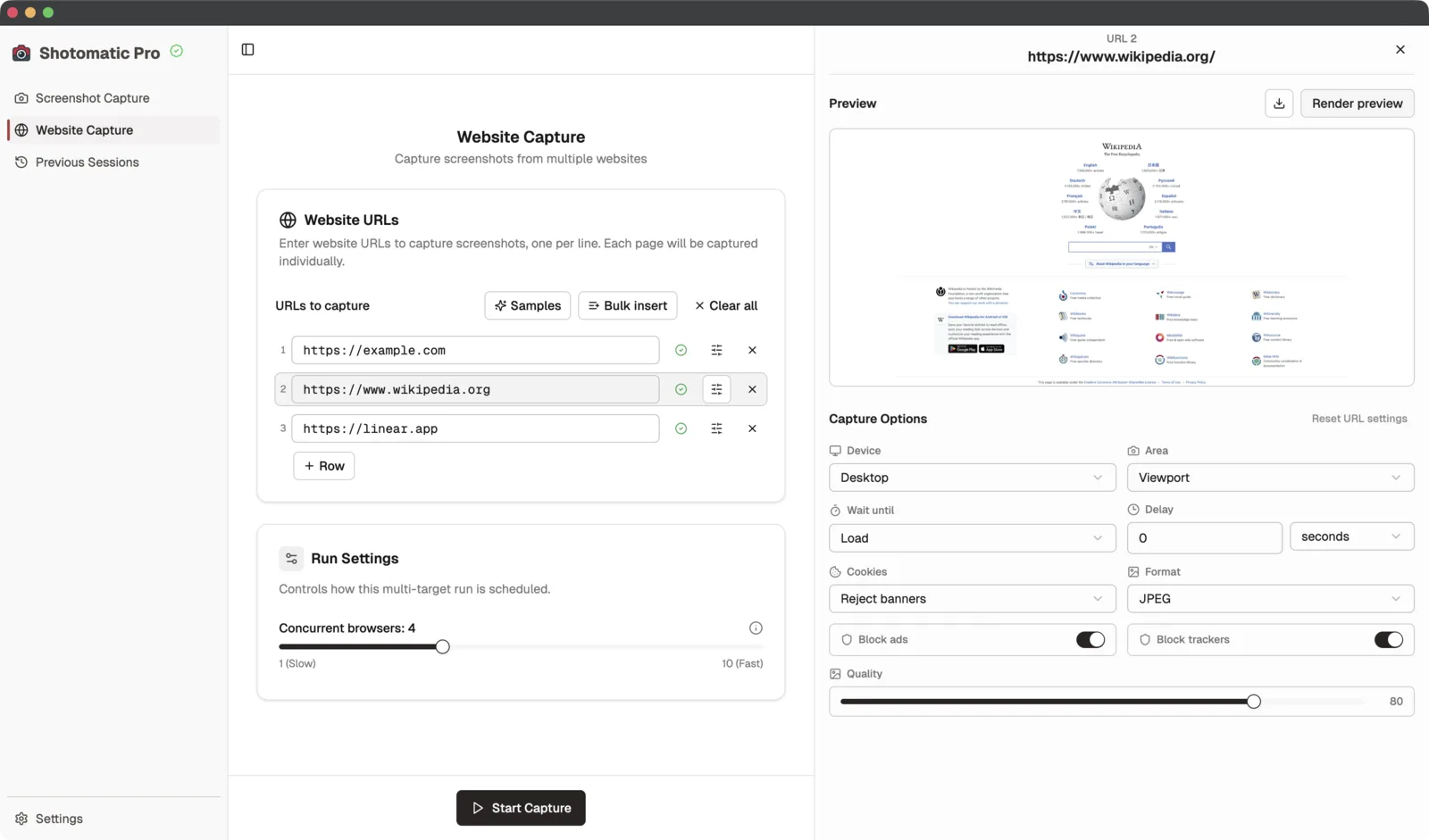
There is already small but real demand around website screenshot automation and website crawler workflows. This page positions Shotomatic as the repeatable website capture tool rather than hiding that story inside changelog notes.

Where website screenshot automation helps most

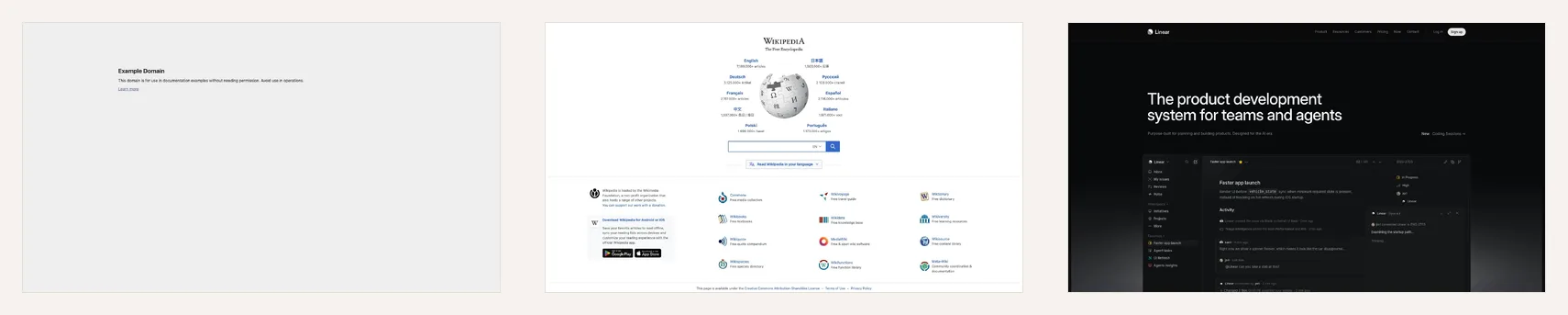
The strongest use cases are operational ones: recurring checks, batch captures, client reporting, and archives. These are better fits than single-page screenshot tasks because repetition is the pain point.

  • SEO reporting snapshots for a keyword or page set
  • Website QA and visual regression spot checks
  • Archive or evidence workflows for pages over time

Why this deserves its own landing page

The existing changelog entry proves feature relevance, but changelog content is not the best long-term search target. A dedicated page can explain the workflow, use cases, and internal links in a stable way.

  • Better query-to-page match for batch screenshot intent
  • Cleaner destination for future internal links
  • More durable than a release note for SEO growth

How this connects to the rest of the site

Website capture is one branch of the bigger screenshot automation story. It should link naturally from the homepage, features, changelog, and future SEO content about SERP reporting or batch capture.

  • Link to features for workflow depth
  • Link to changelog for release context
  • Link back to core screenshot automation page for broader intent

Ready to ditch manual screenshots?

Download Shotomatic now — it's free to get started and takes less than a minute to set up.