Mac screenshot workflows

Screenshot Automation for Mac

Shotomatic is strongest when you need repeatable screenshots instead of one-off captures. Use it for product walkthroughs, bug evidence, internal updates, or long-running archives without manually pressing screenshot shortcuts all day.

What screenshot automation actually means

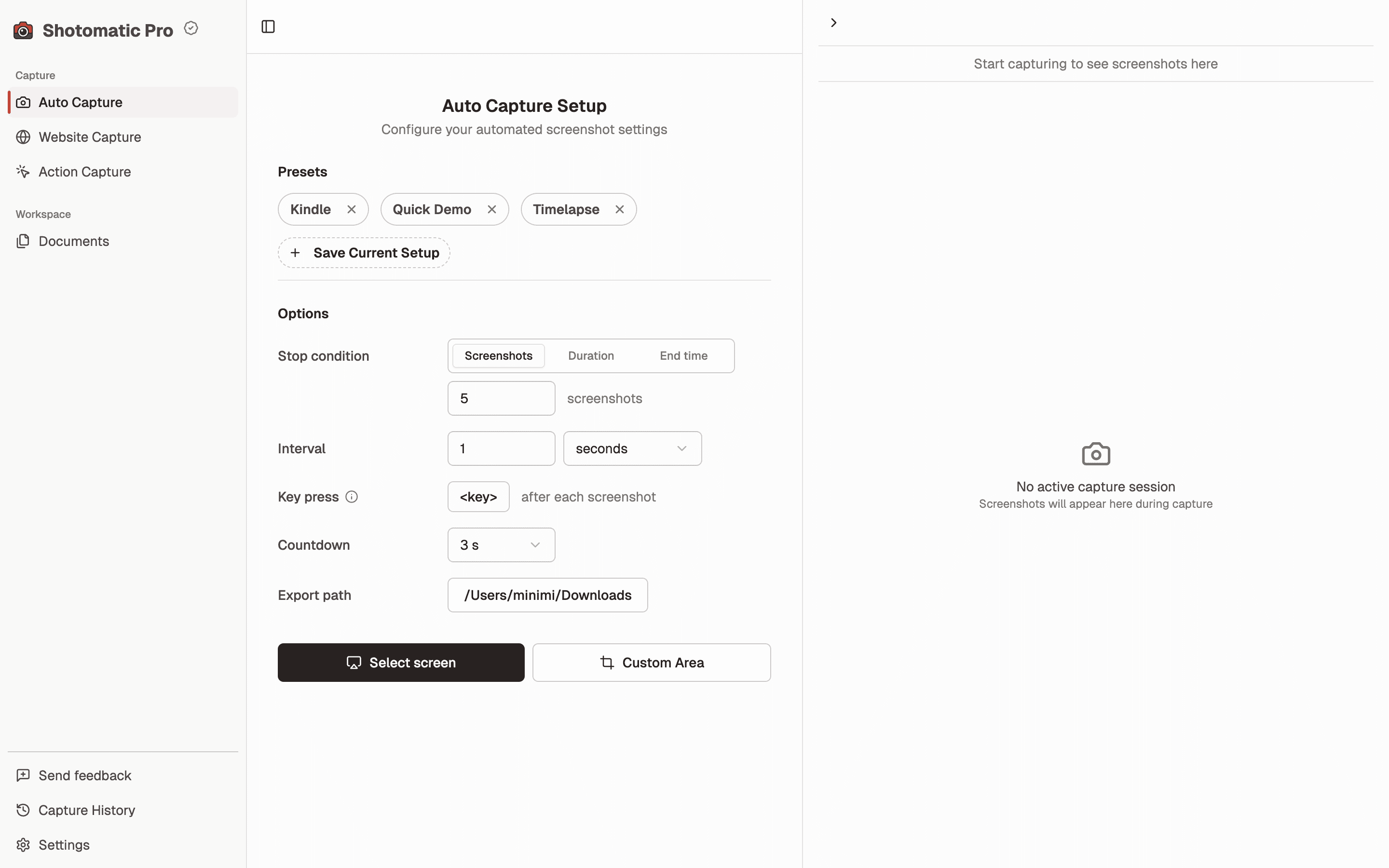
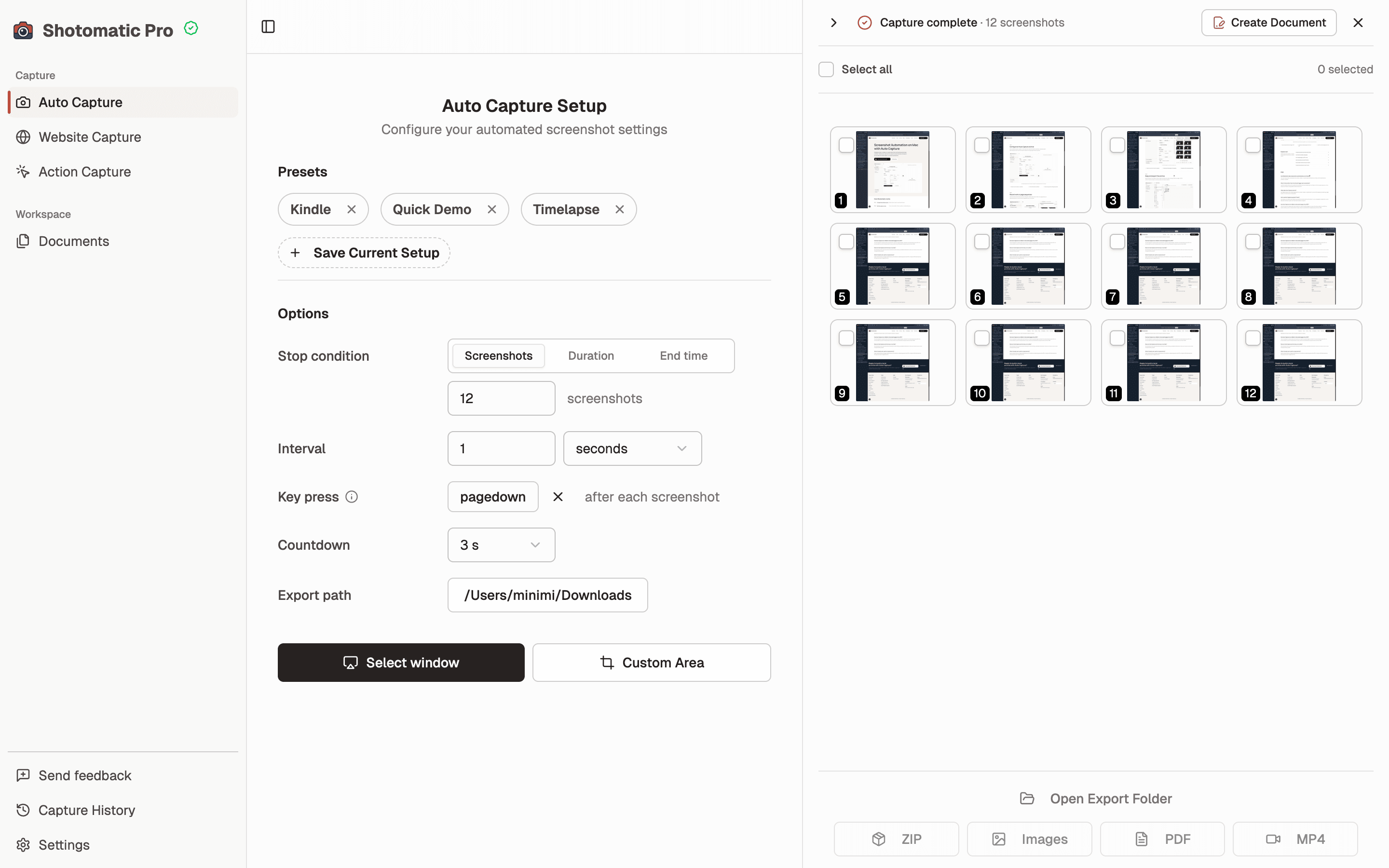
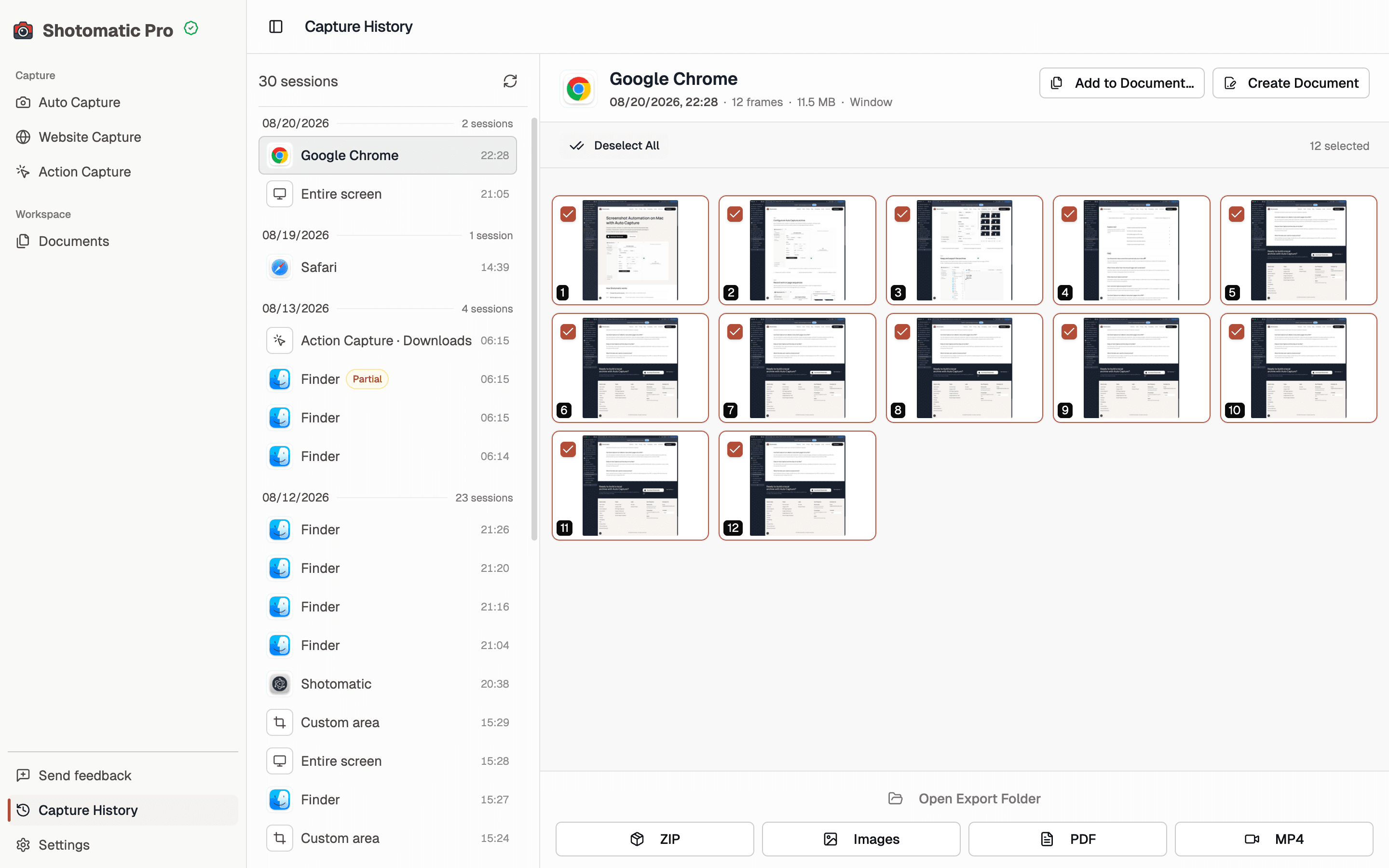
The main value is repeatability. Instead of manually capturing every state, you define a flow once and let Shotomatic keep taking screenshots on your Mac while you work, test, browse, or archive content.

  • Timed captures for long-running sessions
  • Repeatable flows for tutorials, QA, and demos
  • Exports for PDF, GIF, timelapse, and image review

Best use cases for Shotomatic

The product already aligns with the queries Search Console is surfacing: screenshot automation, Mac screenshot workflows, and hands-free capture. Lean into jobs where screenshots are repeated, boring, or easy to forget.

  • Document product changes over time
  • Capture bug evidence without stopping a test flow
  • Record progress for async updates and timelapses

When to use a dedicated guide instead of the homepage

Homepage copy should keep brand clarity. This page goes deeper on the generic query cluster so Google has a stronger match for non-brand intent and visitors get a cleaner answer than a general marketing page.

  • Focus on the exact query language people search
  • Explain common Mac-specific capture scenarios
  • Link users to feature, pricing, and export pages with context

Ready to ditch manual screenshots?

Download Shotomatic now — it's free to get started and takes less than a minute to set up.