Manage Multiple Screenshots with Visual Thumbnails
Preview, organize, and export multiple screenshots at once with our visual thumbnail sidebar. Perfect for batch operations and quick navigation through capture sessions.
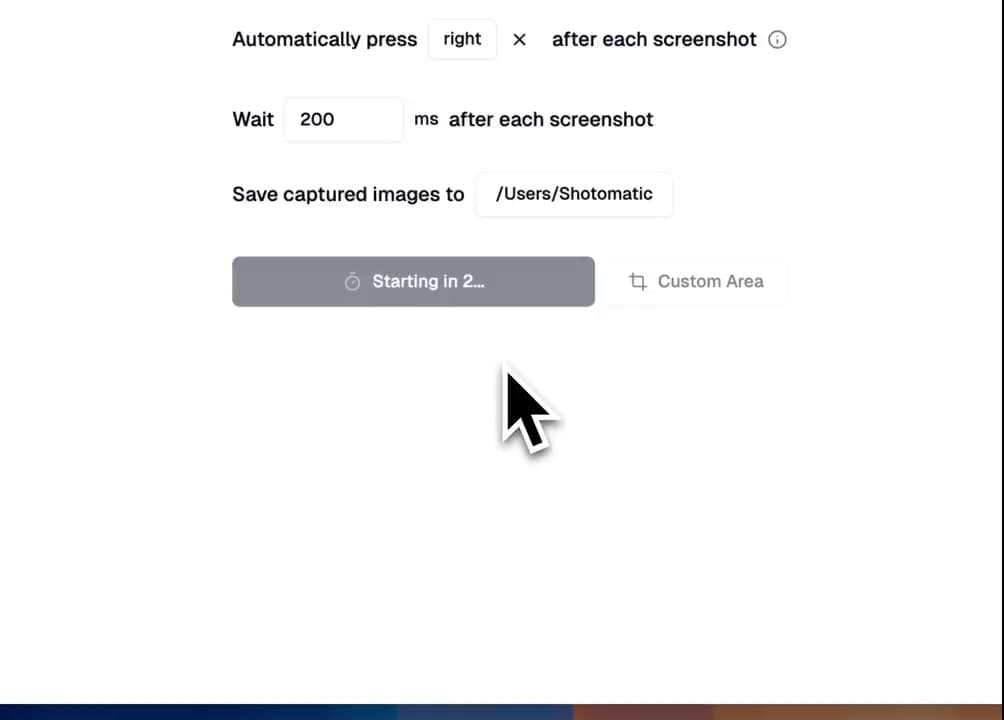
See all your screenshots at a glance and manage them efficiently with our visual thumbnail sidebar. Select, preview, and export multiple images with ease.
Demo
Visual Screenshot Management
🖼️ Thumbnail Gallery – See all captures in a scrollable sidebar
🎯 Quick Selection – Click to select/unselect
👁️ Instant Preview – Douple-click any thumbnail for full-size view
📦 Batch Export – Export multiple screenshots at once
Real-World Use Cases
Capture an entire workflow, then use thumbnails to:
- Remove redundant captures
- Export the perfect sequence as PDF or GIF
Batch Export Options
📦 ZIP – Bundle screenshots for easy sharing
📄 PDF – Create instant documentation
🎬 GIF – Turn sequences into animations
📁 Folder – Organize into custom directories
Sidebar Customization
- Resize – Drag to adjust sidebar size
- Collapse – Hide sidebar for more screen space
Performance Optimized
Our thumbnail system is designed for speed:
- Lazy loading for smooth scrolling
- Smart caching for instant previews
- Efficient memory usage
- Handles thousands of screenshots
Update to Shotomatic v1.0.4 to preview, select, and export screenshots from the thumbnail sidebar.
Related features and updates
Related features
Export Screenshots as PDF Documents or Animated GIFs
Transform your screenshot sessions into professional PDFs for documentation or engaging GIFs for tutorials. Perfect for creating user guides, bug reports, and demos.
Image Format Converter: Convert HEIC, WebP, PNG, and JPG in Your Browser
New free Image Format Converter that turns HEIC, WebP, PNG, and JPG files into JPG, PNG, or WebP on your device, in batches of up to 50 images.
Other updates
Ready for a simpler screenshot workflow?
Automate recurring captures and save time.