Safer Quitting During Screenshot Capture
Shotomatic now asks before quitting while a screenshot session is active, so an accidental app exit is less likely to stop a capture.
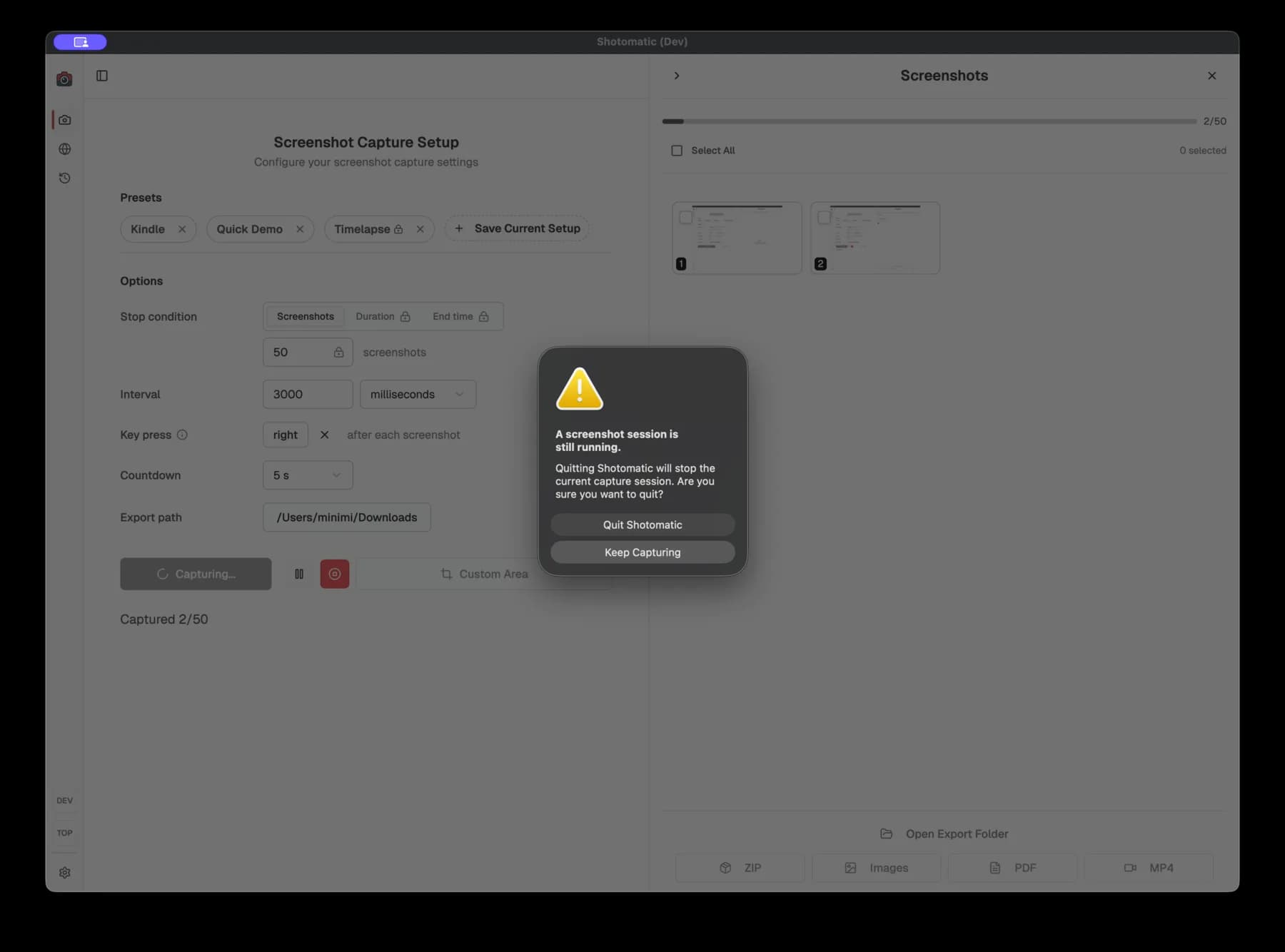
Shotomatic now asks before quitting while Screenshot Capture is still running. The confirmation explains that quitting will stop the current capture session, then lets you keep capturing or quit Shotomatic.
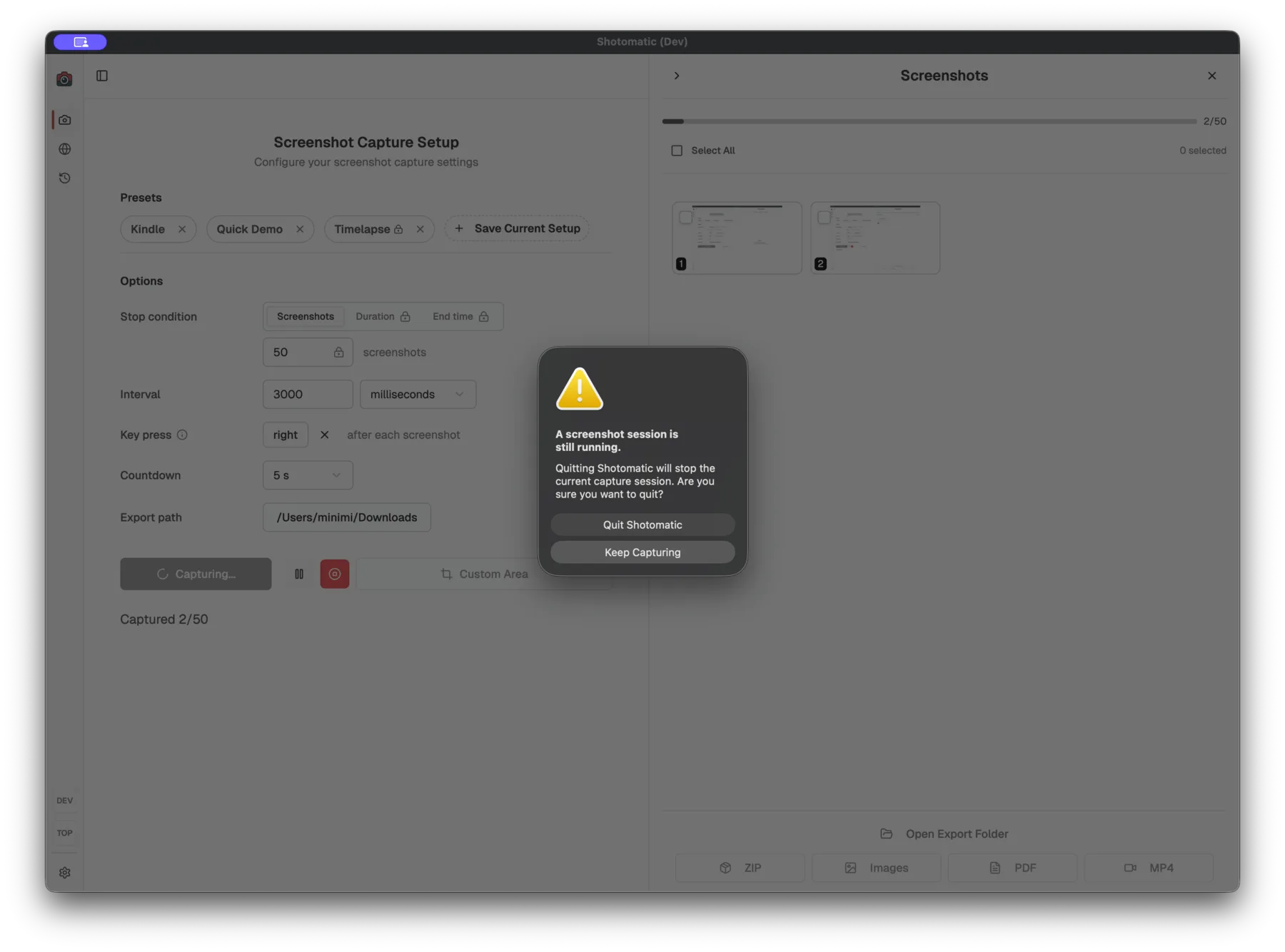
What's improved
- Trying to quit during an active screenshot session now opens a confirmation first.
- The same check also covers the countdown before a capture starts.
- "Keep Capturing" is selected by default, so a stray keyboard shortcut or menu click is easier to back out of.
- "Quit Shotomatic" still lets you leave immediately when you meant to stop.
Why it matters
Long capture sessions often run while you are doing other work. A quick keyboard shortcut or menu click should not end the run without one last check.
Update to Shotomatic v1.8.2 to get a warning before quitting an active capture session.
Related features and updates
Related features
Other updates
Calmer In-App Update Prompts
Update notifications now stay inside the app, with a quieter sidebar prompt and a restart check during active capture sessions.
Smart Display Disconnection Handling
Automatically detect when your selected monitor is unplugged during screen capture and seamlessly continue your session with a new display selection.
Ready for a simpler screenshot workflow?
Automate recurring captures and save time.