Capture Screenshots by Duration or End Time
Screenshot Capture can now stop after a duration or at a specific end time, with a cleaner options layout.
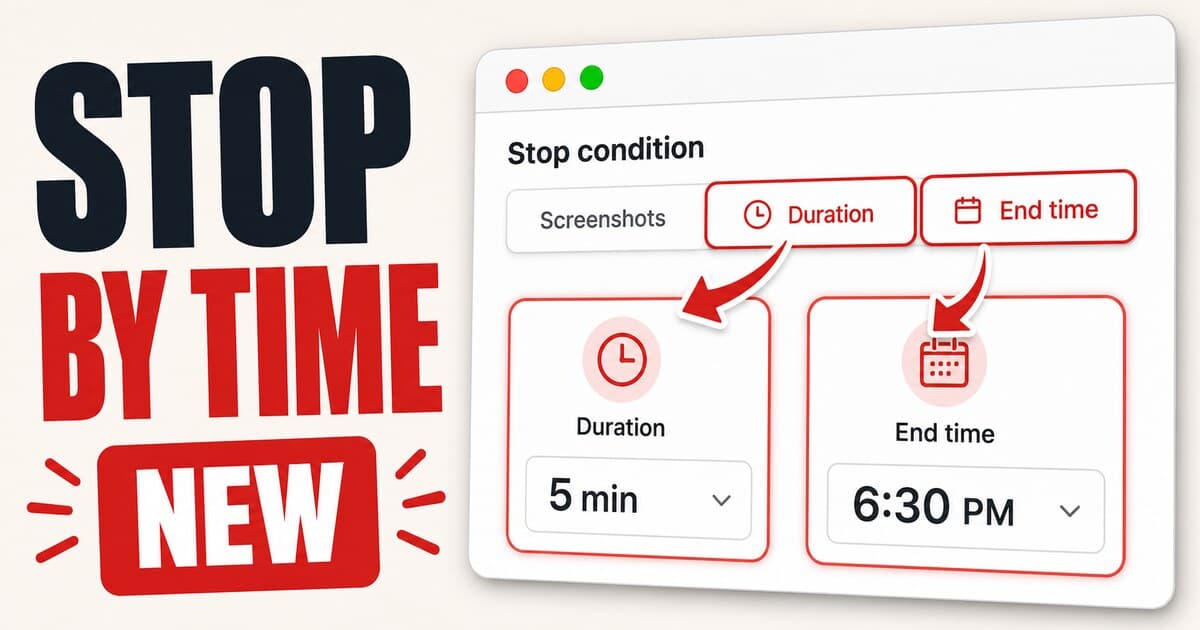
Screenshot Capture now gives you more ways to decide when a capture session should stop. You can still capture a fixed number of screenshots, but Pro users can also run a session for a set duration or until a specific date and time.
Demo
Stop by time
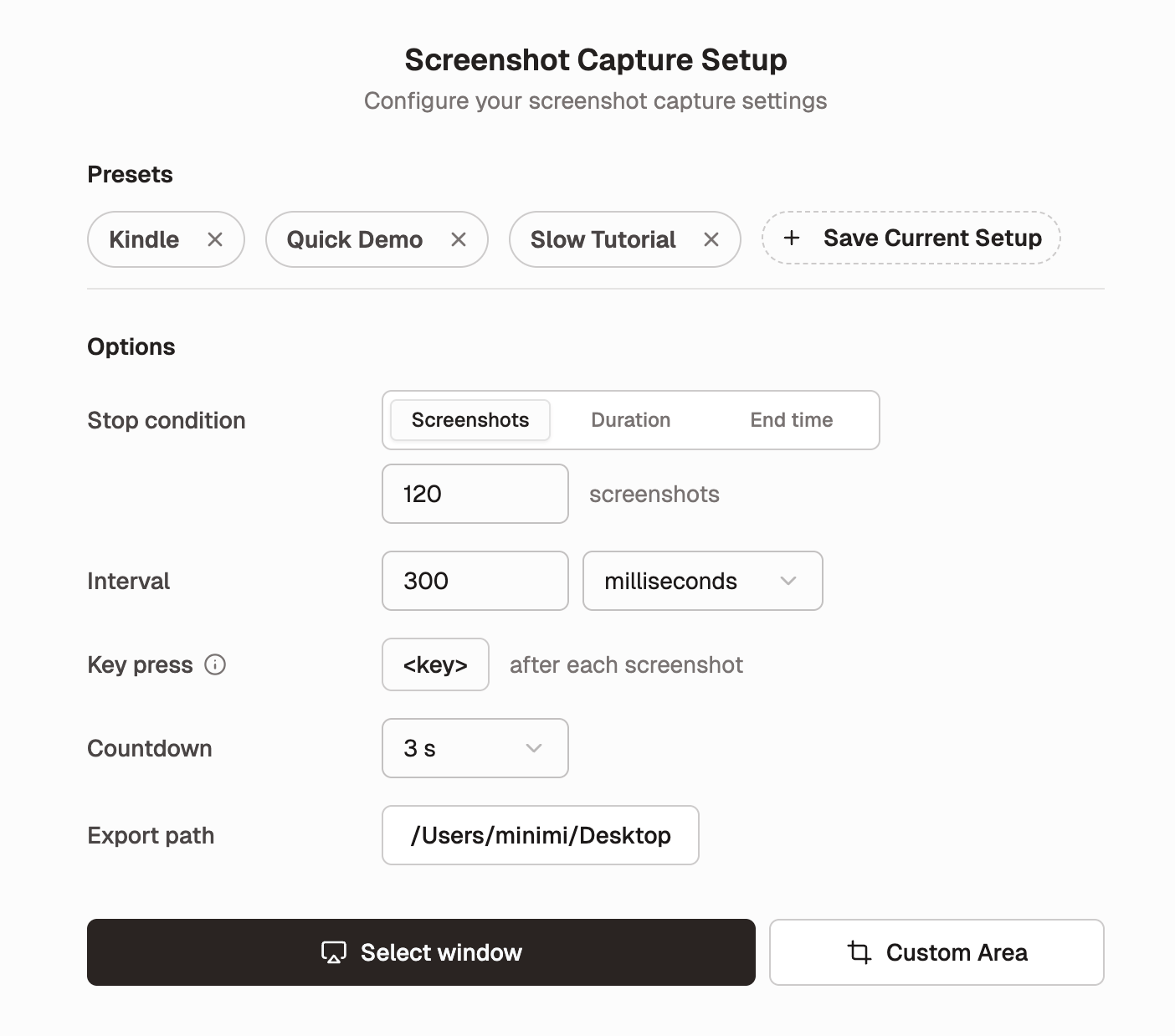
The new Stop condition control lets you choose the mode that fits the job:
- Capture a fixed number of screenshots.
- Capture for a duration, such as 5 minutes or 1 hour.
- Capture until an end time, including the date and time.
This is useful when the session is tied to time instead of a frame count: recording proof that a job kept running, keeping a lightweight black box record of a setup or test pass, or making a simple timelapse without planning the exact number of screenshots first.
Cleaner capture settings
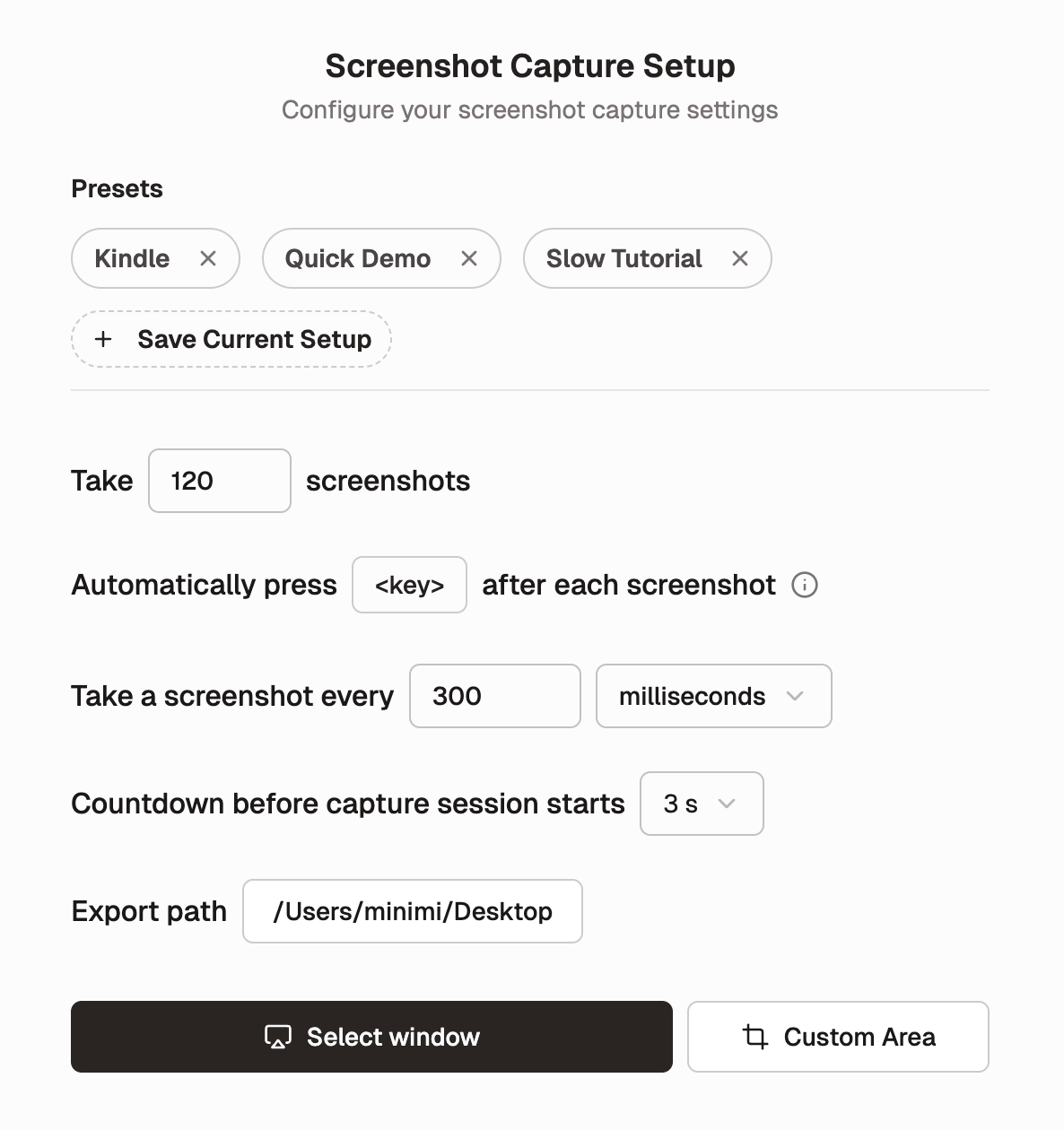
We also reorganized the Screenshot Capture setup screen so the options are easier to scan. Presets stay at the top, while capture settings now sit in a clearer Options section with aligned labels and controls.
Why it matters
Long capture sessions should not require mental math. If you are documenting a 30-minute export, checking a fragile setup flow, capturing a dashboard, or letting a quick timelapse run in the background, you can now set the stop condition directly and let Shotomatic handle the rest.
Update to Shotomatic v1.8.1 to stop screenshot sessions by duration or end time.
Related features and updates
Related features
Other updates
Enhanced Capture Settings & Controls
Interval controls support multiple time units, countdown options are fully customizable, and screenshot settings now persist across sessions.
Automatic Window Focus for Window Capture
Selected windows are now brought to the front automatically before capture starts.
Ready for a simpler screenshot workflow?
Automate recurring captures and save time.