Introducing the Shotomatic Browser Extension
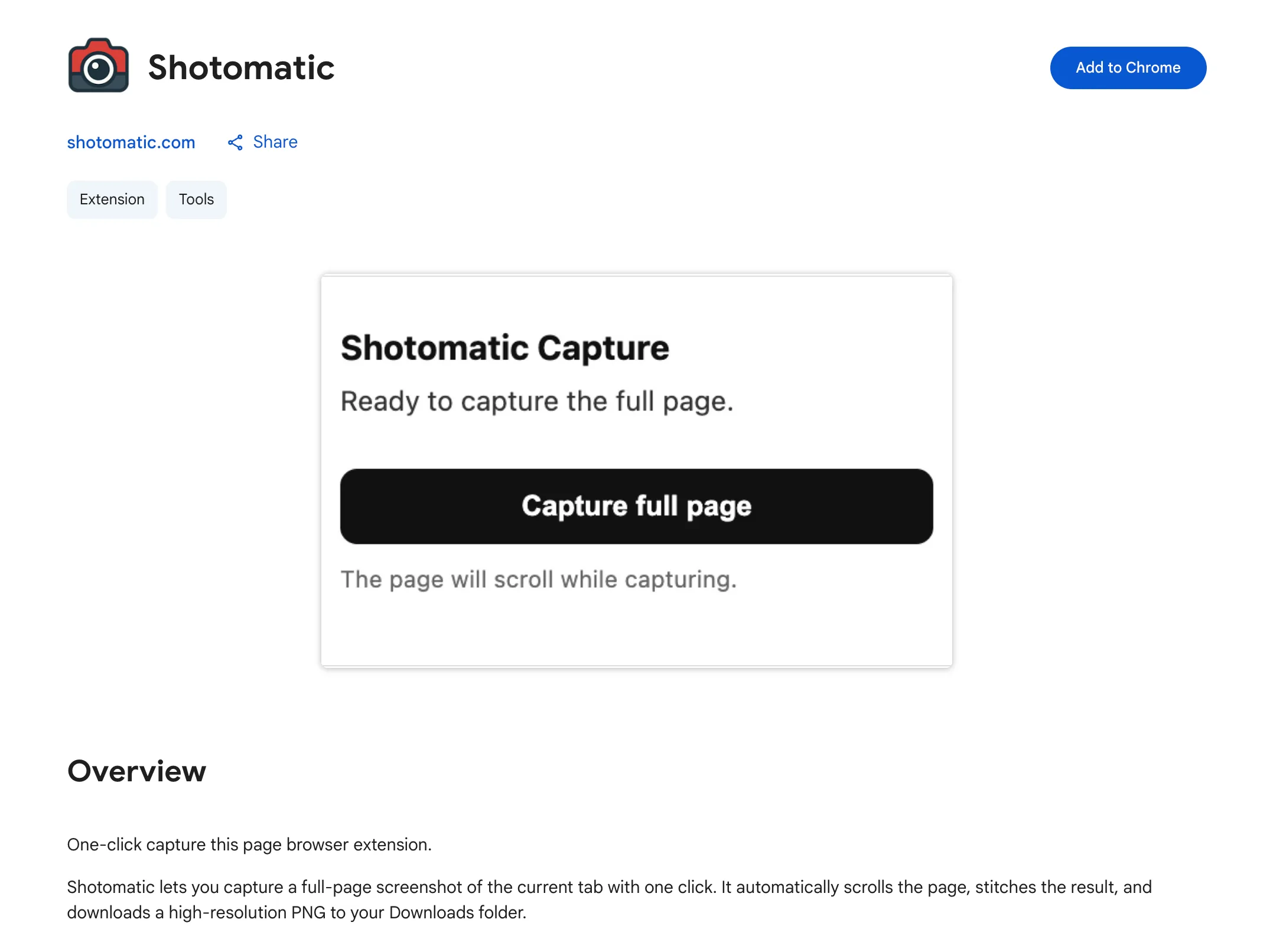
Capture a full-screen website screenshot in one click with the new Shotomatic browser extension on Chrome.
Introducing the Shotomatic Browser Extension
We just launched the Shotomatic browser extension for Chrome. It lets you capture a full-screen website screenshot in one click, so you can save pages quickly without setting up a full workflow.
What It Does
- One-click capture - Capture a full-screen website screenshot immediately.
- Fast install - Add it from the Chrome Web Store and start in seconds.
- Simple workflow - Great for quick captures when you do not need a full batch run.
How to Use It
- Install the extension from the Chrome Web Store.
- Open the webpage you want to capture.
- Click the Shotomatic extension icon.
- Click on "Capture Full Page" button.
When to Use the Extension
The extension is best when you need a fast, single capture:
- Save a webpage for reference.
- Share a visual snapshot with your team.
- Document UI state during QA or bug reporting.
If you need advanced automation (captures with interval, keypress automation, or batch workflows), use the Shotomatic desktop app.
Availability
The Shotomatic browser extension is now available here:
Install the Shotomatic Browser Extension
Already using Shotomatic on macOS? The extension is a lightweight companion for quick website captures.
Related features and updates
Related features
Other updates
Website Capture No Longer Requires Google Chrome
Shotomatic 1.3.3 switched website capture from a system Chrome dependency to Playwright-managed Chromium.
Automatic Cookie Banner and Popup Removal
Shotomatic now intelligently removes cookie banners, GDPR popups, and consent dialogs from your screenshots for cleaner, professional captures
Ready for a simpler screenshot workflow?
Automate recurring captures and save time.