guide
When to Use Full-Page Screenshots vs PDF Exports
A full-page screenshot gives you one tall image; a PDF export gives you searchable pages. See which format fits archives, reports, and sharing.
7 min readRead more →
Tutorials, guides, and tips for automating your screenshot workflow
A full-page screenshot gives you one tall image; a PDF export gives you searchable pages. See which format fits archives, reports, and sharing.

Capture pages from an ebook reader, comic, course, or web reader as ordered screenshots, then export them as a searchable PDF on Mac.
Choose a no-code way to automate website screenshots: URL-list capture, an automation platform with a screenshot API, monitoring tools, or browser helpers.
Use Playwright to automate website screenshots with JavaScript. Capture one page, full pages, mobile views, and URL batches with retries.
Use Puppeteer to automate website screenshots with JavaScript. Capture one page, full-page screenshots, URL batches, and mobile viewports with a reusable script.

Step-by-step guide to archiving manga chapters and webtoon episodes as PDFs on macOS using automated screenshots. Covers page-based manga, vertical-scroll webtoons, and legal considerations.
Archive your design portfolio from Dribbble and Behance as high-quality, searchable PDFs on your Mac. Batch capture project pages at Retina resolution with automated screenshots.
Use screenshot timelapses to send async progress updates to clients and teammates. Capture design and development work on Mac, review the frames, export MP4, and share it with a short written update.
Archive important Slack, Discord, and iMessage conversations as searchable PDFs on your Mac. Capture chat history before it disappears behind message limits or deleted servers.
Save tweets, Reddit threads, Instagram posts, Hacker News discussions, and forum threads as clean, searchable PDFs on your Mac using automated screenshots.
Stop losing your favorite recipes to broken links and dead blogs. Save online recipes as clean, searchable PDFs on your Mac using automated screenshots.

Save news articles as clean, ad-free, searchable PDFs on your Mac using Safari Reader Mode and automated screenshots. Archive journalism before it disappears behind paywalls.
A decision framework for choosing screenshot export formats. When to use PDF, JPG, PNG, MP4, GIF, or ZIP — with a comparison table and practical guidelines for each format.
Take website screenshots automatically on Mac with a repeatable URL-based workflow. Capture full pages or viewport shots for audits, archives, and recurring checks.
Create product walkthrough documents automatically using timed screenshot capture on Mac. Click through your product while Shotomatic captures every screen, then export as a PDF walkthrough.
What screenshot automation means on Mac, how it differs from manual screenshots and screen recording, and when a dedicated capture workflow starts to matter.
Capture website screenshots in bulk on Mac with Shotomatic. Paste a URL list, choose desktop/tablet/mobile presets, run parallel capture, and export for audits or reports.

Browser Save as PDF keeps selectable text; screenshot PDFs keep the exact layout. See when each method wins for archiving, documentation, and sharing.

When third-party screenshot software beats Mac's built-in tool, and when Cmd+Shift shortcuts are enough. Compare CleanShot X, Snagit, and Shotomatic.
For Mac workflow documentation, bug evidence, and async updates, screenshot timelapse is often lighter and easier to review than full screen recording. Here's when to use each approach.
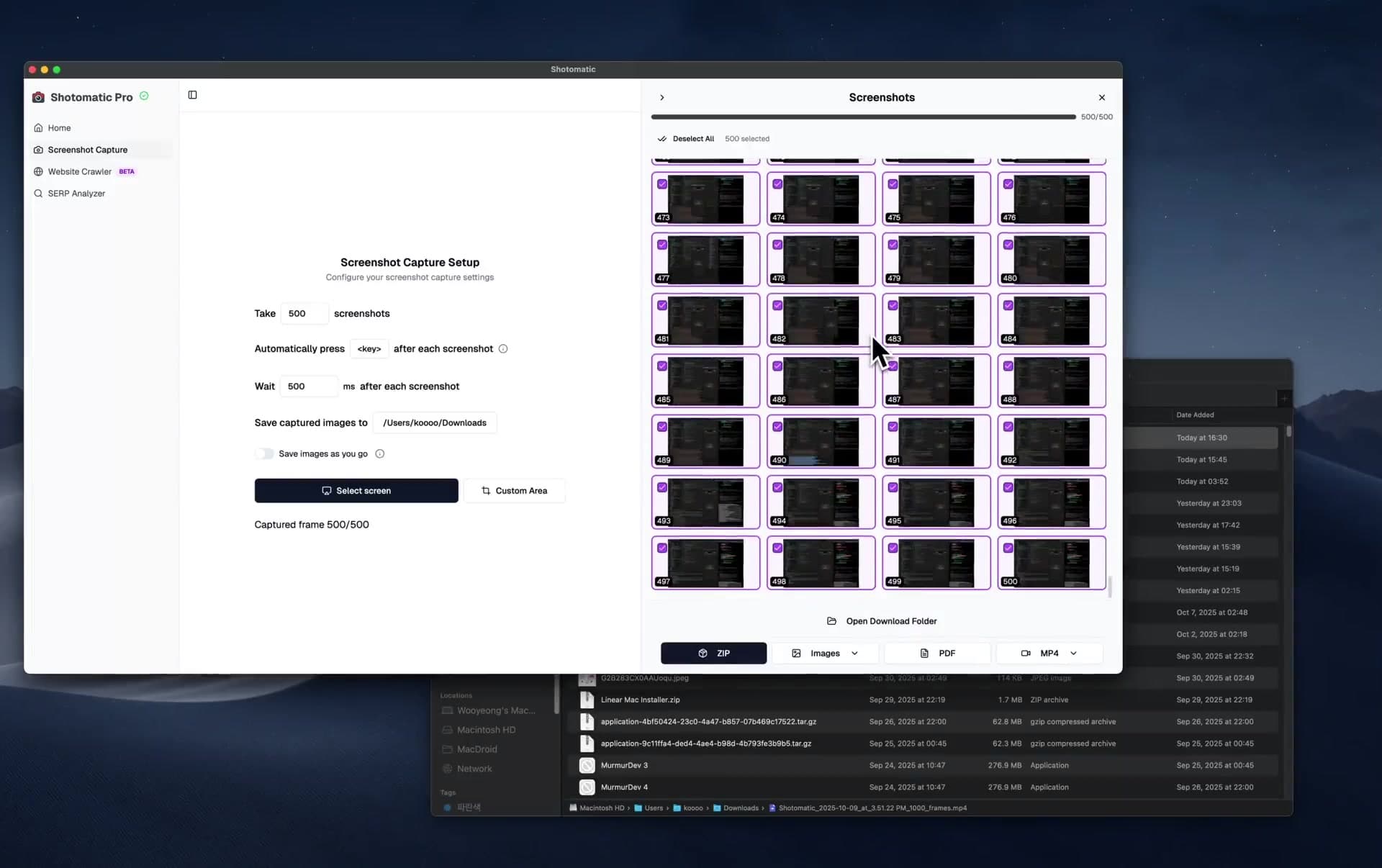
Three ways to create screen timelapses on Mac — from timed screenshots to OBS. Step-by-step guide using Shotomatic's interval capture and MP4 export for workflow documentation, bug evidence, and async updates.
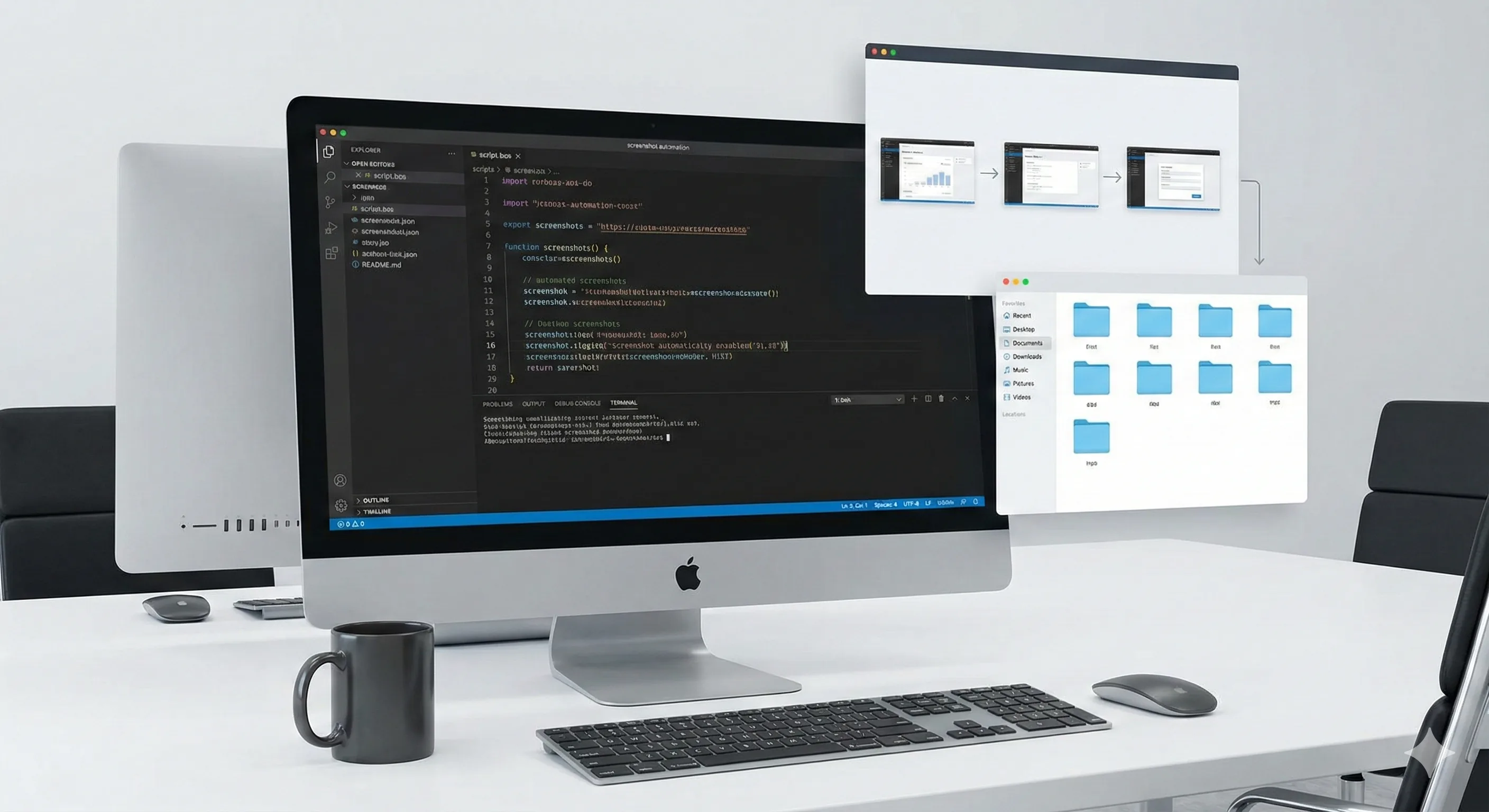
Compare how Shotomatic, Snagit, and CleanShot X handle automated screenshots on Mac: repeated captures, website batches, OCR, and timelapses.
Step-by-step guide to backing up Kindle purchases as searchable PDFs on macOS using automated screenshots. Covers the 2025 USB download removal, 2026 EPUB changes, Calibre alternatives, and legal considerations.
Archive books, capture content, and save hours of manual work.