Guide
Local vs Cloud Process Documentation Tools
Choose a local or cloud process documentation tool based on capture, storage, privacy, collaboration, offline access, sharing, and administration.
5 min read
Practical guides for visual documentation, screenshot automation, website capture, and local files
Choose a local or cloud process documentation tool based on capture, storage, privacy, collaboration, offline access, sharing, and administration.
Plan a maintainable software documentation set with clear page types, task ownership, screenshot rules, naming, navigation, and reviews.
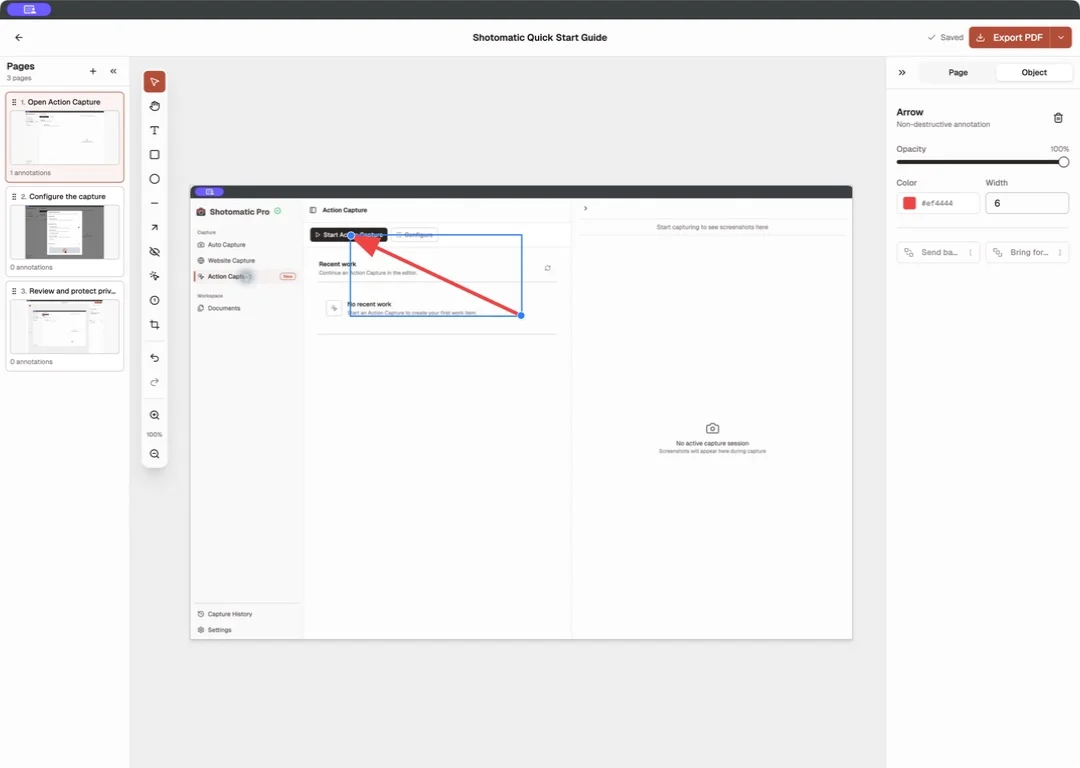
Import existing screenshots into an ordered guide on Mac, add clear page instructions and annotations, then export the result as PDF or images.

Choose a PDF guide or online knowledge base article based on distribution, updates, search, access, offline use, printing, and ownership.
Compare Stillio alternatives for local URL batches, change alerts, screenshot APIs, scheduled archives, integrations, and self-hosting.
Maintain screenshot documentation after UI changes with ownership, version records, change audits, affected-step replacement, and review triggers.
Compare FireShot alternatives for Mac by full-page capture, URL batches, browser support, built-in tools, annotation, and programmatic screenshots.
Build role-based employee onboarding guides with screenshots for first-day access, first-week tasks, training, checks, and ownership.
Compare GoFullPage alternatives for one-page capture, URL lists, full-page screenshots, browser tools, automation, APIs, and local export.
Remove sensitive information from tutorial screenshots by choosing safe test data, crop, blur, or complete removal for each risk.
Shotomatic captures, organizes, and exports screenshot sessions on your Mac.