Changelog

New features, improvements, and fixes in Shotomatic

2026

Shotomatic showing a quit confirmation while a screenshot capture session is still running
Improvementv1.8.2

Safer Quitting During Screenshot Capture

Shotomatic now asks before quitting while a screenshot session is active, so an accidental app exit is less likely to stop a capture.

1 min readRead more
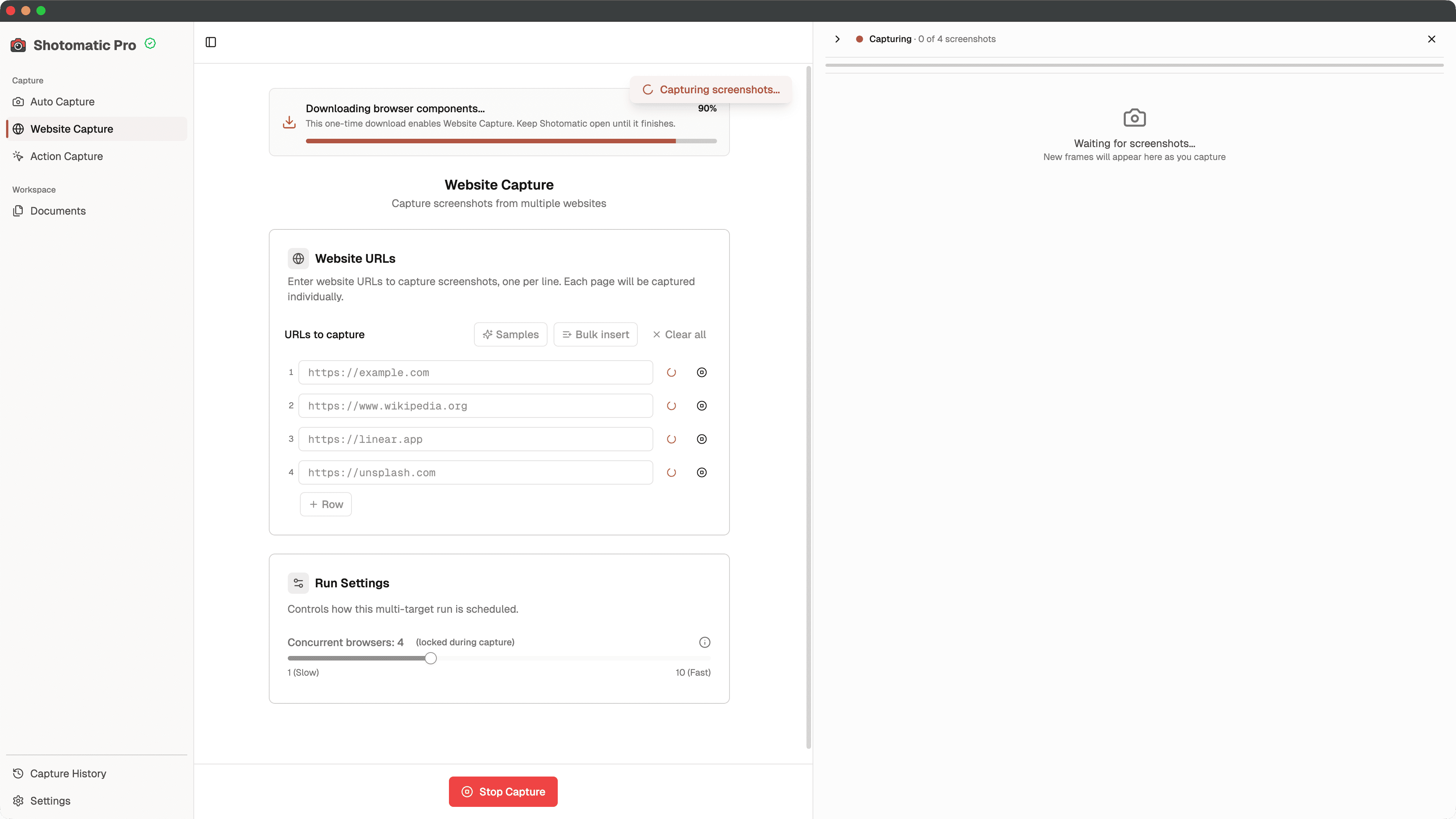
Website Capture is now stable thumbnail showing the Shotomatic Website Capture interface
Improvementv1.8.0

Website Capture Is Now Stable

The old Website Crawler is now Website Capture, with a steadier batch workflow and capture options you can adjust for each URL.

3 min readRead more
Shotomatic License settings page showing Instance ID and device management controls
Fixv1.7.8

More Reliable License Recovery

Shotomatic now handles existing license activations more safely, with clearer device identifiers and a cleaner path to manage old devices.

2 min readRead more
Shotomatic License information modal showing a redacted license key and device management controls
Improvementv1.7.7

Easier License and Device Management

Shotomatic now gives your license its own Settings section, shows device activation details more clearly, and links directly to Lemon Squeezy device management.

2 min readRead more
Shotomatic showing the quieter update prompt as a compact card in the sidebar above Settings
Improvementv1.7.6

Calmer In-App Update Prompts

Update notifications now stay inside the app, with a quieter sidebar prompt and a restart check during active capture sessions.

2 min readRead more
Shotomatic window picker showing app previews, app icons, and an automatic focus hint
Improvementv1.7.6

Faster, Clearer Window Selection

The window picker now feels more responsive and fills in previews, app icons, and labels as you browse.

3 min readRead more
Fixv1.7.4

Export Path Now Appears Faster

Shotomatic now shows your export folder more quickly in capture and settings, with updates reflected immediately after you change it.

2 min readRead more
Improvementv1.7.3

SERP Analyzer Deprecated

SERP Analyzer is now deprecated after proving unreliable in practice and seeing low real-world usage.

2 min readRead more
Shotomatic General settings showing the Auto Export (Save as you go) option with format controls
Improvementv1.7.1

Auto Export Brings Save as You Go Back

Based on user feedback, Shotomatic brings back Save as you go as Auto Export, with better controls for format and storage.

2 min readRead more
Shotomatic interface after the brand refresh with red accents replacing the older purple styling
Improvementv1.7.0

Brand Red Refresh

If you noticed Shotomatic's website rebrand first, the app now catches up with the same brand red and charcoal system.

2 min readRead more
Shotomatic capture sidebar showing multiple thumbnails selected with the new drag selection interaction
Improvementv1.7.0

Drag to Select Multiple Thumbnails

Click and drag across thumbnails to select multiple captures at once instead of toggling each one individually.

2 min readRead more
Shotomatic Previous Sessions screen showing saved capture history and a selected session detail view
Featurev1.7.0

Previous Sessions

Shotomatic now saves completed capture history automatically, so you can revisit past sessions without turning on a separate save-as-you-go option.

2 min readRead more
Permissions Required dialog listing Screen Recording and Accessibility with Open Settings buttons
Improvementv1.6.1

Refined Permission Handling

Clearer Screen Recording and Accessibility prompts, with proactive checks before capture and analysis.

1 min readRead more

2025

Featurev1.6.0

Searchable OCR PDF Exports

Make PDFs searchable with an embedded OCR text layer and layout-aware placement.

1 min readRead more
Announcementv1.5.3

Intel Mac Support

Shotomatic now runs natively on Intel-based Macs, expanding compatibility beyond Apple Silicon.

1 min readRead more
Capture presets interface showing Quick Demo and Kindle preset badges with Save Current Setup button
Featurev1.5.2

Capture Presets for Common Workflows

Start capturing instantly with optimized presets for Kindle reading, quick demos, and detailed tutorials—or save your own custom configurations.

2 min readRead more
Enhanced capture settings interface showing persistent settings and flexible controls
Improvementv1.5.1

Enhanced Capture Settings & Controls

Interval controls support multiple time units, countdown options are fully customizable, and screenshot settings now persist across sessions.

2 min readRead more
Create Timelapse Videos with MP4 Export
Featurev1.5.0

Create Timelapse Videos with MP4 Export

Record your entire workflow and turn it into captivating timelapse videos. Perfect for documenting daily work sessions, creating tutorials, or sharing progress with your team.

2 min readRead more
Smart Display Disconnection Handling
Improvementv1.4.5

Smart Display Disconnection Handling

Automatically detect when your selected monitor is unplugged during screen capture and seamlessly continue your session with a new display selection.

2 min readRead more
View Active License Information
Improvementv1.4.4

View Active License Information

Easily view your currently activated license details directly within Shotomatic. Check your license key and activation status information at a glance.

1 min readRead more
Improvementv1.3.6

Automatic Cookie Banner and Popup Removal

Shotomatic now intelligently removes cookie banners, GDPR popups, and consent dialogs from your screenshots for cleaner, professional captures

3 min readRead more
Manage Multiple Screenshots with Visual Thumbnails
Featurev1.0.4

Manage Multiple Screenshots with Visual Thumbnails

Preview, organize, and export multiple screenshots at once with our visual thumbnail sidebar. Perfect for batch operations and quick navigation through capture sessions.

2 min readRead more
Featurev1.0.5

Export Screenshots as PDF Documents or Animated GIFs

Transform your screenshot sessions into professional PDFs for documentation or engaging GIFs for tutorials. Perfect for creating user guides, bug reports, and demos.

2 min readRead more
Capture Any Part of Your Screen with Precision
Featurev1.0.2

Capture Any Part of Your Screen with Precision

Select and capture exactly what you need with Shotomatic's custom area capture. Perfect for documenting specific UI elements, error messages, or creating focused tutorials.

1 min readRead more
v1.0.0

Shotomatic 1.0.0: The First Major Release

Introducing the first major release of Shotomatic - a powerful screenshot automation tool designed for professionals who need reliable, fast screen capture.

1 min readRead more

Ready for a simpler screenshot workflow?

Automate recurring captures and save time.

Changelog | Shotomatic